EZN268
17
6. Settings
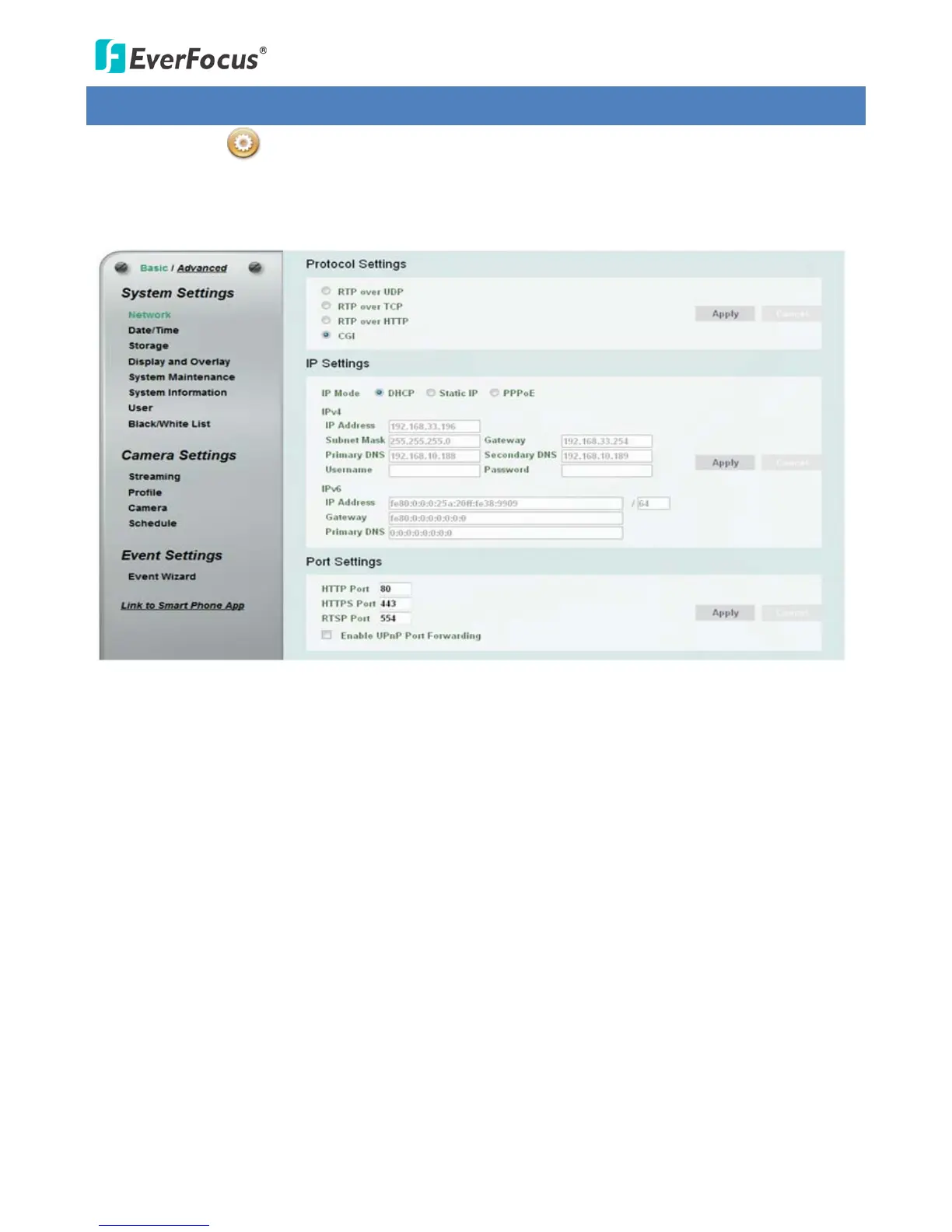
Click the Setting button on the Live View Window to enter the setting submenu. There are two
tabs: Basic and Advanced on the left-side bar. You can set up the basic camera settings in the Basic tab. To
further set up comprehensive camera settings, click the Advanced tab, which includes all the settings to be
configured. The chapters below describe the detailed information of the Advanced tab.



 To Next Page