36
SEASONING
p Extractor 04
Air recycling inside the cabinet and consequent product oxygenation. The duration of 10 minutes is already set every 10 hours of
operation. It is possible change the automatic frequency of activation.
-Press ,
-Scroll the main menu with until you find Menu 04 Extractor.
-Confirm with
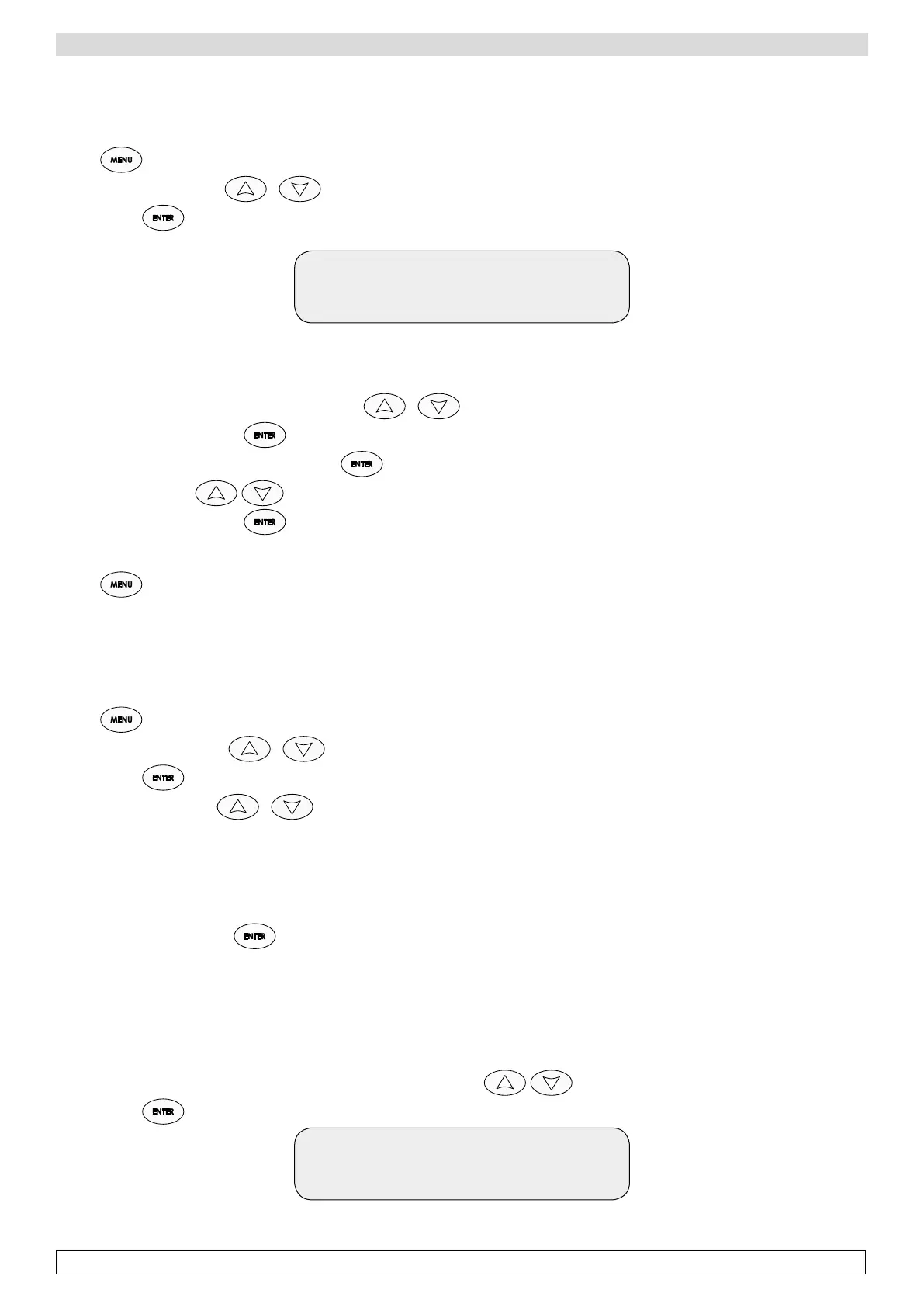
Interval 1: 10 h
Current 7 h
The display shows the set interval of phase 01
(air recycling will be carried out every 7 h) and the value to be modified (required interval 10 h)
-Modify the interval between two air recycles with
-Confirm the modification with
-Modify the air recycle of next phase pressing for 5 seconds.
-Modify the value with
-Confirm the modification with
-Repeat the same actions for the all the 6 phases. The air recycling cycles for each phase are set.
-Press to go back to the main menu
NOTE: It’s advisable to set two air recycling cycles in a day, one in the morning and one in the evening, to maintain the best
product oxygenation.
p Rest 05
Cyclic set of product rehydration pauses for each phase.
-Press ,
-Scroll the main menu with until you find Menu 05 Rest,
-Confirm with
-Scroll the submenu with :
TYPE
DELAY
TIME
INTERVAL
DAYS
-Access each submenu with
TYPE:
Type of rest, MANUAL or AUTOMATIC.
Manual: you need to set only the duration.
Automatic: you need to set all the parameters of the submenu.
-Choose the type of rest, Manual or Automatic, of the first phase with
-Confirm with
Type 1: AUTO
Current AUTO
The display shows the type of rest set for phase 1 (AUTO)








 To Next Page