35
SEASONING
p Humidity 02
Humidity value of each phase.
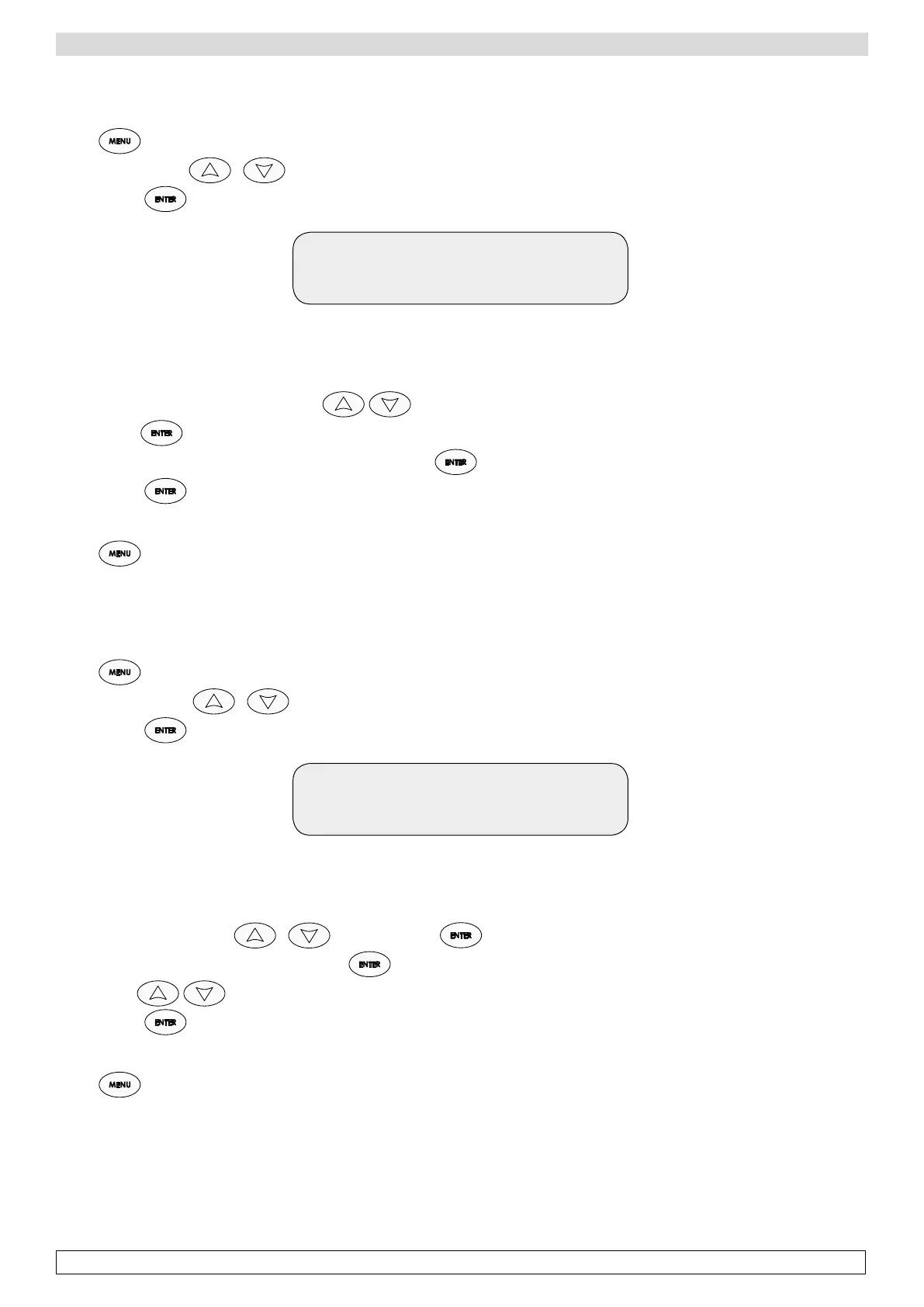
-Press ,
-Scroll the menu with until you find Menu 02 Humidity,
-Confirm with ,
Set 1 70%
Current 40%
Indicates the current humidity setpoint of phase 1 (70%)
and the value to be modified (required humidity 40%)
-Modify the humidity value of phase 1 with ,
-Confirm with ,
-Modify the humidity value of the following phase by pressing for 5 seconds,
-Confirm with ,
-Repeat the same actions for all the six phases. The humidity value of each phase is set.
-Press to go back to the main menu.
p Duration 03
Duration of each phase.
-Press ,
-Scroll the menu with until you find Menu 03 Duration,
-Confirm with
Time 1: 72 h
Current 70 h
The display shows the set duration of Phase 1 (70h)
and the value to be modified (required duration 72h)
Modify the duration rate with and confirm with .
-Modify the duration of next phase by pressing for 5 seconds.
-Modify with
-Confirm with .
-Repeat the same actions for all the six phases. The duration of each phase is set.
-Press to come back to the main menu.
To inhibit a single stage set the duration to 0H








 To Next Page