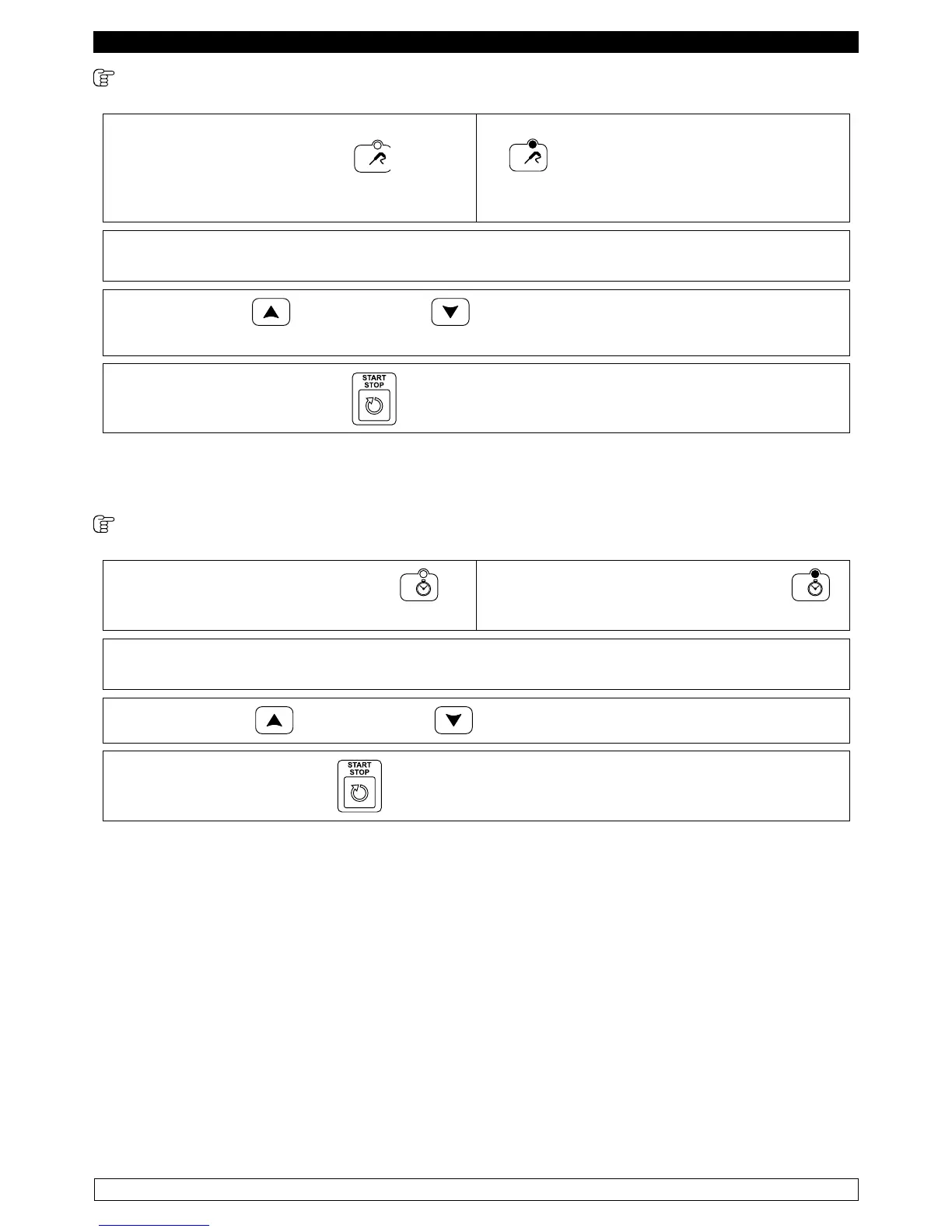
TEMPERATURE FREEZING CYCLE WITH CORE PROBE
► Pressing the button
TEMPERATURE FREEZING
allows you to select a blast chilling cycle with
negative temperature
The FREEZING TEMPERATURE LED is turned
on.
► The display DIS1 shows the cell setpoint temperature, while the display DIS2 shows three
dashes.
► The INCREASE and DECREASE buttons can be used to change the cell
setpoint.
► Pressinga the START/STOP button starts the cycle execution.
NOTE: The minimum acceptable value for the cell setpoint is -40°C and the maximum is 99°C.
The minimum value that can be set for the time is 0 minutes and the maximum is 400 minutes
TIME FREEZING CYCLE
► Press the TIME FREEZING button to
select a blast chilling cycle with negative time.
The TIME FREEZING LED is turned on .
► The display DIS1 shows the cell temperature setpoint, while the display DIS2 shows the
time.
► The INCREASE and DECREASE buttons can be used to change the time.
► Pressing the START/STOP button starts the execution of the cycle
The changes made are only temporary and are not saved.
NOTE: The minimum acceptable value for the cell setpoint is -40°C and the maximum is 99°C.
The minimum value that can be set for the time is 0 minutes and the maximum is 400 minutes



 To Next Page