EXE Bandwidth Limiting Script
Date Revised: Jan-12-16 Revision 1.0
c. Time Server: The IP address of the Time Server being used to synchronize the NCS Host
clock with an NTP server.
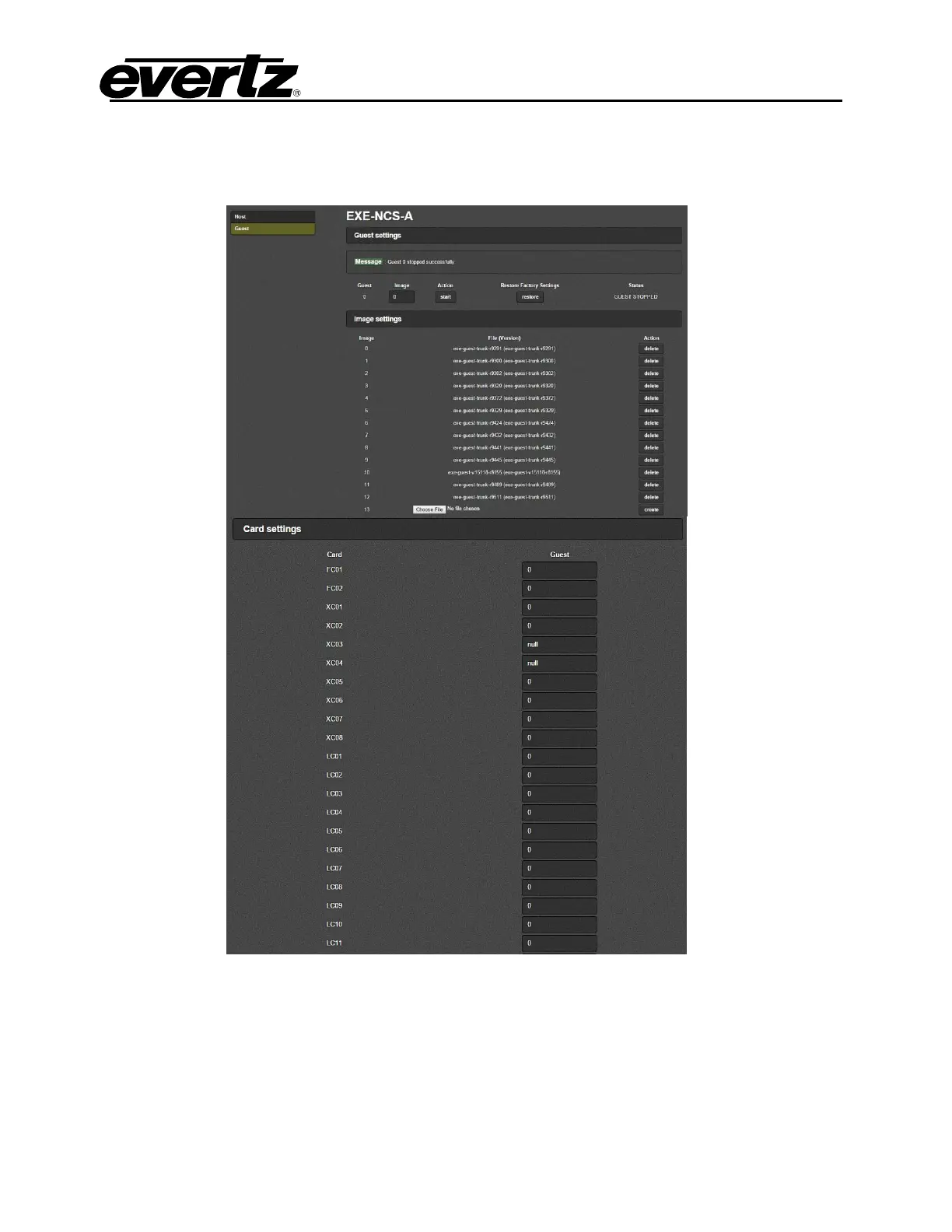
2. The Second page is the Guest page.
The parameters on this page are defined as:
a. Guest Settings: Displays the image that is currently used for the Guest. Select Start/Stop
under the Action label; this will start/stop the guest image. NOTE: Stop both NCS Guest’s
before making any firmware changes to avoid sync issues.
Only start the Guest when all settings have been applied.
Always start the Guests one NCS at a time.



 To Next Page