EVGA X299 Micro (131-SX-E295)
- 109 -
ad
just as necessary. You should keep in mind, however, that some mics naturally record
louder than others, and too much gain can ruin a recording. Likewise, if you use your
microphone for VOIP applications, too much boost can be painfully loud for
whomever is on the other side.
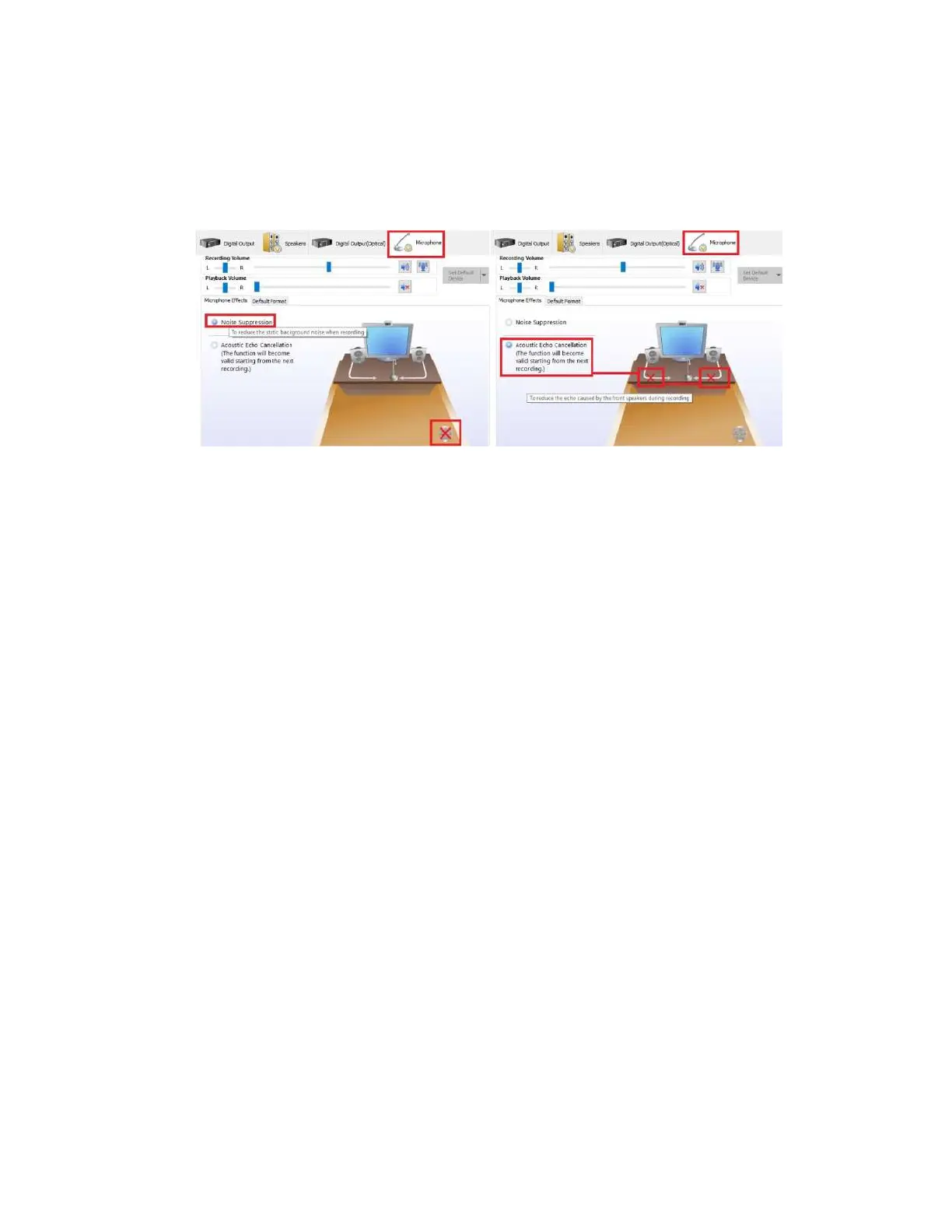
Under “Microphone Effects,” there are two options that may be enabled: “Noise
Suppression” and “Acoustic Echo Cancellation.” “Noise Suppression” helps to remove
background noises, such as fans, air conditioning, or anything else that causes a
consistent ambient sound in the room.
When enabled, “Acoustic Echo Cancellation” removes echoes caused by room
acoustics. For example, when you speak into your mic, your mic initially records your
voice, but it may also pick up an echo caused by your voice bouncing off objects in your
room. This creates an echo audible to whomever you’re speaking to, much like being on
a phone call with someone on speaker phone and you hear your own voice coming back
into your speaker. In these situations, this setting can prevent this from occurring.
As with any speaker or microphone setting, your audio equipment will have a significant
effect on audio quality and effectiveness of multiple settings. For example, some
microphones already equip some degree of noise or echo cancellation and do not benefit
further from Realtek’s options. Likewise, even for microphones that do not have built-
in noise or echo cancellation, Realtek’s cancellation effects may create distortion or
other audio problems. You will need to test your own equipment to determine the
effectiveness and usefulness of the various settings outlined above in the Realtek HD
Audio Manager guide.



 To Next Page