EVGA X299 Micro (131-SX-E295)
- 84 -
Fan Header DC and PWM setup
This motherboard supports both 4-pin PWM fans and 3-pin voltage-controlled fans. All
of
the fans can be set to a static voltage manually. The upper two (2) fan headers (see
Pages 12 and 13, component number 3) are PWM-controlled, whereas the remaining
fans (see Pages 12 and 13, component number 4) are controlled by either DC (Direct
Current) or PWM.
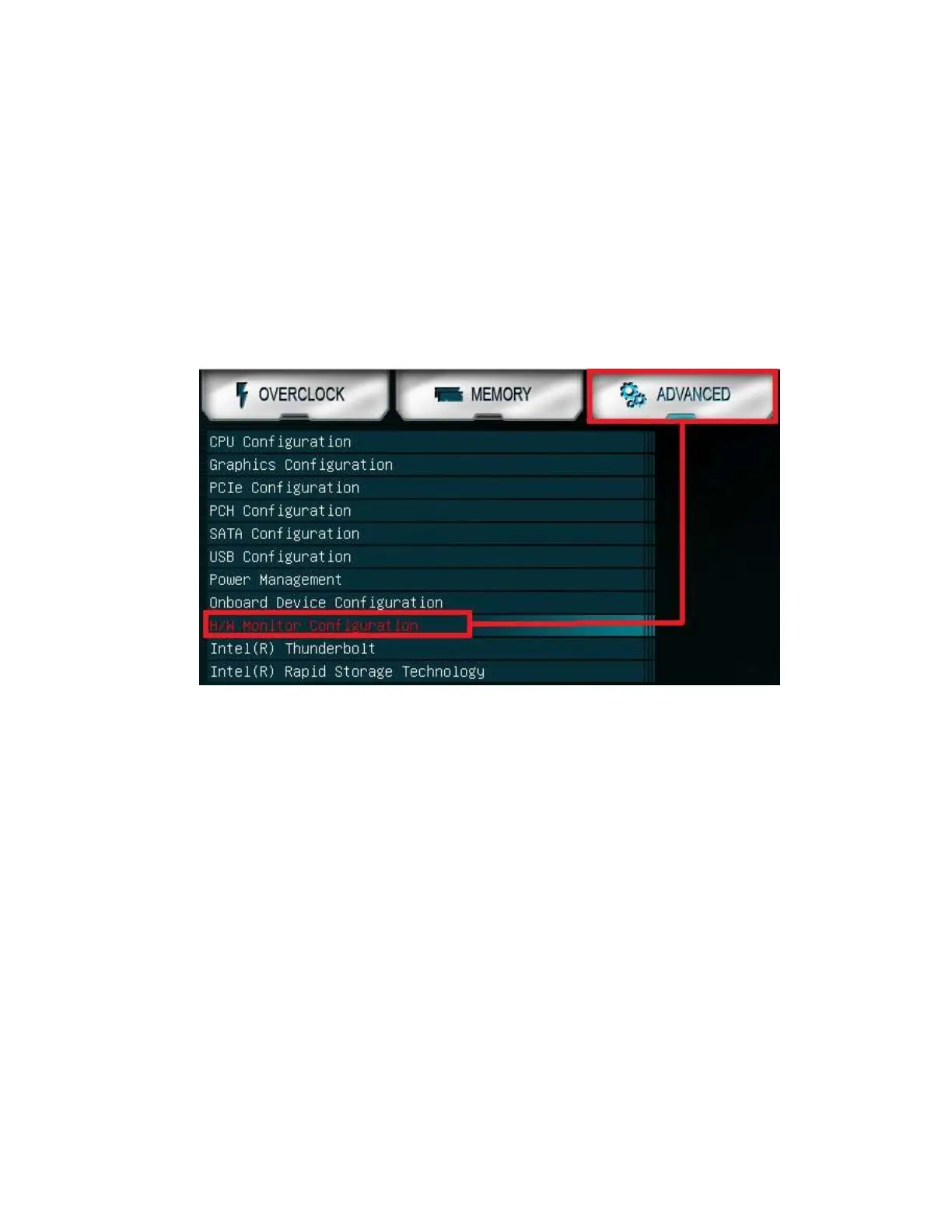
To configure the fans in BIOS/UEFI, first power on / restart the PC. During the
POST sequence, press [Delete] repeatedly to get into the BIOS. Once in the BIOS, use
the arrow keys or your mouse to navigate, whichever is easier, and make your way to the
“Advanced” – “H/W Monitor Configuration” menu.



 To Next Page