EVGA X299 Micro (131-SX-E295)
- 83 -
Af
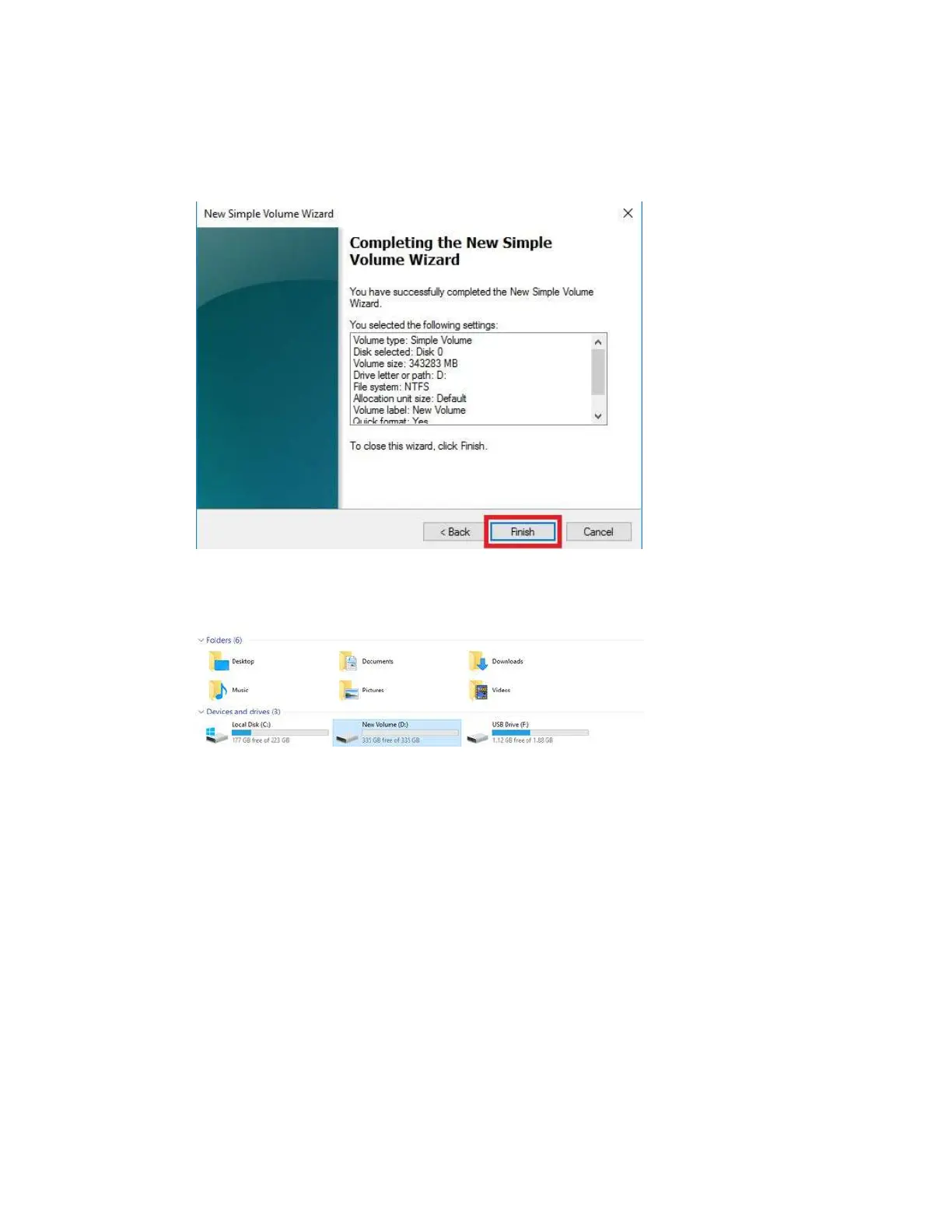
ter the quick format is completed, you will see the last Window of the wizard, a
summary of the process, then click “Finish.” The drive is now usable.
To confirm, go back to File Explorer in Windows. Click on “This PC” and check the
drives section. You should have a new empty drive there, with the letter you designated.
At this point the process of building an array and making it usable is completed.



 To Next Page