EVGA X299 Micro (131-SX-E295)
- 89 -
2. A
fter the cards are installed, have power connected, and the SLI bridge attached,
boot into Windows. The graphics driver will normally identify the cards and
automatically configure the driver. If not, then you may need to reinstall the driver.
Once finished, you will receive a popup in the lower right corner stating that you have a
SLI capable setup and it needs to be configured. If you did not see the message, then
first verify that both cards are detected and functioning
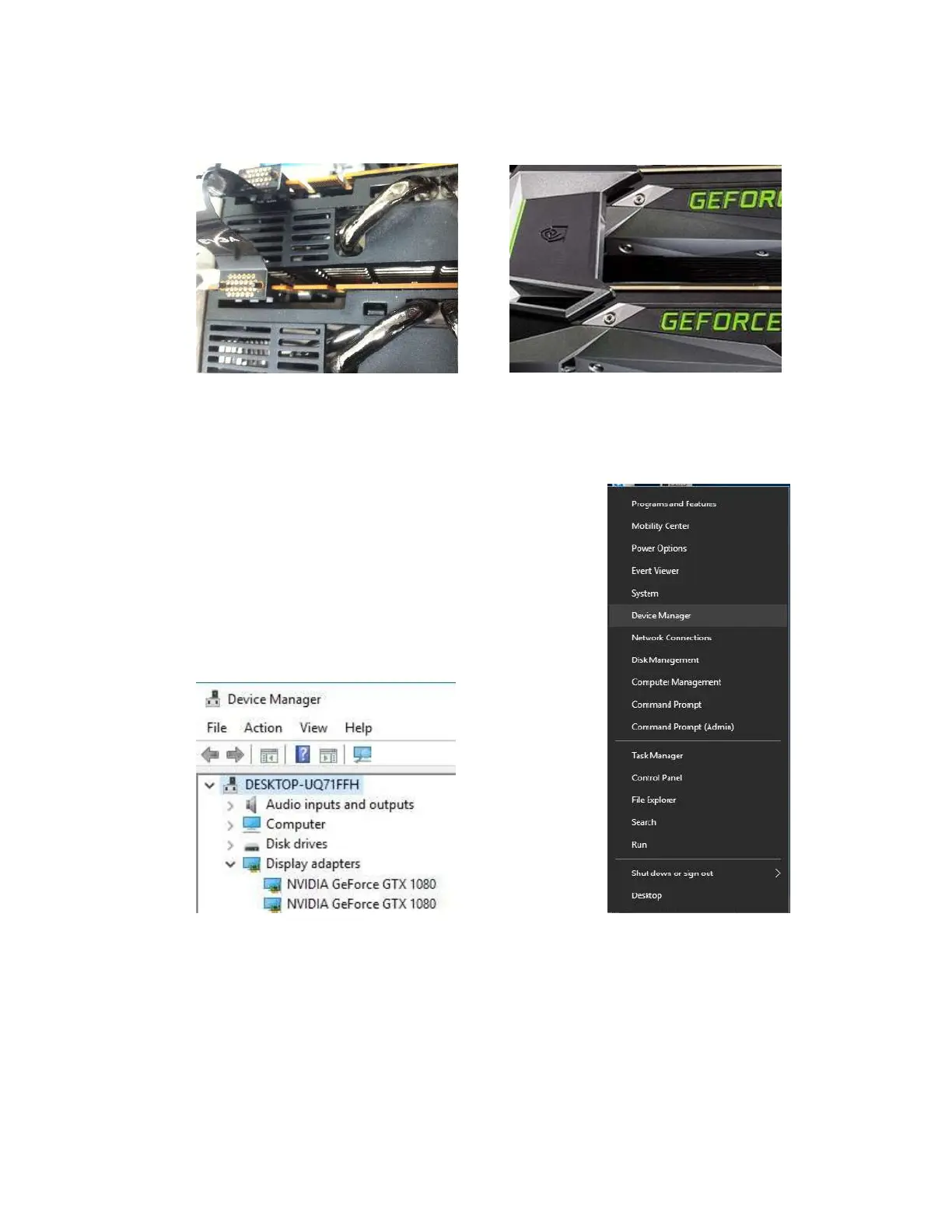
without system errors from Windows Device manager.
Right-click on the Start menu and select Device Manager.
For Windows 7, left-click the Start menu, then right-click
on Computer, select System, and you’ll see Device Manager
on the upper-left side of the popup window.
Under “Display Adapters” you should see the type and
number of video cards you have installed.



 To Next Page