EVGA X299 Micro (131-SX-E295)
- 95 -
co
mponent number 7. The optical out contains all audio data the controller can
provide; however, only 2.0/2.1 is pre-encoded form the controller. Audio with a higher
channel count through optical S/PDIF must be connected to a receiver that supports
live encoding, or an equivalent technology.
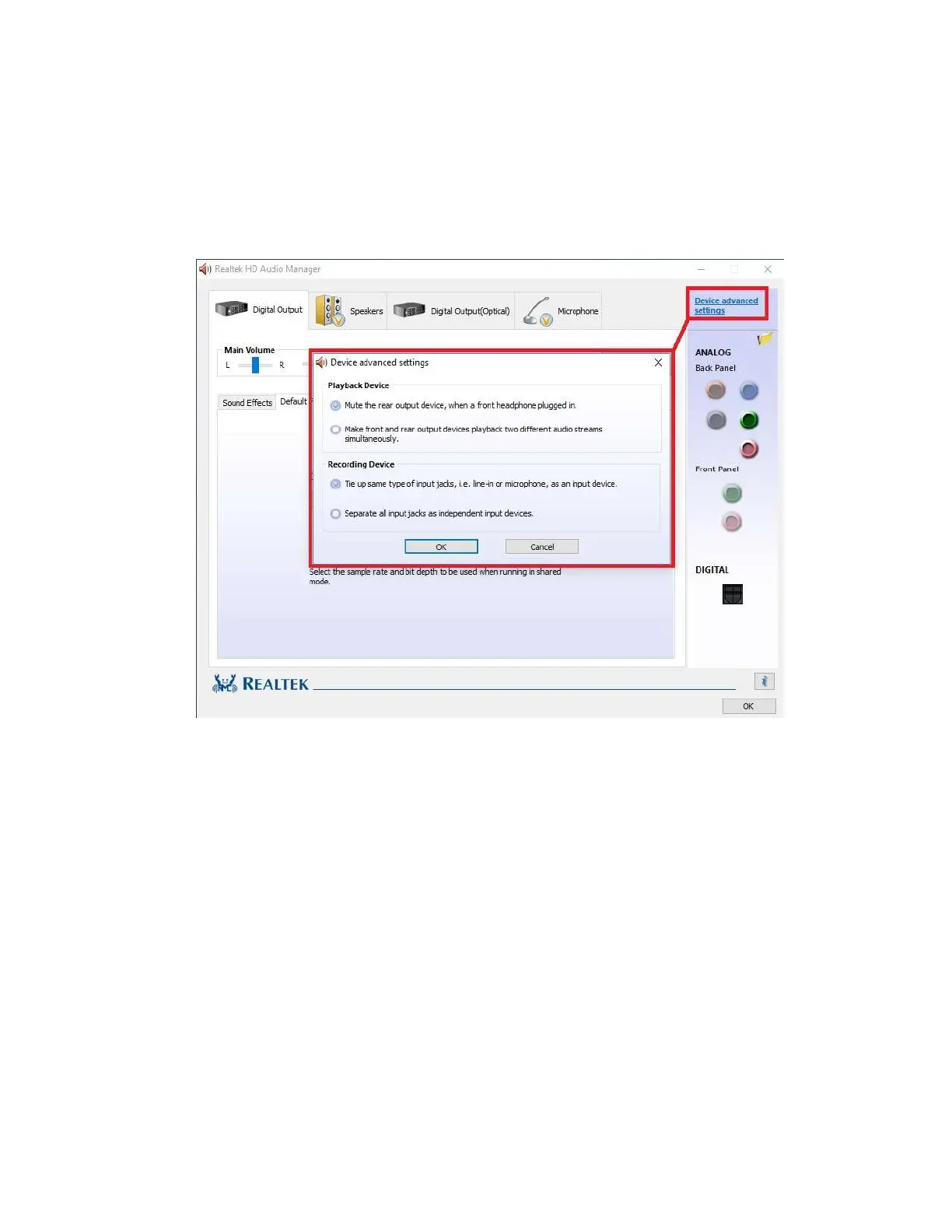
Also on the side panel is the “Device Advanced Settings” button. This will bring up a
popup menu with options for playback and recording devices. Both options in Playback
Device and Recording Device are mutually exclusive within their respective sections.
The top options are default for both. Once you have made your selection, click “OK”
at the bottom.



 To Next Page