- 13 -
Channel No.
Press the ▲▼ button to select Channel No. and press the ◄► button to select the
channel number.
Channel Label
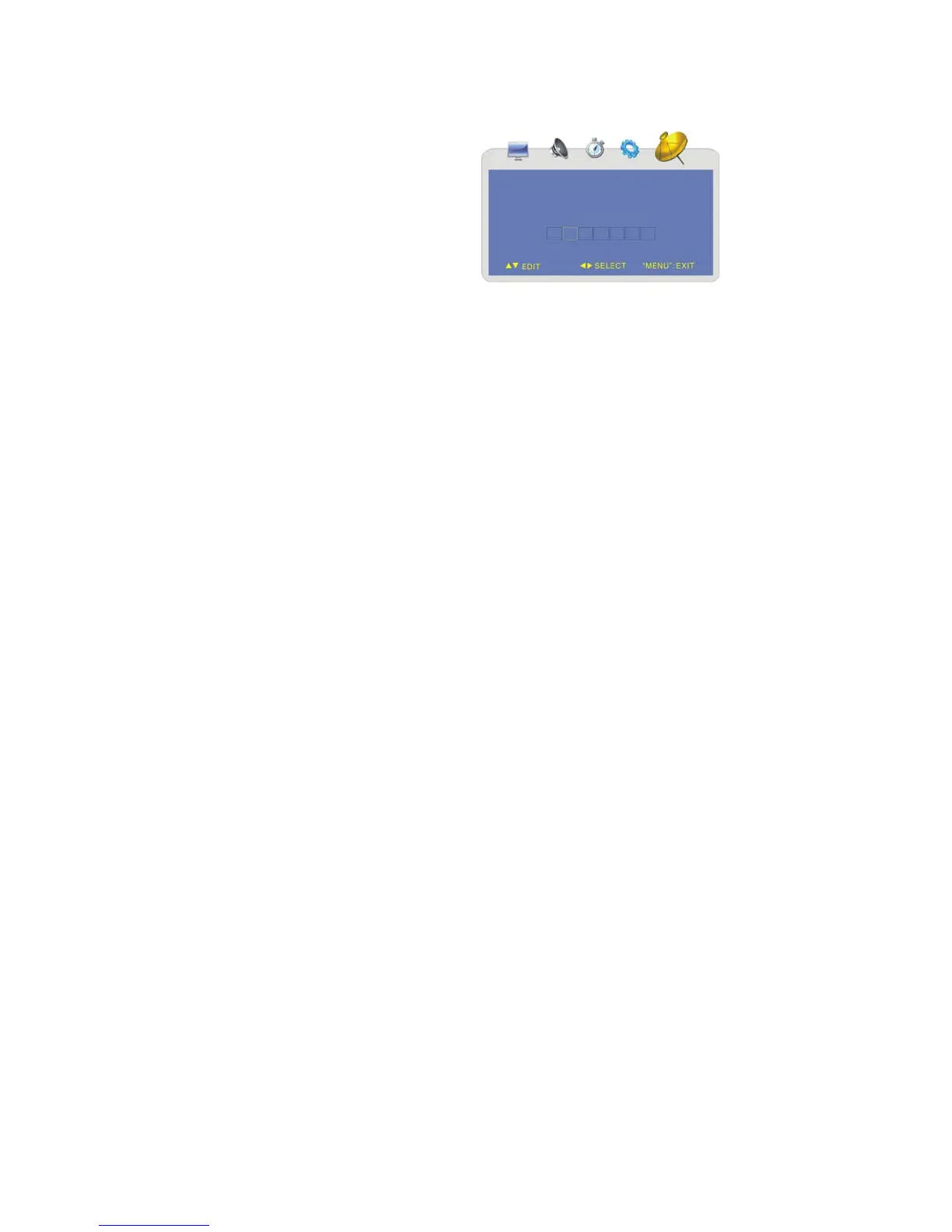
Press the ▲▼ button to select Channel
Label and press the ► button to enter the
menu as shown on the right:
Within this menu, press the ◄► button to
highlight position and press the ▲▼
button to select the desired character or
symbol.
Press the MENU button to return to the
previous menu.



 To Next Page