6. Setup
6.1. AC Power
The machine has a fixed voltage power supply and can work with an input voltage of AC 110 V-
120 V, 50/60 Hz or AC 220 V-240 V, 50/60 Hz, depending on the specific model.
To determine the product’s power requirements (circuit breaker, power outlet, and wiring), use the
current value listed on the label affixed to the product’s back panel, or refer to the product’s specifi-
cations chart. The listed current rating indicates the product’s average current draw under normal
conditions.
Always connect the product to a protected circuit (circuit breaker or fuse). Make
sure the product has an appropriate electrical ground to avoid the risk of electrocu-
tion or fire.
Never connect the product to a rheostat (variable resistor) or dimmer circuit, even
if the rheostat or dimmer channel serves only as a 0 to 100% switch.
6.2. AC Plug
The Spark Machine SPARK PRO comes with a power input cord terminated with a Seetronic Powerkon
connector on one end and an EU plug on the other end (EU & China market). If the power input cord
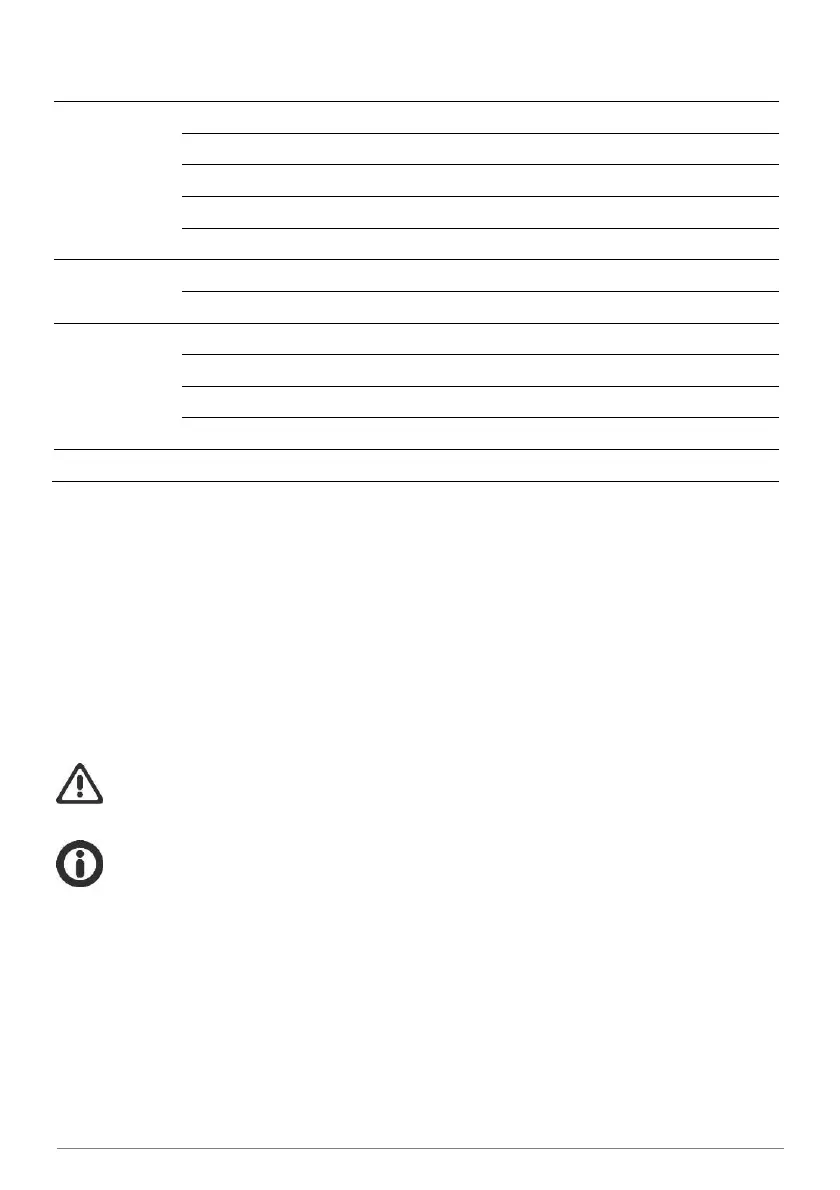
that came with your product has no plug, or if you need the change the plug, use the table below to
wire the new plug:



 To Next Page