EVOLIGHTS SPARK PRO
Instrukcja obsługi / User Manual
38
7.6. Run-Time
7.6.1. Check remaining time
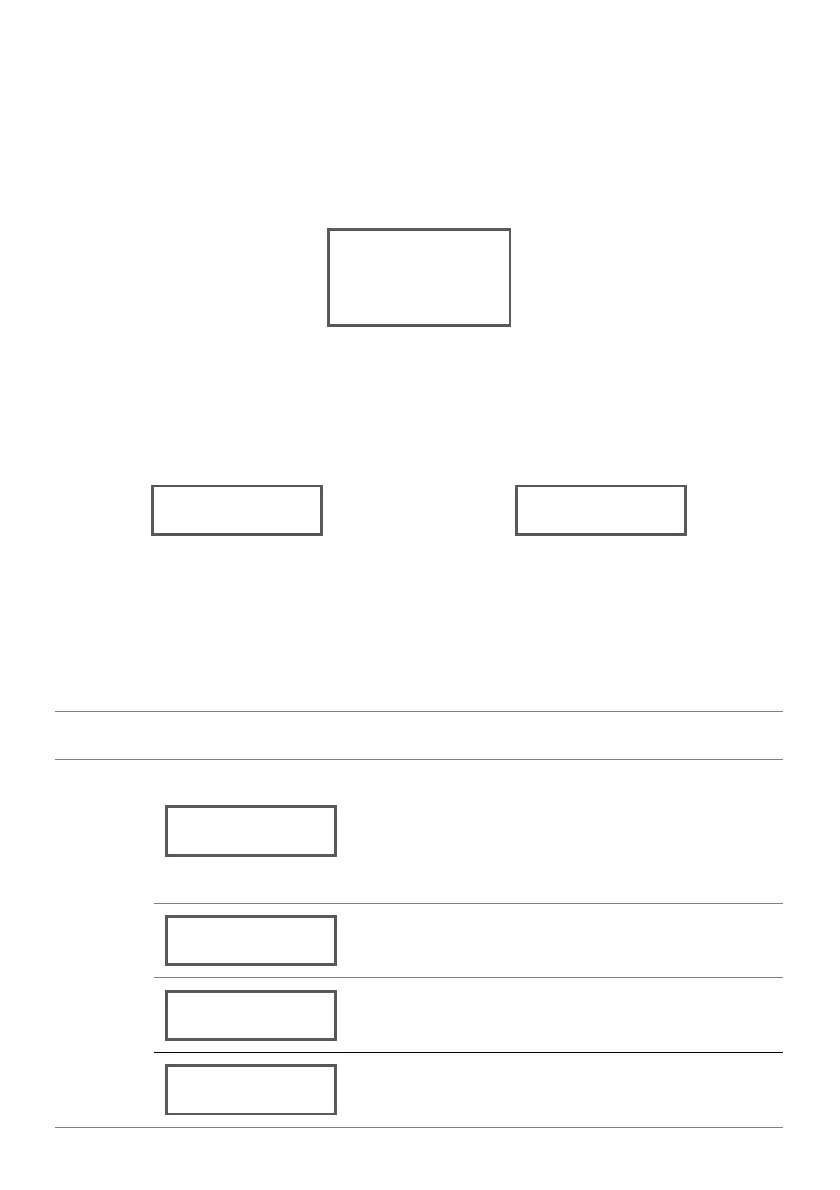
In, on-device control mode, press <MENU> repeatedly until the following page shows on the
display to check the remaining run-time.
7.6.2. Run-Time is up
There's no remaining run-time for machine to continue output when this page shows. Swipe a
new card to top up run-time.
7.7. Advanced settings interface
7.7.1. Enter and exit advanced settings interface
Press <ENTER> for 3 s to enter Advanced Settings Interface. Press <MENU> repeatedly until the option
shows on the display. To select an option or value, press ▲ or ▼ until the option shows on the display.
7.7.2. Menu map of advanced settings interface
Temperature set
Press ▲ or ▼ to adjust the temperature
according to the effectof spark. The
default temperature is 585 ℃.
Left is current temperature, right is
adjustable target temperature.
Press ▲ or ▼ to adjust display brightness.
Press ▲ or ▼ to turn ON/OFF keypad
tone.
Press <ENTER> to exit advanced settings
interface.



 To Next Page