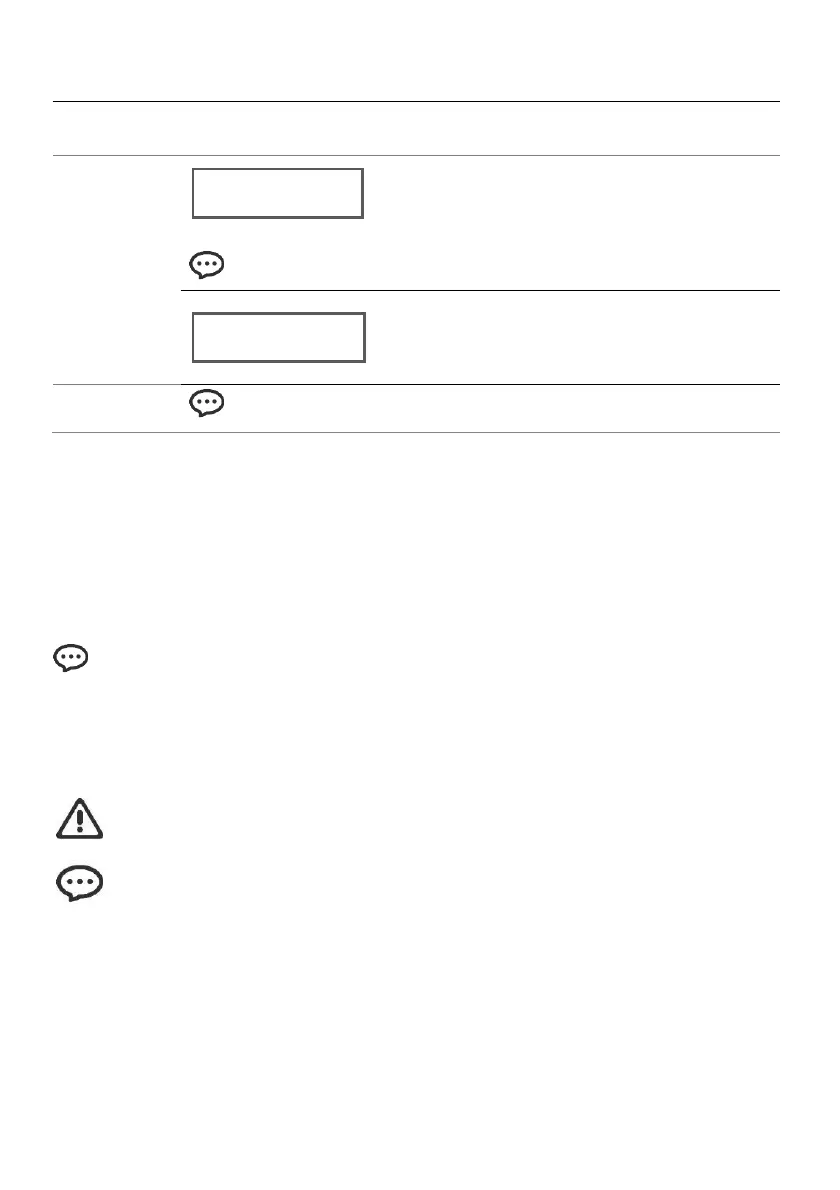
There's no remaining run-time for
machine to continue output when this
page shows.
Swipe a new card to top up run-time.
7.4. DMX mode & operation
The Spark Machine works with a DMX controller.
• Connect the product to a suitable power outlet.
• Turn the product on.
• Connect a DMX cable from the DMX output of the DMX controller to the DMX input socket on the
product.
Set the spark machine starting address in the 001-512 DMX range. This enables control
of up to 256 products in the 2-channel mode.
7.4.1. Starting address
When selecting a starting DMX address, always consider the number of DMX channels. If you choose
a starting address that is too high, you could restrict the access to some of the product’s channels.
SPARK PRO uses 2 DMX channels, which defines the highest configurable ad-
dress to 511 to have all channels controllable.
Connect a DMX cable from the DMX output of the DMX controller to the DMX input socket
on the product, or press repeatedly “MENU” button until the LCD shows “DMX
Address”. Press “▲” or "▼" to set desired DMX starting address.
7.4.2. DMX mode menu map



 To Next Page