77
Link
- When motion is detected, 1 photo and a video clip of 10 seconds is saved.
- At night or in a dark place, the door camera LED is always on when the camera is
switched on.
- When motion is detected, an alarm is triggered via an app on your mobile phone.
If you set the camera to an area where there are many passers-by, it can receive a
lot of motion notifications. In this case, point the camera elsewhere or do not us
e
m
otion detection.
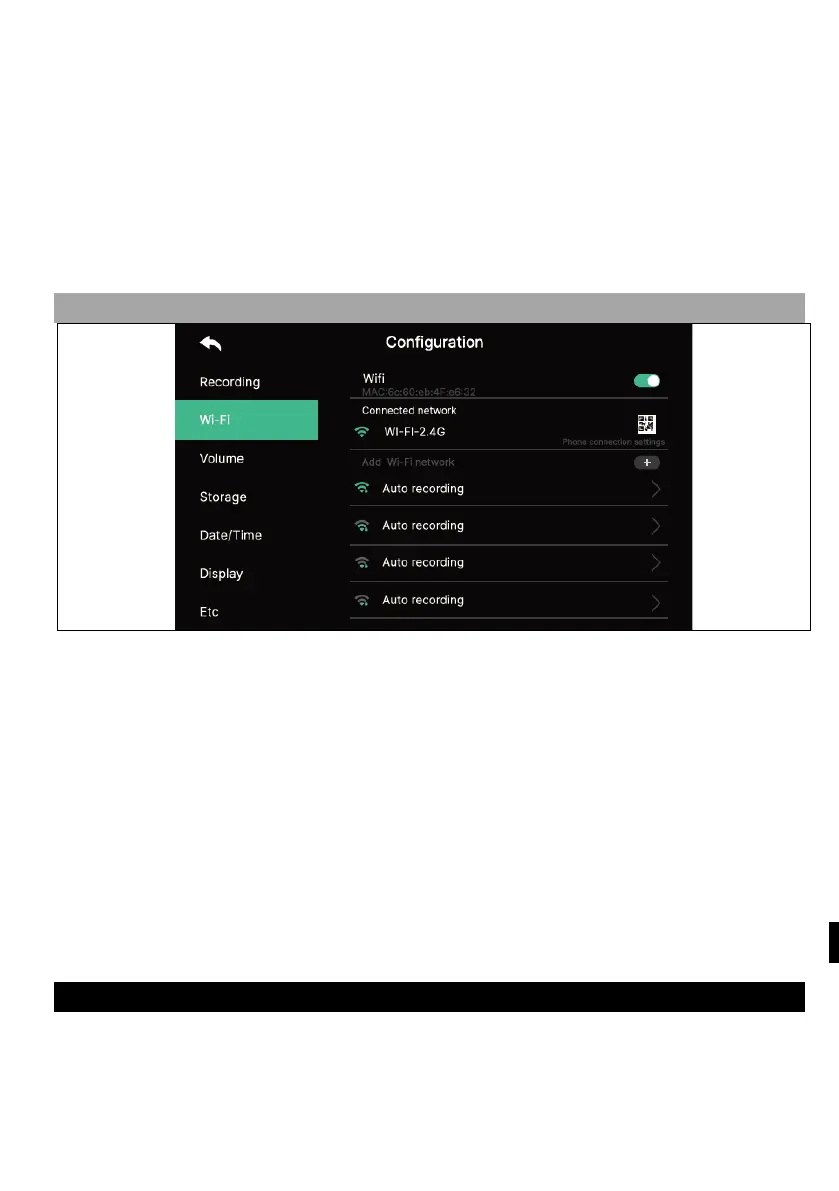
2) WI-FI
- Wi-Fi connection:
Click the checkbox to turn Wi-Fi on or off
You can search for a nearby network and connect to the selected wireless network.
Select Wi-Fi from the list of automatically discovered networks and enter your
password to connect.
- Add Wi-Fi directly:
If the Wi-Fi you want is not found, you can add it by entering the Wi-Fi information
directly into the list.
Select the "Add Wi-Fi network" icon ("+") at the top of the Wi-Fi list. Enter th
e
n
etwork name, enter the password.
3) VOLUME
You can individually change the ringing and receiving tones when calling the door
camera (entrance) and the intercom individually.



 To Next Page