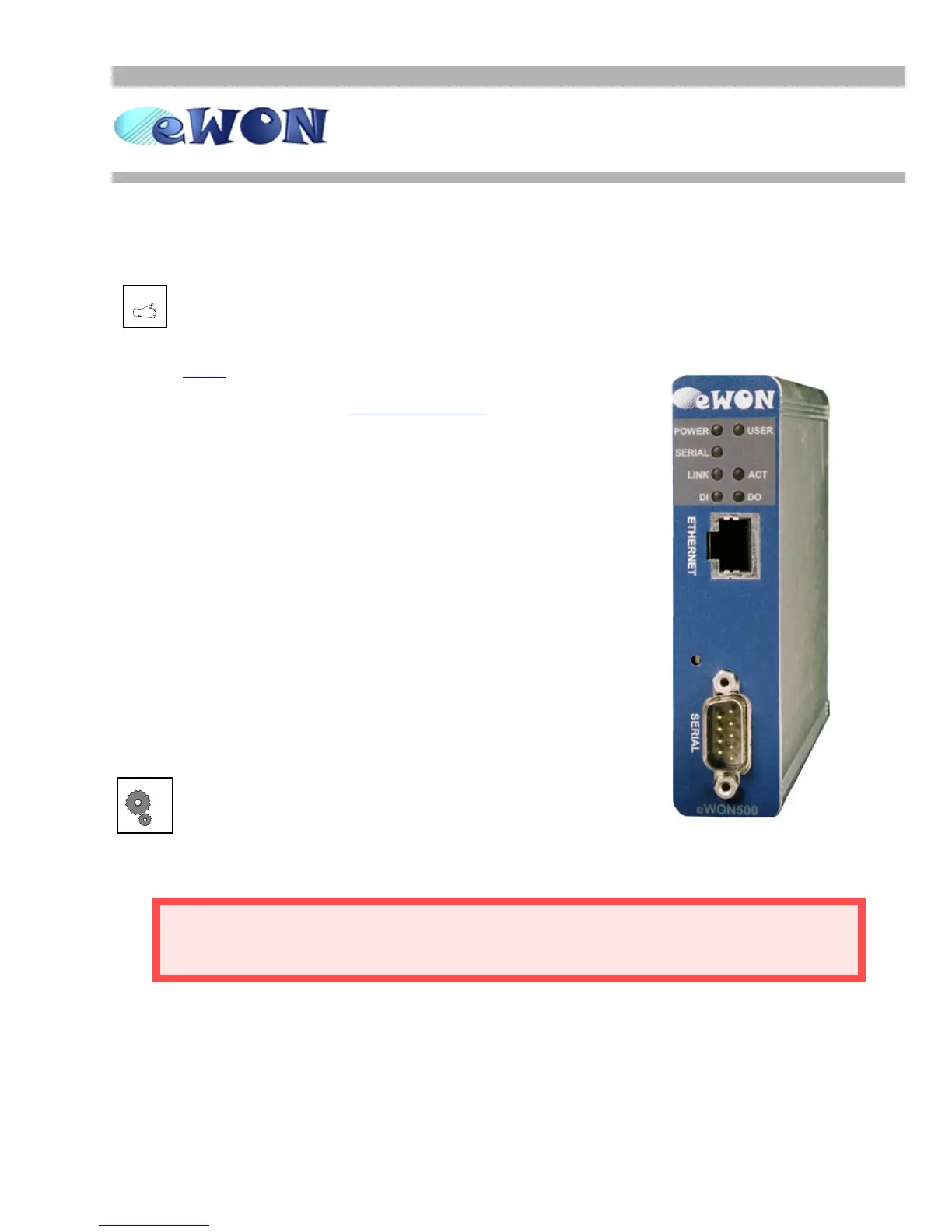
eWON500™
The Transparent Gateway
ver 1.0
9/11/05
Page 2
User Guide
PURPOSE
You have just received your brand new eWON500™!
ACT’L produces a complete range of Ethernet/Internet
gateways also known as “Programmable Industrial Routers”
(PIR). See our web site http://www.ewon.biz
to get further
information about the eWON™ range.
The eWON500™ is a transparent gateway between the
serial protocols from the PLCs and their matching Ethernet
protocols.
The eWON500™ allows you to connect any communicating
device in order to achieve management and telecontrol
tasks through Ethernet.
The goal of the current document is to teach you how to
correctly configure the eWON500™ as a Transparent
Gateway to address a wide range of various Programmable
Logic Controllers (PLC), from the Ethernet side to the serial
side through the eWON™ interface.
eWON500™ is just out of the box, you have already
powered it ON (12-24VDC) and connected its
Ethernet cable.
•Enter http://10.0.0.53 in the address bar from your Internet Explorer
(refer to the eBuddy User Guide if you need to change the eWON™ IP address and subnet mask)
•Enter adm (User Name)/adm (Password) then Enter
You are now navigating on your eWON500™!
Every eWONs™ are shipped with the pre configured IP address 10.0.0.53
and adm/adm as User Name/Password.


 To Next Page