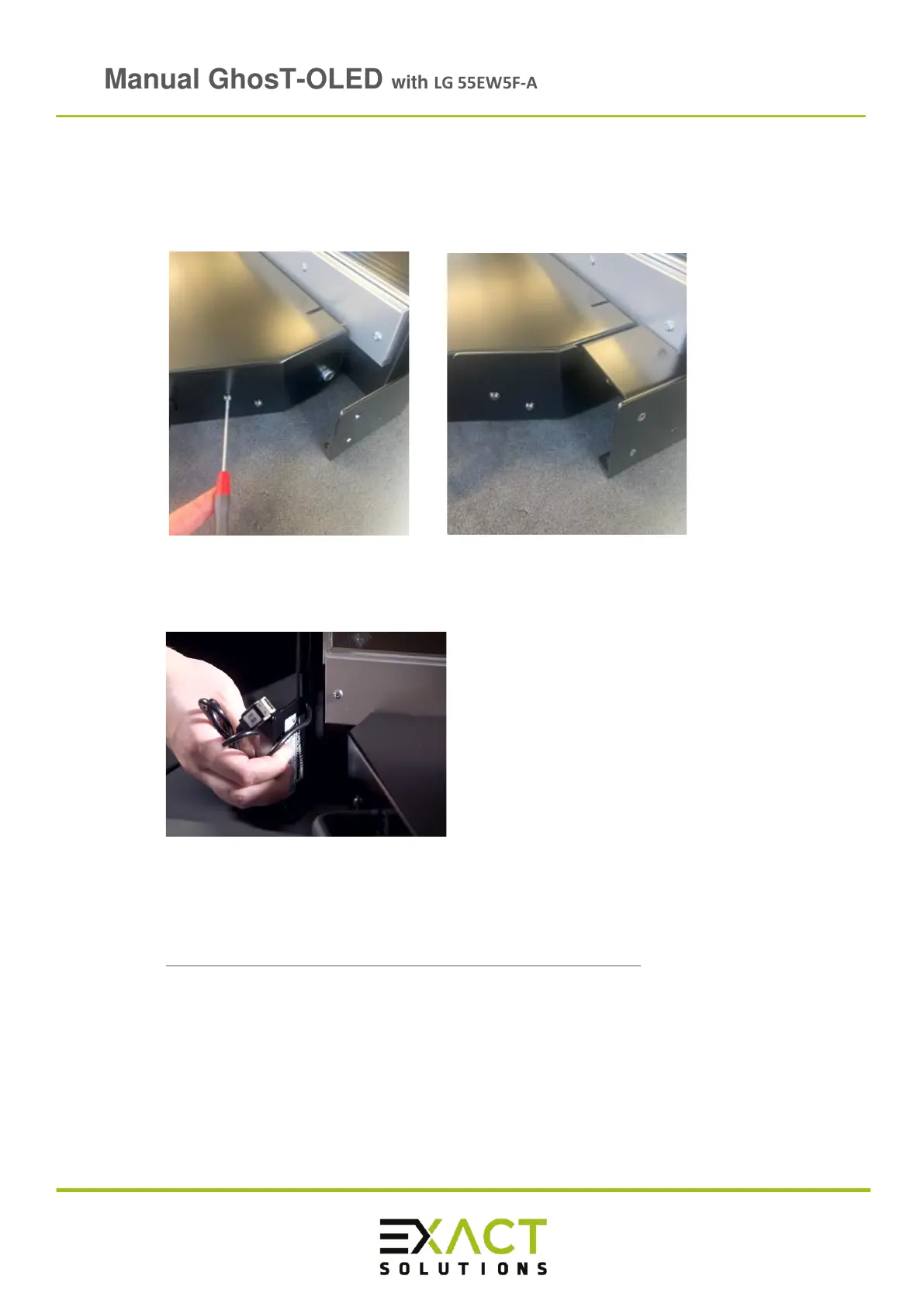
➢ Use the support brackets to connect the Touch Kit to the GhosT-Oled Full Kit. First
the M4 lens head screws must be removed. Then you can insert the brackets and
mount them with the removed M4 x 16 lens head screws as well as with the four
M3x12 countersunk head screws which are delivered with the brackets:
➢ Connect the USB cable to an USB A port at the PC
➢ After installing the driver and calibrating, the GhosT OLED can be used as a touch
screen. To download the driver go to the EXACT solutions homepage / GhosT-OLED
/Touch Kit / Downloads:
https://www.exactsolutions.de/en/produkte/ghost-oled-en/
Note: Make sure users do not scratch the front of the GhosT-OLED screen while using it as
a touch interface. Avoid users wearing jewellery such as rings, watches etc. Only
touch with the finger.



 To Next Page