4.6.2 Ventilation information
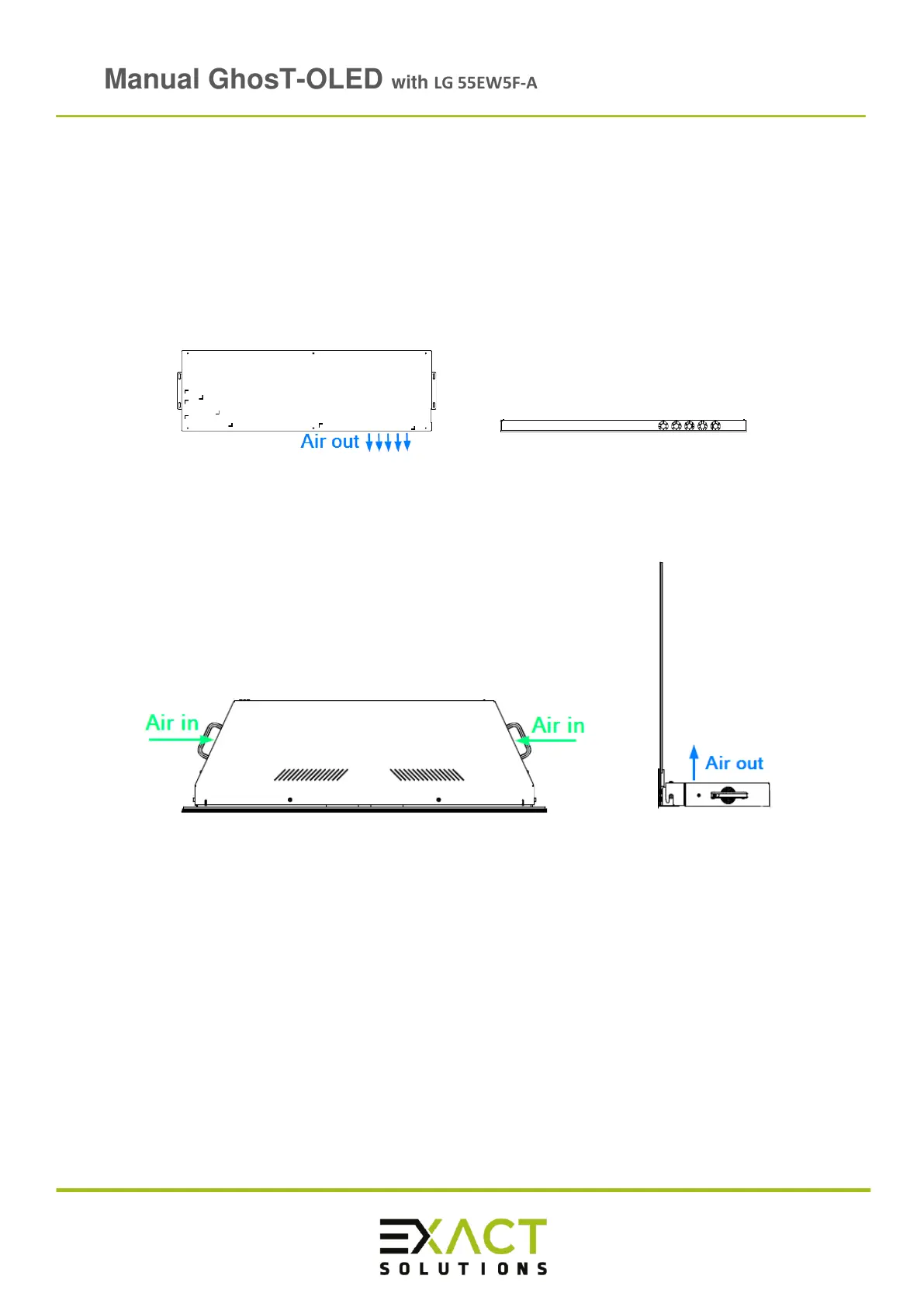
It’s important to ensure a proper ventilation, particularly if a Ghost-OLED is integrated into
furniture. Otherwise, the display will shut down or can even be damaged. The Full Kit has
two integrated fans additionally to the fans of the LG signage box (see Figure 9).
At the Full Kit there are three areas where ventilation slots are positioned, please see Figure
10 below.
Figure 9: Air flow signage box - top view (left) and side view (right)
Figure 10: Air flow of GhosT-OLED Full Kit – top view (left) and side view (right)
Note: Do not cover any ventilation slot as this can cause overheating. Electrical shock,
fire, malfunction or deformation may occur.



 To Next Page