EasyManua.ls Logo

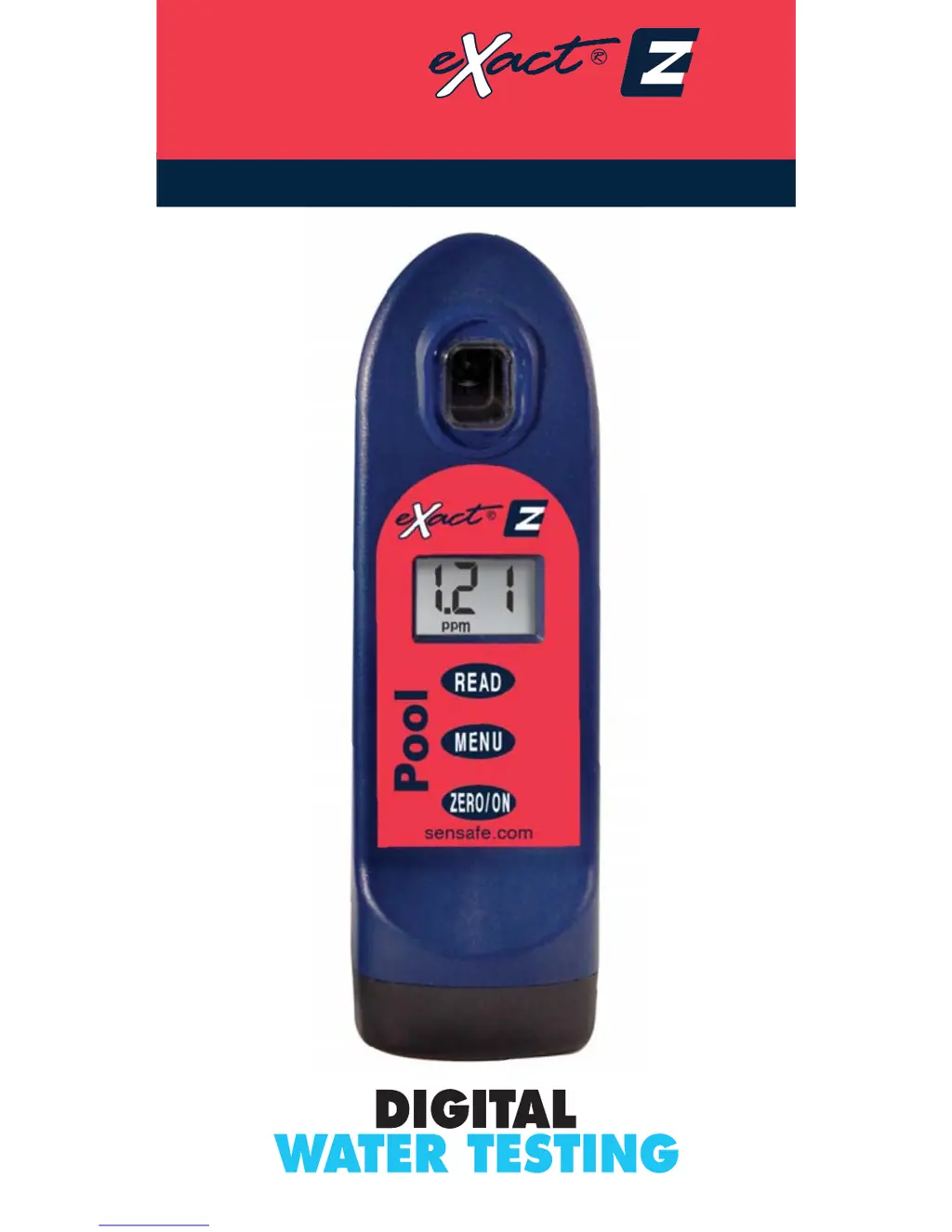
eXact Pool EZ - User Manual

eXact Pool EZ
28 pages
Print Icon
To Next Page IconTo Next Page
Loading...
1
Sensafe.com
QUICK START GUIDE
Pool
ADVANCED PHOTOMETER SYSTEM
DIGITAL ACCURACY FOR BETTER POOL CARE

Questions and Answers

  • J
    jamiereyesJul 27, 2025
    How to fix eXact Test Equipment with dim screen?
    • S
      smithaimeeJul 27, 2025
      If your eXact Test Equipment screen is dim or the meter isn't responding, the most likely cause is a low battery. Try replacing the batteries to resolve this issue.
  • P
    pricetonyJul 30, 2025
    What to do if eXact Pool EZ shows “LO” on LCD while zeroing?
    • M
      matthewmarquezJul 31, 2025
      If your eXact Test Equipment displays “LO” on the LCD during zeroing, it could be due to several reasons: a low battery (replace batteries), a dirty cell (clean the cell), or a cloudy sample (dilute the sample or use a filter). If none of these steps work, the LED may be bad, and you should contact ITS.
  • T
    Tanya BarrAug 4, 2025
    Why does my eXact Pool EZ show “HI” on LCD while reading?
    • S
      Steve Farmer DDSAug 4, 2025
      If your eXact Test Equipment shows “HI” on the LCD while reading, it means the result is above the detection level. To verify this, re-run the test.
  • K
    Kristine RossAug 9, 2025
    What does it mean when "HI" flashes on LCD, then "Err" on eXact Test Equipment?
    • S
      Seth ArcherAug 9, 2025
      When the eXact Test Equipment displays flashing “HI” followed by “Err”, and you are testing for Combined Chlorine, it indicates that the Combined Chlorine result is above the detection limit. Re-run the test to verify the result.
  • M
    Maria KleinAug 13, 2025
    What does “LO” on LCD mean on eXact Test Equipment while reading?
    • K
      Kim KnightAug 13, 2025
      If your eXact Test Equipment displays “LO” on the LCD while reading, it signifies that the result is below the detection level. You should re-run the test to confirm the result.
  • J
    Jessica ArmstrongAug 17, 2025
    How to fix "HI" flashes on LCD, then "Err" on eXact Test Equipment?
    • M
      Mr. Tyler BallAug 17, 2025
      When the eXact Test Equipment displays flashing “HI” followed by “Err”, dilute and re-run the test.
  • R
    Robert SmithAug 21, 2025
    What to do if “LO” flashes on LCD, then "Err" on eXact Pool EZ?
    • J
      Jonathan Sanchez VAug 21, 2025
      If the eXact Test Equipment LCD flashes “LO” then displays “Err”, it indicates an improper test procedure for Combined Chlorine. Carefully re-read the test procedure and follow the directions.

Summary

Pool eXact EZ Overview and Setup

Battery Installation

Procedure for installing batteries in the Pool eXact® EZ photometer.

Water Testing Procedures

Total Alkalinity Test Procedure

Steps for performing the Total Alkalinity test using the Pool eXact® EZ.

pH Test Procedure

Steps for performing the pH test using the Pool eXact® EZ.

Free Chlorine Test Procedure

Steps for performing the Free Chlorine test using the Pool eXact® EZ.

Combined Chlorine Test Procedure

Steps for performing the Combined Chlorine test using the Pool eXact® EZ.

For Best Accuracy

Troubleshooting and Support

Product and Reagent Information

eXact Pool EZ Specifications

General IconGeneral
Product TypePool Water Tester
TechnologyPhotometric
DisplayLCD
Power Source2 AAA Batteries
MeasuresFree Chlorine, Total Chlorine, pH, Alkalinity, Cyanuric Acid, Calcium Hardness
Measurement RangeVaries by parameter
ResolutionVaries by parameter
AccuracyVaries by parameter (e.g., Free Chlorine: ±0.1 ppm, pH: ±0.1)
CalibrationFactory Calibrated
Operating Temperature0°C to 40°C (32°F to 104°F)

Related product manuals