14
©2016, Industrial Test Systems, Inc. Printed in USA
CALCIUM HARDNESS
1
POWER ON PHOTOMETER
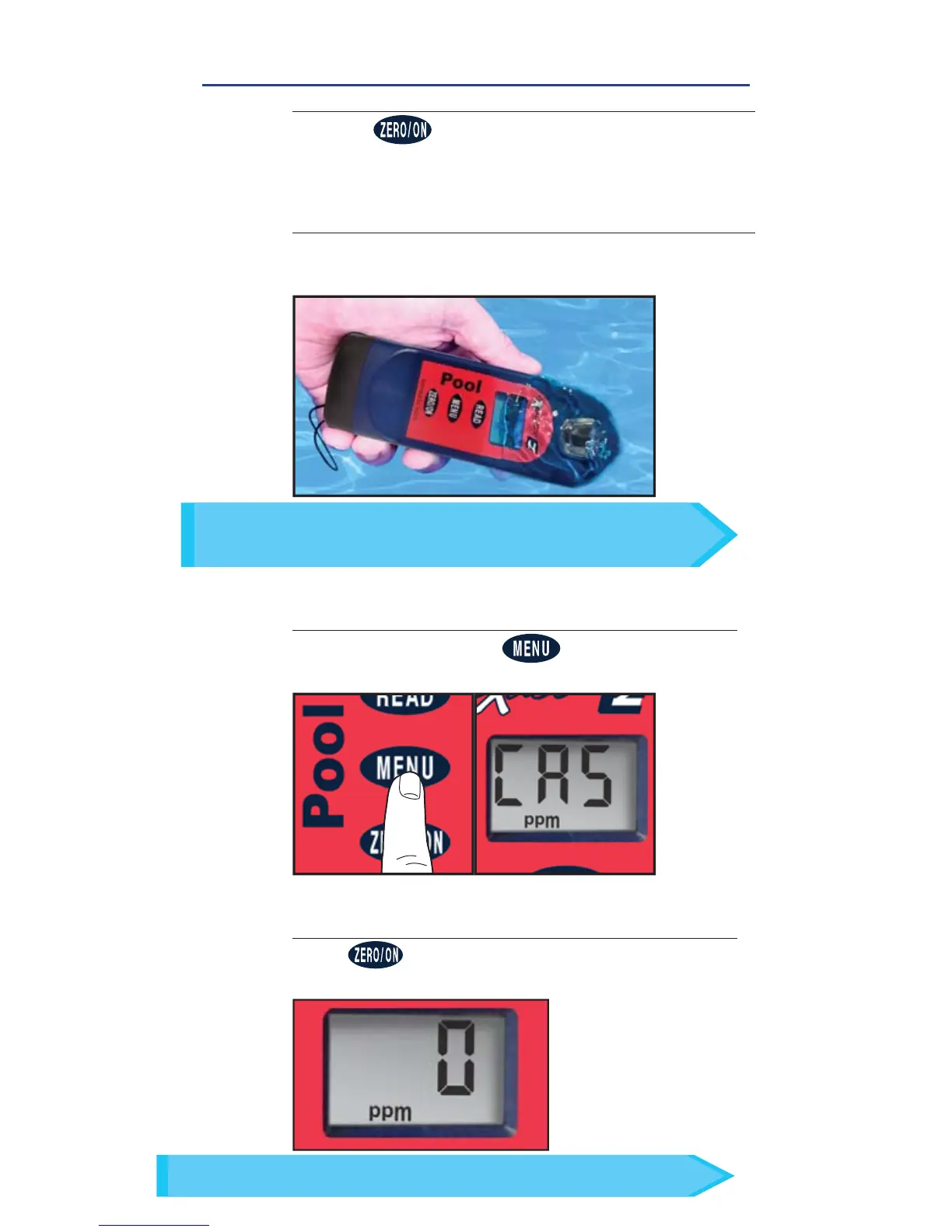
Press the button to power on the Pool eXact
®
EZ.
3
SELECT TEST
Press and re-press the button until the
display shows CA5.
ZERO METER
Press and the LCD Display reads 0
PPM
,
indicating the meter is ready for testing.
4
FILL, DIP, READ
In bright light situations use cell cover for zeroing and reading.
TIP
FILL CELL
Rinse the cell 3 times with the water sample to
be tested and FILL to the top to begin test.
2
Use the included cleaning brush to clean the cell before/
after each test to prevent reagent interferences and
achieve the most accurate result.
TIP


 To Next Page