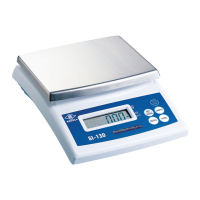
CHAPTER 3 KEYBOARD FUNCTION
3-1 Explanation of Keyboard
1. : The key to switch the scale off.
2. : ON/ZERO key. When the scale is off, press the key to switch it on. When
the scale is switched on, with the weigh pan empty, if the display is not showing zero,
press this key to zero (balance) the scale.
v Zero range: ± 2% of full scale (Standard, OIML & NTEP models), ± 4% of full scale (Sri
Lanka model).
3. : TARE key. Press the key to deduct the weight of the container.
v The tare key is not functional when the weight value shown on the display is negative or
over the full scale capacity.
4. : Units key. Press the key to select the desired weight units or count units
(pcs).
5. : Gross weight / Net weight key.
The gross weight = Tare weight + Net weight
(The key is ONLY functional in the Tare mode)
OFF



 To Next Page