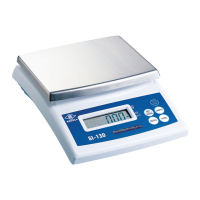
3-2-5 Counting mode
1. Press key to select piece unit (pcs), and enter the counting mode.
2. Press key to select the counting sample size 10, 20, 50, 100, or 200, and the
display shows , , , , or
3. Place the samples on the weigh pan, then press . The display shows “ ”.
After the weight is stable, the scale shows the quantity of the samples. After the sampling
process is complete, put the goods on the weigh pan and the screen shows the quantity of
the goods.
v The scale memorizes the selected sample quantity, after turning off the scale. The scale will show
the same selected sample quantity, when entering the counting mode next time.
v If the quantity of the items weighed larger than 65536 (pcs), the display shows the error message
“ ”.
UNITS
NET
GROSS



 To Next Page