EasyManua.ls Logo

Exerpeutic 1020H - User Manual

Exerpeutic 1020H
29 pages
Print Icon
To Next Page IconTo Next Page
Loading...
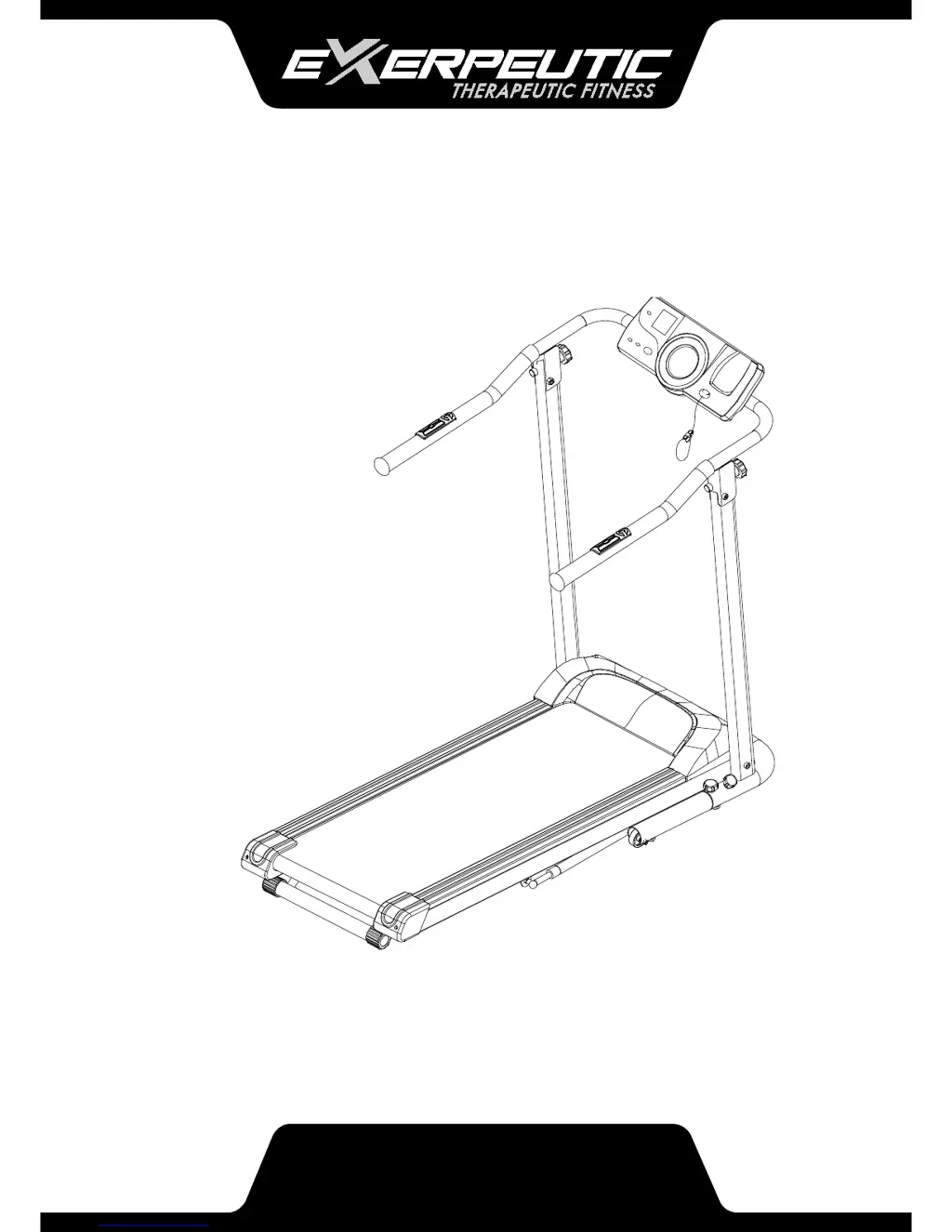
OWNER’S MANUAL
Electric Treadmill with Pulse
1020H.5-020317

Questions and Answers

  • A
    April RobertsonAug 2, 2025
    What to do if my Exerpeutic Treadmill displays 'SAFE'?
    • G
      Gabriel TrevinoAug 2, 2025
      If the Exerpeutic Treadmill displays 'SAFE', it indicates a safety tether key protection issue. First, ensure the Safety Tether Key is correctly installed on the computer. Then, restart the power after waiting for one minute and re-install the Safety Tether Key. If the issue persists, it may indicate a damaged Computer IC Board, and you should contact Customer Service.
  • M
    melissa19Aug 8, 2025
    What to do if my Exerpeutic Treadmill displays 'Er5' error?
    • K
      Kyle HarrisAug 8, 2025
      If your Exerpeutic Treadmill shows 'Er5', it could be due to several reasons: a loose motor cable, a blocked motor, or a damaged motor. Here’s what you can do: 1. Restart the power and try again after 1 minute. 2. Check the motor cable to ensure it's perfectly connected. 3. Inspect the motor for any visible damage. 4. Make sure the running belt is well-lubricated. If the problem continues, the motor or power IC board might be damaged, and you should contact Customer Service.
  • A
    Adam HudsonAug 14, 2025
    What to do if my Exerpeutic 1020H displays 'Er1' error?
    • I
      ibrownAug 14, 2025
      If your Exerpeutic Treadmill displays 'Er1', it means the computer is receiving an error signal for up to 15 seconds. You can try the following: 1. Restart the power and retry after 1 minute. 2. Ensure the sensor cable is perfectly connected. If the error persists, the signal cable or computer IC board may be damaged, and you should contact Customer Service.
  • M
    Mrs. Katherine WashingtonAug 21, 2025
    What to do if my Exerpeutic Treadmill displays 'Er3' error?
    • J
      Jennifer GrantAug 21, 2025
      If your Exerpeutic Treadmill displays 'Er3', it indicates a low voltage issue. To resolve this: 1. Restart the power and retry after 1 minute. Check if the input voltage is lower than normal and ensure the voltage is normal during use. If the issue continues, the signal cable or power IC board might be damaged, and you should contact Customer Service.
  • M
    Marissa BrownAug 27, 2025
    What to do if my Exerpeutic 1020H Treadmill displays 'Er7' error?
    • B
      Brian JohnsonAug 27, 2025
      If your Exerpeutic Treadmill displays 'Er7', it indicates that the Power IC board is not receiving a signal. Try the following steps: 1. Restart the power and retry after 1 minute. 2. Ensure that the sensor cable is perfectly connected. If the problem persists, the signal cable or power IC board may be damaged, and you should contact Customer Service.

Summary

Service and Support

Important Safety Guidelines

Electrical Safety (DANGER)

Precautions to reduce the risk of electric shock during operation and maintenance.

General Operating Warnings (WARNING)

Crucial warnings for safe operation, including electrical, environmental, and user-related risks.

Usage Safety and Precautions

Guidelines for safe use, including environment, users, and operational practices.

Grounding Instructions and Electrical Connection

Proper grounding procedures and electrical connection requirements for safe operation.

Assembly Instructions

Computer Operation

Quick Start and Button Functions

How to start the treadmill and descriptions of the console buttons.

Adjustments

Belt Adjustment Procedures

Guide to adjusting the treadmill belt to correct shifting or slipping issues.

Maintenance

Silicone Oil Application

Proper procedure for applying silicone oil to the walking deck for belt lubrication.

Troubleshooting

Error Codes and Solutions

Identifies common error codes and provides solutions for troubleshooting issues.

Warranty Information

Exerpeutic 1020H Specifications

General IconGeneral
Weight Capacity250 lbs
InclineManual, 3 levels
DisplayLCD
Programs12
FoldingYes

Related product manuals