EasyManua.ls Logo

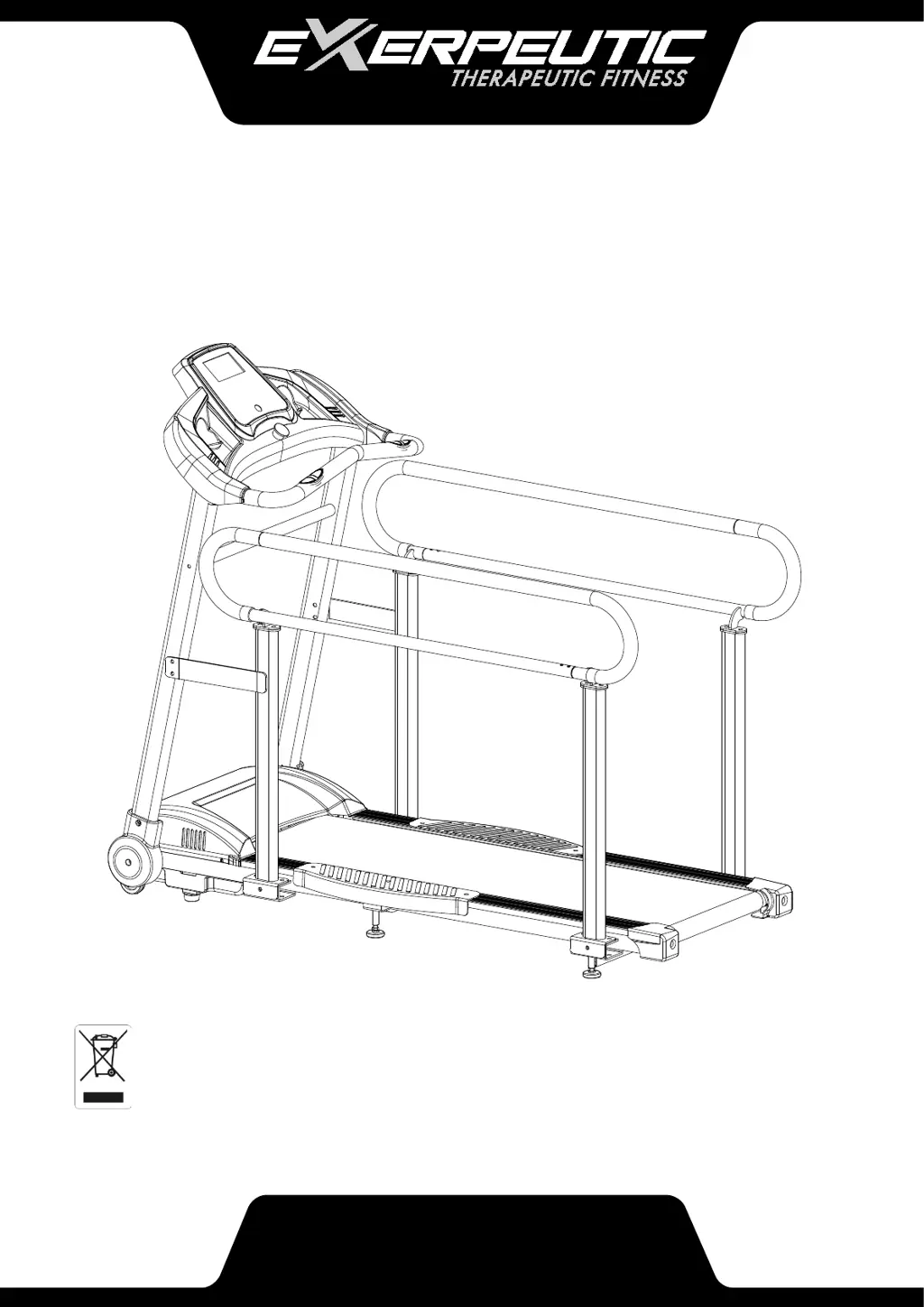
Exerpeutic TF2000 - User Manual

Exerpeutic TF2000
29 pages
Print Icon
To Next Page IconTo Next Page
Loading...
OWNER’S MANUAL
hh
4001.2-010418
IMPORTANT: Read all instructions carefully before assembling and/or using this product.
Retain this owner’s manual for future reference. The specifications of this product may
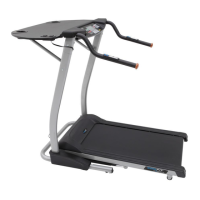
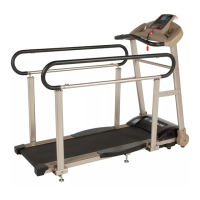
vary from this photo and is subject to change without notice.
EXERPEUTIC TF2000 Fitness
Walking and Rehab Treadmill

Questions and Answers

  • J
    Jamie RosalesJul 27, 2025
    How to fix Exerpeutic TF2000 that will not start?
    • M
      Michelle MillerJul 27, 2025
      If your Exerpeutic Treadmill won't start, ensure the power cord is securely plugged into the outlet. Also, check that the Safety Tether Key is properly inserted.
  • C
    Christopher NashJul 31, 2025
    What to do if Exerpeutic TF2000 displays E05 error?
    • M
      mpenaJul 31, 2025
      E05 error on your Exerpeutic Treadmill indicates a current overload. First, restart the treadmill. Then, verify that the incoming voltage is within the correct range. Finally, inspect the control board for damage and replace it if necessary. Also, check all moving parts to ensure they are not stuck, and inspect the motor for unusual noises or burning smells, replacing it if needed.
  • J
    Johnny EvansAug 4, 2025
    Why is the computer not working on my Exerpeutic Treadmill?
    • S
      Stephen WhiteAug 5, 2025
      If your Exerpeutic Treadmill computer isn't working, start by checking the wire connections between the computer and the bottom control board to ensure they are properly connected. If the issue persists, the transformer might be damaged, in which case you should contact Customer Service.
  • D
    dlarsenAug 9, 2025
    What does E02 error mean on Exerpeutic TF2000 Treadmill?
    • E
      Edward Berg DDSAug 9, 2025
      An E02 error on your Exerpeutic Treadmill signals burst clash protection, usually caused by the incoming voltage being lower than 50% of the required voltage. Check the incoming voltage against the required voltage. Also, inspect the wire connections to the motor and check the control board, replacing it if necessary.
  • A
    Alyssa BridgesAug 13, 2025
    How to troubleshoot E01 Communication failure on Exerpeutic TF2000?
    • K
      Kimberly SmithAug 13, 2025
      If your Exerpeutic Treadmill displays an E01 error, it indicates a communication failure between the console and the control board. To resolve this, check the wire connections between the computer and the control board. If necessary, replace the wires or the control board.
  • R
    Renee JacksonAug 18, 2025
    What causes E03 No signal error on Exerpeutic TF2000?
    • Z
      zdyerAug 18, 2025
      An E03 error on your Exerpeutic Treadmill means the sensor signal cannot be received by the control board. Verify that the sensor is properly connected, and replace it if needed. If the issue continues, inspect the control board and replace it if necessary.
  • M
    Mr. Stephen SmithAug 21, 2025
    How to center walking belt on Exerpeutic Treadmill?
    • Z
      Zachary AllenAug 21, 2025
      If the walking belt on your Exerpeutic Treadmill is not centered, it's likely that the walking belt tension is not properly set on either the left or right sides of the walking board. To fix this, tighten the adjustment bolts on the left and right side of the rear roller.

Summary

SERVICE

IMPORTANT SAFETY GUIDELINES

General Safety Precautions

Essential safety instructions covering electrical, fire, and personal injury risks.

Grounding Instructions

Detailed guidelines for proper electrical grounding to prevent shock hazards.

HARDWARE & TOOLS PACK

ASSEMBLY

Step 1: Initial Setup and Front Post Installation

Instructions for placing the treadmill and attaching the front posts.

Step 2: Console Wiring and Mounting

Guide to connecting electronic wires and mounting the console unit.

Step 3: Support Tube Installation

Steps for attaching the front and rear support structures to the main frame.

Step 4: Left Front and Rear Support Tube Attachment

Instructions for securing the left front and rear support tubes to the frame.

Step 5: Side Handlebar Installation

Procedure for attaching the side handlebars for grip and stability.

COMPUTER

ADJUSTMENT

TROUBLE SHOOTING

Common Problems and Solutions

A guide to diagnose and resolve common issues encountered with the treadmill.

WARRANTY

Exerpeutic TF2000 Specifications

General IconGeneral
BrandExerpeutic
ModelTF2000
CategoryTreadmill
LanguageEnglish

Related product manuals