EasyManua.ls Logo

Exerpeutic TF3000 - User Manual

Exerpeutic TF3000
26 pages
Print Icon
To Next Page IconTo Next Page
Loading...
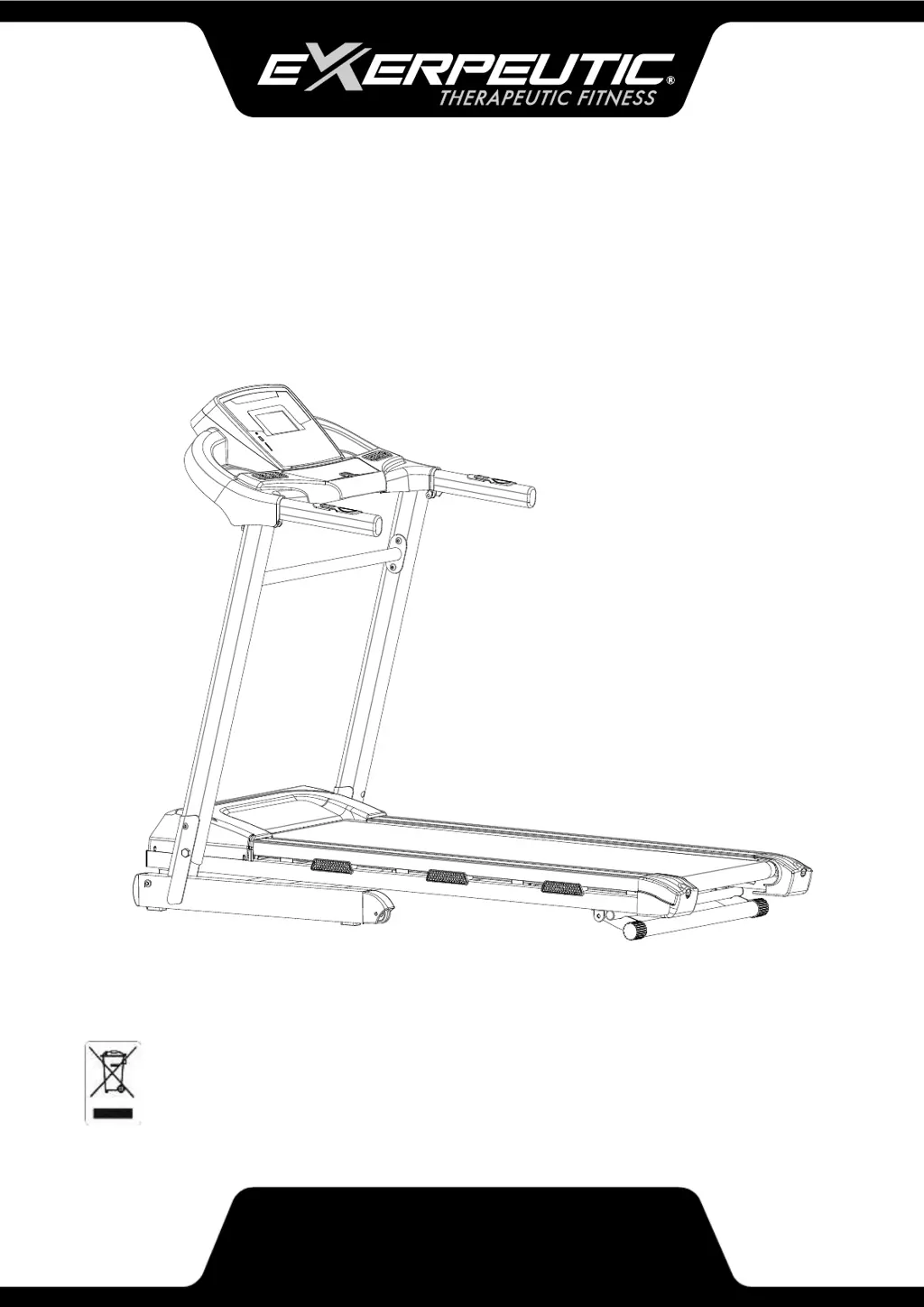
OWNER’S MANUAL
IMPORTANT: Read all instructions carefully before using this product.
Retain this owner’s manual for future reference.
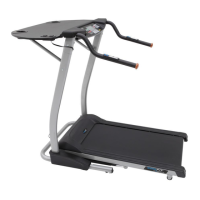
The specifications of this product may vary from this photo, subject to
change without notice.
4055.2-010319
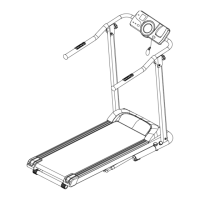
TF3000 ELECTRIC FOLDABLE
TREADMILL WITH COMPUTER
WORKOUT GOAL SETTING

Questions and Answers

  • F
    Frank MartinJul 28, 2025
    What to do if my Exerpeutic Treadmill displays 'SAFE'?
    • S
      Sara Kidd MDJul 28, 2025
      If the Exerpeutic Treadmill displays 'SAFE', first ensure the Safety Tether Key is properly installed on the console. If the issue persists, restart the power after waiting one minute and reinstall the Safety Tether Key. If the problem continues, it may indicate damage to the Computer IC Board, and you should contact Customer Service.
  • H
    Heather BrownAug 3, 2025
    What to do if Exerpeutic TF3000 displays 'Er5' error?
    • N
      Nicholas BrownAug 3, 2025
      If your Exerpeutic Treadmill shows 'Er5', restart the power and try again after 1 minute. Check the motor cable to ensure it is securely connected. Inspect the motor for any visible damage. Also, make sure the running belt is well-lubricated. If these steps don't resolve the issue, it could be due to a damaged motor or power IC board, and you should contact Customer Service.
  • J
    Jason HowardAug 9, 2025
    What to do if my Exerpeutic Treadmill displays 'Er1' error?
    • A
      Aimee ChenAug 9, 2025
      If your Exerpeutic Treadmill displays 'Er1', the computer might be receiving an error signal. Try restarting the power and retrying after one minute. Also, check that the sensor cable is perfectly connected. If the problem persists, the signal cable or computer IC board may be damaged, and you should contact Customer Service.
  • P
    Paul BakerAug 14, 2025
    What to do if my Exerpeutic TF3000 displays 'Er7'?
    • Z
      zwilsonAug 14, 2025
      If your Exerpeutic Treadmill displays 'Er7', it indicates that the Power IC board is not receiving a signal. Restart the power and retry after one minute. Ensure the sensor cable is perfectly connected. If the issue continues, the signal cable or power IC board might be damaged, and you should contact Customer Service.
  • J
    jacobshawAug 21, 2025
    Why does my Exerpeutic Treadmill show 'Er3'?
    • C
      Calvin JohnsonAug 21, 2025
      If your Exerpeutic Treadmill displays 'Er3', it could be due to low voltage. Restart the power and retry after one minute. Check if the input voltage is lower than normal and use the treadmill when the voltage is normal. If the problem persists, the signal cable or power IC board might be damaged, and you should contact Customer Service.

Summary

Service Information

Important Safety Guidelines

Grounding Instructions

Important safety instructions regarding proper electrical grounding procedures for the treadmill.

Parts List

Assembly Instructions

Step 1: Installing Front Posts

Aligning and attaching the front posts to the bed frame using provided hardware.

Computer and Console Operation

Adjustments

Maintenance Procedures

Folding and Storage

Transporting the Treadmill

Troubleshooting

Error Codes and Solutions

Lists common error codes, their causes, and suggested solutions.

Warranty Information

Exerpeutic TF3000 Specifications

General IconGeneral
Weight Capacity350 lbs
Incline0-15% (15 Levels)
Motor2.25 HP
DisplayLCD
Programs12 Pre-set Workout Programs
Running Surface16" x 50"
FoldableYes
Heart Rate MonitoringPulse sensors

Related product manuals