EasyManua.ls Logo

Exerpeutic 1020 - User Manual

Exerpeutic 1020
23 pages
Print Icon
To Next Page IconTo Next Page
Loading...
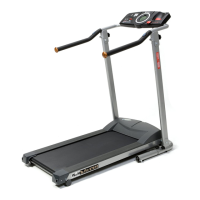
WALK TO FIT TREADMILL
WALK TO FIT TREADMILLWALK TO FIT TREADMILL
WALK TO FIT TREADMILL
ITEM#
ITEM# ITEM#
ITEM# 1020
10201020
1020
OWNER’S MANUAL
IMPORTANT: Read all instructions carefully before using this product. Retain this
owner’s manual for future reference.
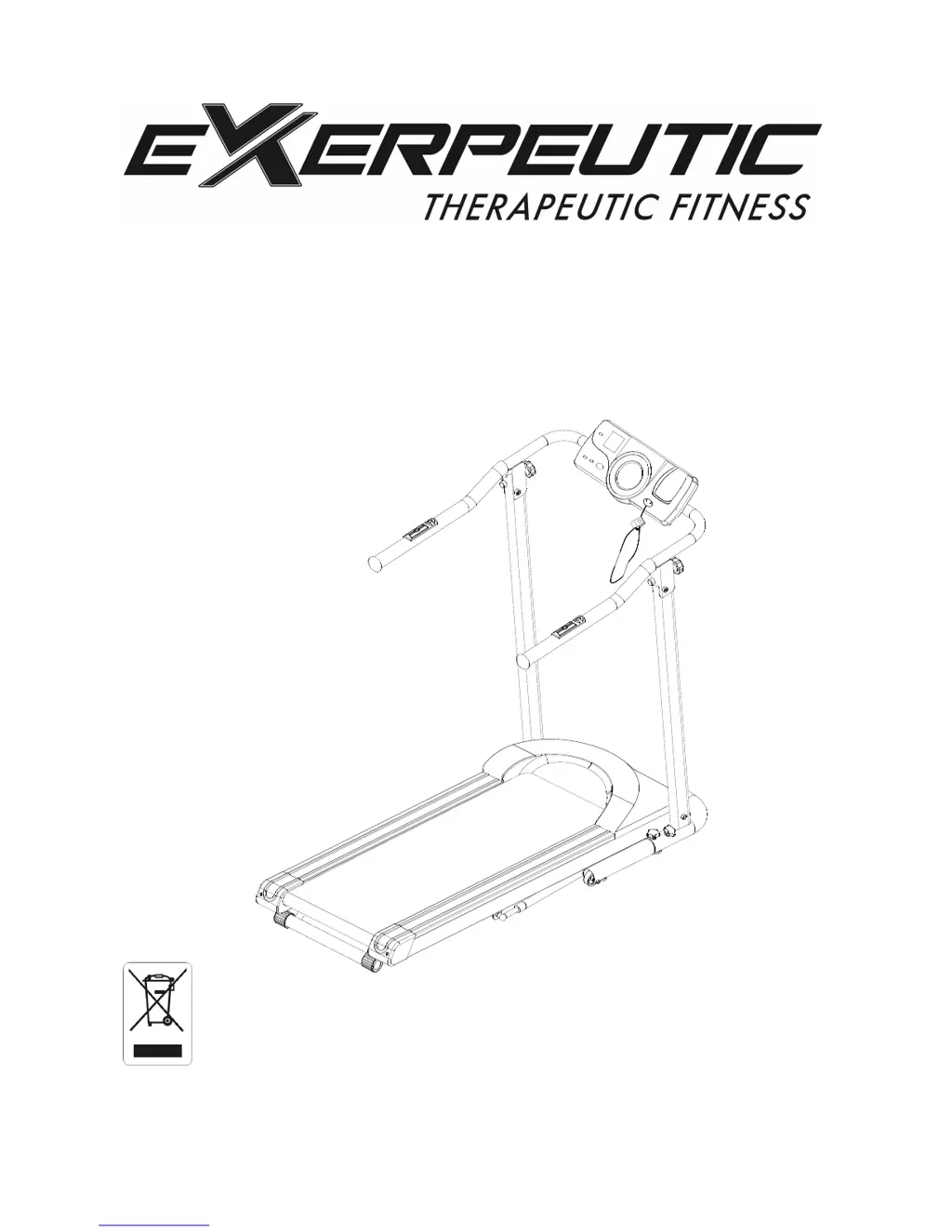
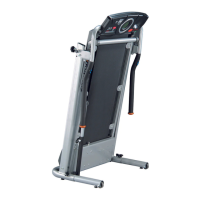
The specifications of this product may vary from this photo, subject to change without
notice.

Questions and Answers

  • S
    Samantha AbbottAug 1, 2025
    What to do if my Exerpeutic 1020 Treadmill will not start?
    • J
      Jamie FryeAug 1, 2025
      If your Exerpeutic Treadmill won't start, here's what to check: 1. Make sure the power plug is properly inserted into the electrical wall outlet. 2. Ensure the safety tether key is correctly installed. 3. Check your house circuit breaker and reset it, or have an electrician replace it if necessary. 4. Examine the treadmill circuit breaker; if tripped, wait five minutes before pressing the switch back in.
  • A
    Adam ValdezAug 11, 2025
    Why is the belt slipping on my Exerpeutic 1020 Treadmill?
    • C
      Carolyn TurnerAug 11, 2025
      If the belt on your Exerpeutic Treadmill slips, it's likely that the belt isn't tight enough. You should adjust the belt tension to resolve this.
  • C
    carriehicksAug 20, 2025
    What to do if the belt hesitates when stepped on my Exerpeutic 1020 Treadmill?
    • M
      Marcus TerryAug 20, 2025
      If the belt on your Exerpeutic Treadmill hesitates when you step on it, it could be due to a couple of reasons: 1. There might not be enough lubrication on the running deck. Applying silicone lubricant can help. 2. The belt might be too tight. Adjusting the belt tension could solve the problem.

Summary

Warranty Information

Ordering Replacement Parts

Information on how to order replacement parts for the treadmill.

Warning Label Placement

Safety Instructions

Parts List

Computer Knobs Included

Details and illustration of computer knobs included with the treadmill.

Tool Identification

Identification of the included tool, an Allen wrench.

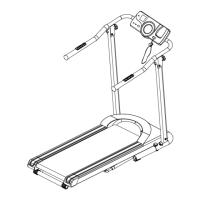
Overview Drawing

Assembly Instructions

Step 1: Securing the Deck

Instructions for placing the treadmill upright and securing the deck.

Step 2: Attaching the Handlebar

Instructions for lifting and tightening the handlebar with knobs and washers.

Step 3: Connecting Console Wires

Connecting sensor cables, tucking wires, and attaching the computer console.

Step 4: Leveling the Treadmill

Instructions for leveling the treadmill using adjustable levelers.

Storage Guidelines

Folding the Treadmill

Detailed steps on how to fold the treadmill for storage.

Operating the Computer

Quick Start Guide

Initial steps to power on and begin using the treadmill's computer functions.

Button Functions Explained

Explanation of the functions of each button on the computer console.

Error Messages

Information on error codes (E1, E2) and their potential causes and resolutions.

Care, Maintenance & Troubleshooting Guide

Cleaning Procedures

Guidelines for cleaning the treadmill using mild detergent and a soft cloth.

Storing the Treadmill

Instructions on proper storage location and power disconnection for the treadmill.

Belt Adjustment and Lubrication

Incline Adjustment

Warm Up Exercises

Parts Request Fax Form

Exerpeutic 1020 Specifications

General IconGeneral
BrandExerpeutic
Model1020
CategoryTreadmill
LanguageEnglish

Related product manuals