EasyManua.ls Logo

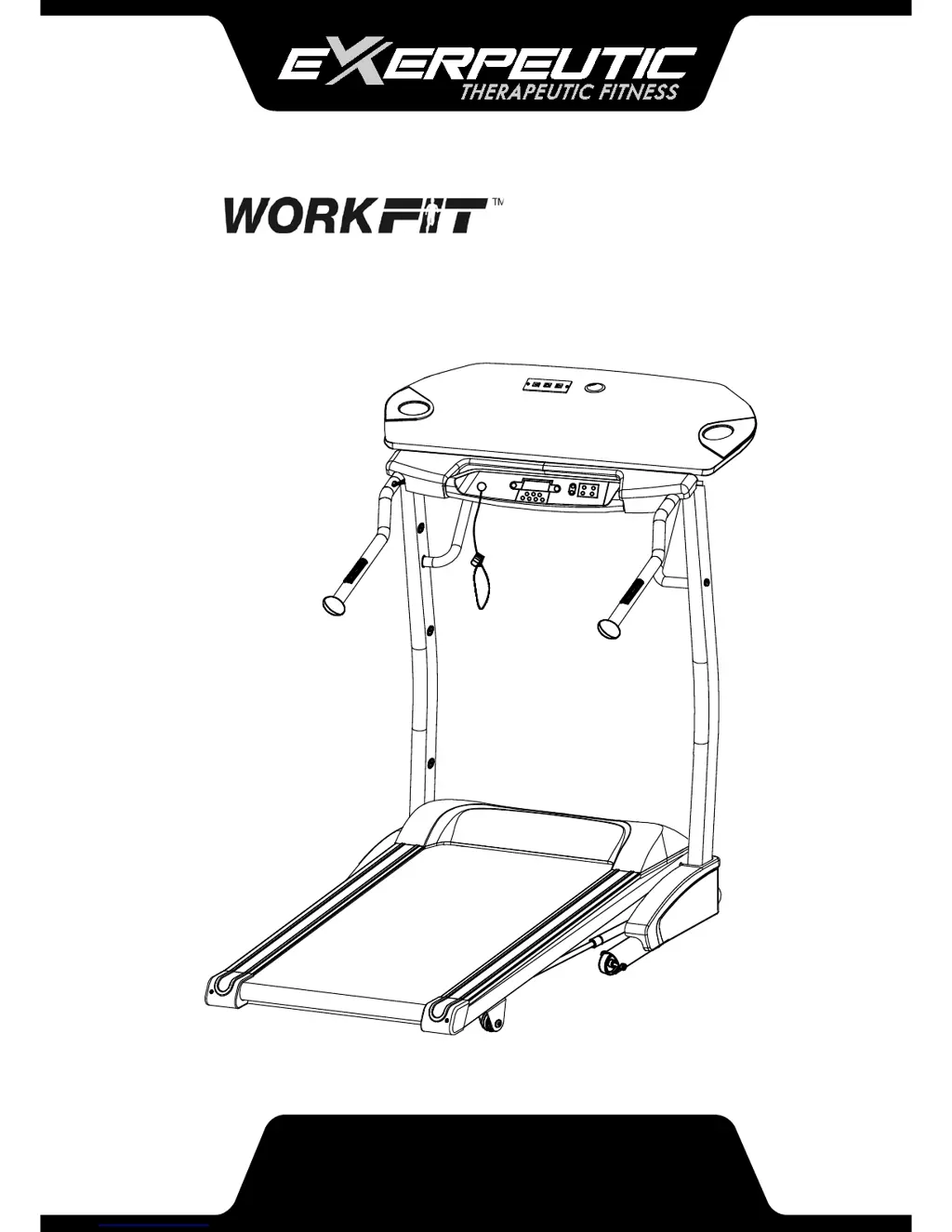
Exerpeutic Workfit 1030 - User Manual

Exerpeutic Workfit 1030
33 pages
Print Icon
To Next Page IconTo Next Page
Loading...
OWNER’S MANUAL
Treadmill
1030.9-010517

Questions and Answers

  • P
    pshermanAug 15, 2025
    What to do if my Exerpeutic Treadmill won't start?
    • J
      Jennifer KiddAug 15, 2025
      If your Exerpeutic Treadmill won't start, make sure the power plug is properly inserted into the electrical wall outlet and the safety tether key is installed. You can also try to reset the breaker in your home, or have an electrician replace it if necessary. Another option is to wait five minutes and then press the switch back on.
  • B
    bairddawnAug 18, 2025
    What does Er 1 mean on my Exerpeutic Workfit 1030 Treadmill and how to fix it?
    • A
      abigailbarnesAug 18, 2025
      If your Exerpeutic Treadmill displays 'Er 1', it means the computer hasn't received a signal for 30 seconds, which indicates a communication issue between the upper and lower controllers. First, check that the cables are well connected. If the error persists, turn the power switch to the OFF position, wait 30 seconds, and then turn it back ON.
  • J
    Johnny MorrowAug 21, 2025
    What does Er 7 mean on my Exerpeutic Treadmill and how can I fix it?
    • M
      mariahamiltonAug 22, 2025
      If your Exerpeutic Treadmill displays 'Er 7', it indicates that the PCB (Printed Circuit Board) hasn't received a signal, suggesting a communication issue between the upper and lower controllers. Check that the cables are well connected. If the error continues, turn the power switch to the OFF position, wait 30 seconds, and then turn it back ON.
  • M
    Molly MeltonAug 25, 2025
    What does Er 3 mean on my Exerpeutic Treadmill and how to fix it?
    • J
      John ClarkAug 25, 2025
      If your Exerpeutic Treadmill displays 'Er 3', it indicates an over voltage protection trip, likely due to input AC power over voltage. To resolve this, turn the power switch to the OFF position, wait 30 seconds, and then turn it back ON.
  • V
    Vanessa MayoAug 27, 2025
    What does Er 4 mean on my Exerpeutic Treadmill and how do I fix it?
    • J
      Johnathan SerranoAug 27, 2025
      If your Exerpeutic Treadmill displays 'Er 4', it means there's excessive current from the controller. This can happen if the belt is too tight or rubs against the deck. Try adjusting the belt tension. Also you can apply silicone lubricant or turn off the Power Switch to the OFF position, wait 30 seconds, then turn on the Power Switch to the ON position.
  • K
    kelly51Aug 30, 2025
    What does Er 6 mean on my Exerpeutic Workfit 1030?
    • E
      Erica GarnerAug 31, 2025
      If your Exerpeutic Treadmill displays 'Er 6', it indicates that the motor isn't working. Check if the wire that connects to the motor is properly connected. Reconnect the wire or turn off the Power Switch to the OFF position, wait 30 seconds, then turn on the Power Switch to the ON position.
  • R
    richard99Sep 2, 2025
    What does Er 5 mean on my Exerpeutic Workfit 1030?
    • M
      megan39Sep 2, 2025
      If your Exerpeutic Treadmill displays 'Er 5', it means there's excessive drive motor current. Turn off the Power Switch to the OFF position, wait 30 seconds, then turn on the Power Switch to the ON position.
  • H
    Hannah JamesSep 5, 2025
    Why does the belt slip on my Exerpeutic Workfit 1030?
    • K
      Karina OlsenSep 5, 2025
      If the belt slips on your Exerpeutic Treadmill, it needs tension adjustment. Adjust the belt tension.
  • V
    Victoria BenjaminSep 8, 2025
    Why does my Exerpeutic Workfit 1030 belt hesitate when I step on it?
    • D
      Destiny YangSep 8, 2025
      If the belt on your Exerpeutic Treadmill hesitates when stepped on, it could be due to not enough lubrication on the running deck or because the belt is too tight. Apply silicone lubricant to the running deck. Also, adjust the belt tension.
  • T
    Todd HicksSep 12, 2025
    What to do if SAFE appears on my Exerpeutic Treadmill?
    • J
      Joseph CooperSep 12, 2025
      If 'SAFE' appears on your Exerpeutic Treadmill display, the safety key is either loose or unplugged. Replace the Safety Key.

Summary

Assembly

Installing the Handlebar Support Tube Frame

Attaches the handlebar support tube frame to the stabilizer using bolts and spring washers.

Installing the Stabilizer Support Tube Covers

Secures the stabilizer support tube covers to the main frame using washers and self-tapping screws.

Installing the End Caps

Attaches the rear end caps to the side rails using self-tapping screws.

Installing the Right Side Handlebar, Speed and Hand Pulse Sensors

Connects sensors and attaches the right handlebar to the handlebar support tube frame.

Installing the Left Side Handlebar, Incline and Handle Pulse Sensors

Connects sensors and attaches the left handlebar to the handlebar support tube frame.

Installing the Hinges

Attaches the table hinges to the support frame and the table to the hinges.

Installing the Table to the Table Angle Adjustment Tube

Connects the table to the angle adjustment mechanism and secures it with a knob.

Computer

Training In Program Mode

Explains how to select and use the 5 pre-set training programs on the treadmill console.

Training In USER Program Mode

Details how to customize and set up two user-specific training programs.

Operations & Adjustments

Adjusting the Angle of the Table

Describes how to adjust the table to its 4 different incline angles using a knob.

Setting Down the Treadmill

Provides instructions on how to safely lower the treadmill deck to the ground for storage.

Storage

Folding Up the Treadmill

Explains the procedure for lifting and locking the treadmill deck into its upright position.

Cable Storage

Illustrates how to use the cord anchor to store the power cord when not in use.

Maintenance & Troubleshooting

Cleaning

Provides guidance on how to clean the treadmill safely and effectively using mild detergent.

Troubleshooting Guide

Lists common problems, potential causes, and suggested corrections for treadmill issues.

Warranty

Manufacturers Limited Warranty

Outlines the terms, duration, and exclusions of the product's warranty coverage.

Ordering Replacement Parts

Provides instructions and contact information for ordering replacement parts for the treadmill.

Exerpeutic Workfit 1030 Specifications

General IconGeneral
FoldableYes
DisplayLCD
ProgramsNo
Heart Rate MonitoringNo
InclineManual
Speed Range0.5 to 4 mph
Dimensions (L x W x H)51" H

Related product manuals