16
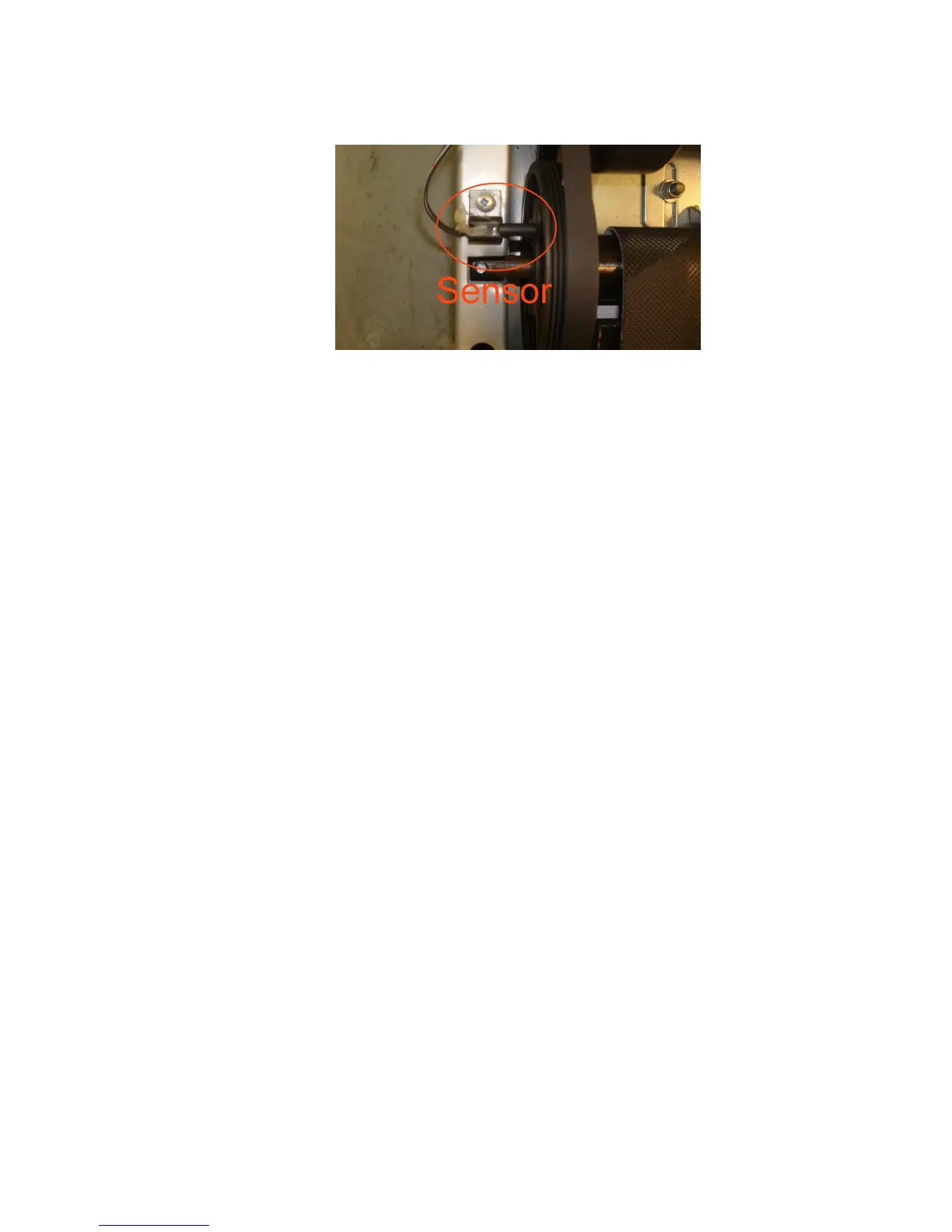
To Fix E2 Error
In order to reach the sensor, you will need to remove Motor Cover (15) by unscrewing 4
Self-Tapping Screws (M4x50mm) (8).
Please do as follow:
1. Make sure the sensor is close to Front Roller’s wheel (46) but not touching it.
2. Self-Tapping Screw (M4x50mm) (7) is secured, so the sensor’s position is fixed.
NOTE: If you leave the equipment and it is not operated for over 4 minutes, the computer
will display (shows up) the clock (time) and room temperature; that is called sleep mode.
In sleep mode, all other functions will turn off. All previous pre-set data and training data
are kept and will show up when any button is pressed.
CARE, MAINTENANCE & TROUBLESHOOTING GUIDE
WARNING: To prevent electrical shock, please turn off and unplugg(ed) the treadmill
before cleaning or preforming routine maintenance.
CLEANING
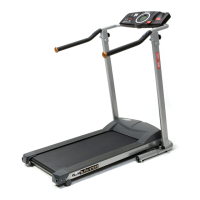
The treadmill can be cleaned with a soft cloth and mild detergent. Do not use abrasives or
solvents. Be careful not get excessive moisture on the display panel as this might cause
an electrical hazard or electronics to fail.
Please keep the treadmill, especially, the console, out of direct sunlight to prevent screen
damage.
STORAGE
Store the treadmill in a clean and dry environment. Ensure the master power switch is off
and is in the off position and the power plug is un-plugged from the electrical wall outlet.


 To Next Page