26
III. Button Functions:
START/STOP: Press the START/STOP button to start or stop the workout clock.
UP: Press the UP button to navigate through the training program modes (Manual,
Pre-set Programs, or User Program), to set target goals, and to increase the
resistance level during the workout.
DOWN: Press the DOWN button to navigate through the training program modes
(Manual, Pre-set Programs, or User Program), to set target goals, and to
decrease the resistance level during the workout.
ENTER: Press the ENTER button to confirm the selection of training program
modes (Manual, Pre-set Programs, or User Program), and to Confirm Target
goals.
RESET: Press and hold the RESET button for 3 seconds, to reset all values to 0.
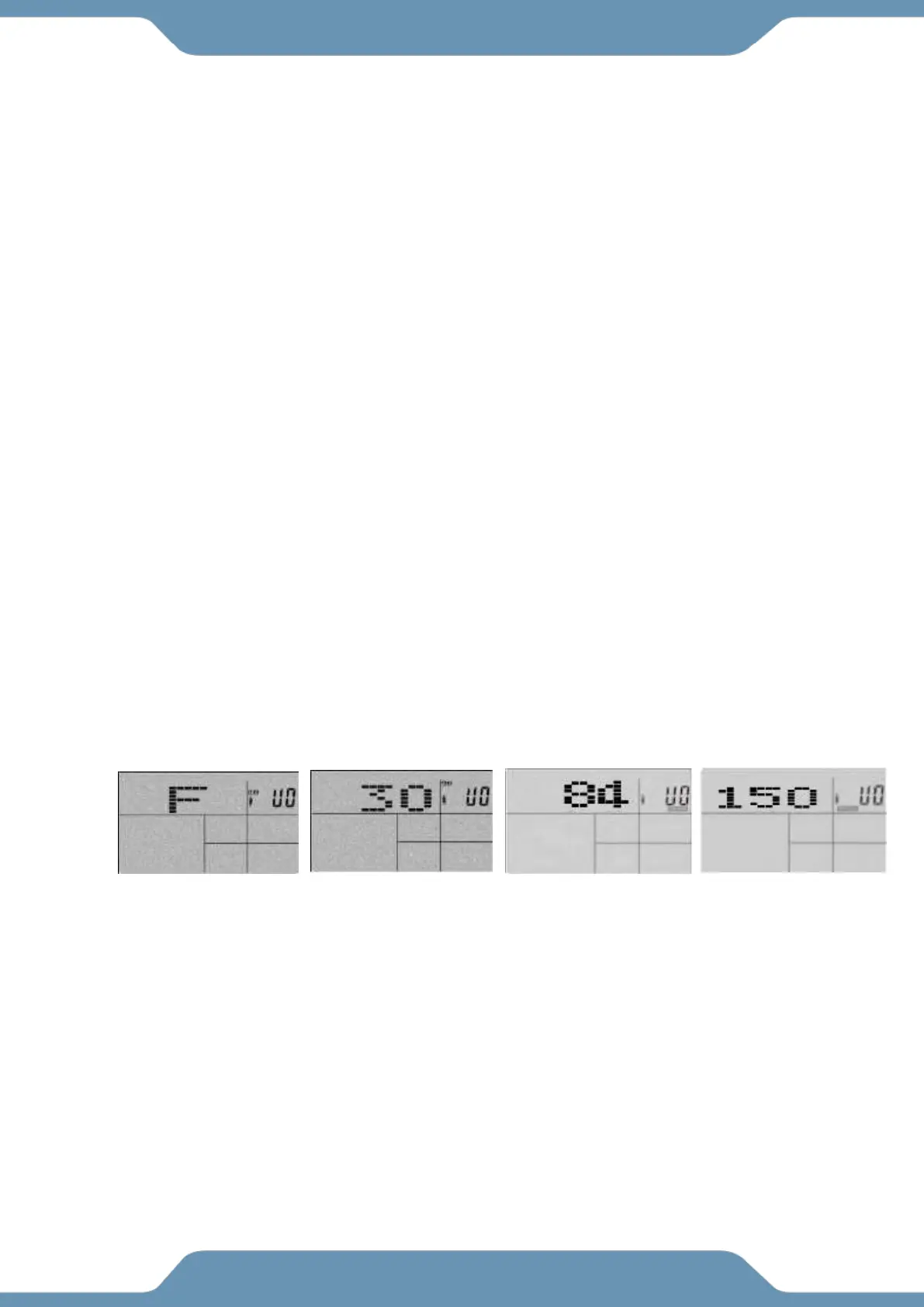
User Profile Operation Instructions (U0~U4)
1. Select a User Profile: User 0, User 1, User 2, User 3, or User 4.
2. Select Gender: Male or Female.
3. Enter user Age.
4. Enter User Height.
5. Enter User Weight.



 To Next Page