25
I. Display:
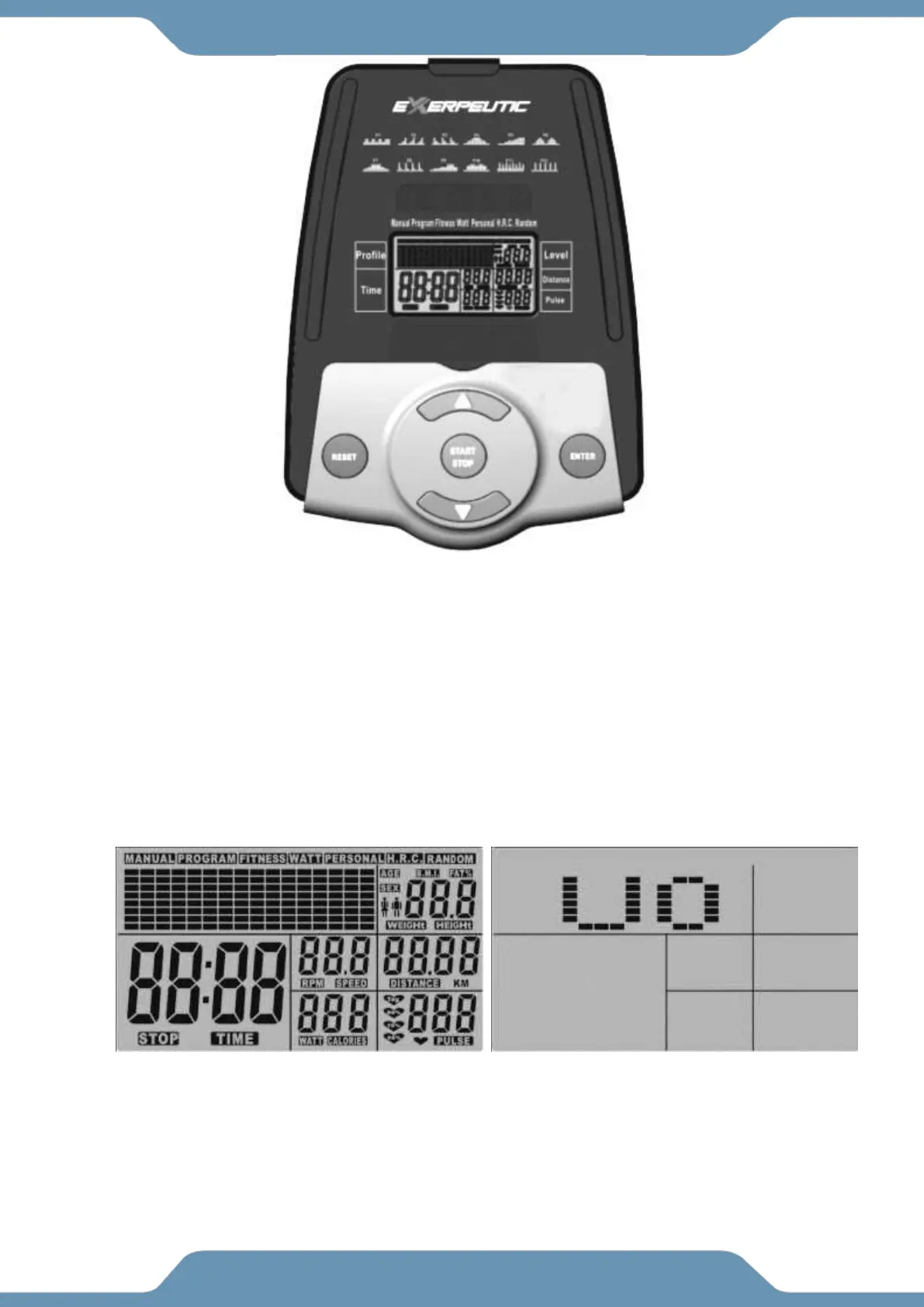
1. The LCD display shows the following workout statistics:
TIME, RPM, SPEED, DISTANCE, CALORIES, PULSE, and USER
2. Program Profiles: The LCD display will show the program profile you select on the 8
row by 16 column portion of the display.
II. Modes:
1. POWER Mode: When you plug in the machine, the console will beep, and the display
will ask you to select a User Profile (U0~U4). There are a total of 5 profiles that can
be saved. (Fig - 1, Fig - 2)
2. SLEEP Mode: After 4 minutes of inactivity the computer will automatically enter Sleep
Mode. Pedal the machine or press any key to turn the display back on.



 To Next Page