27
IV. PROGRAM OPTION INSTRUCTIONS:
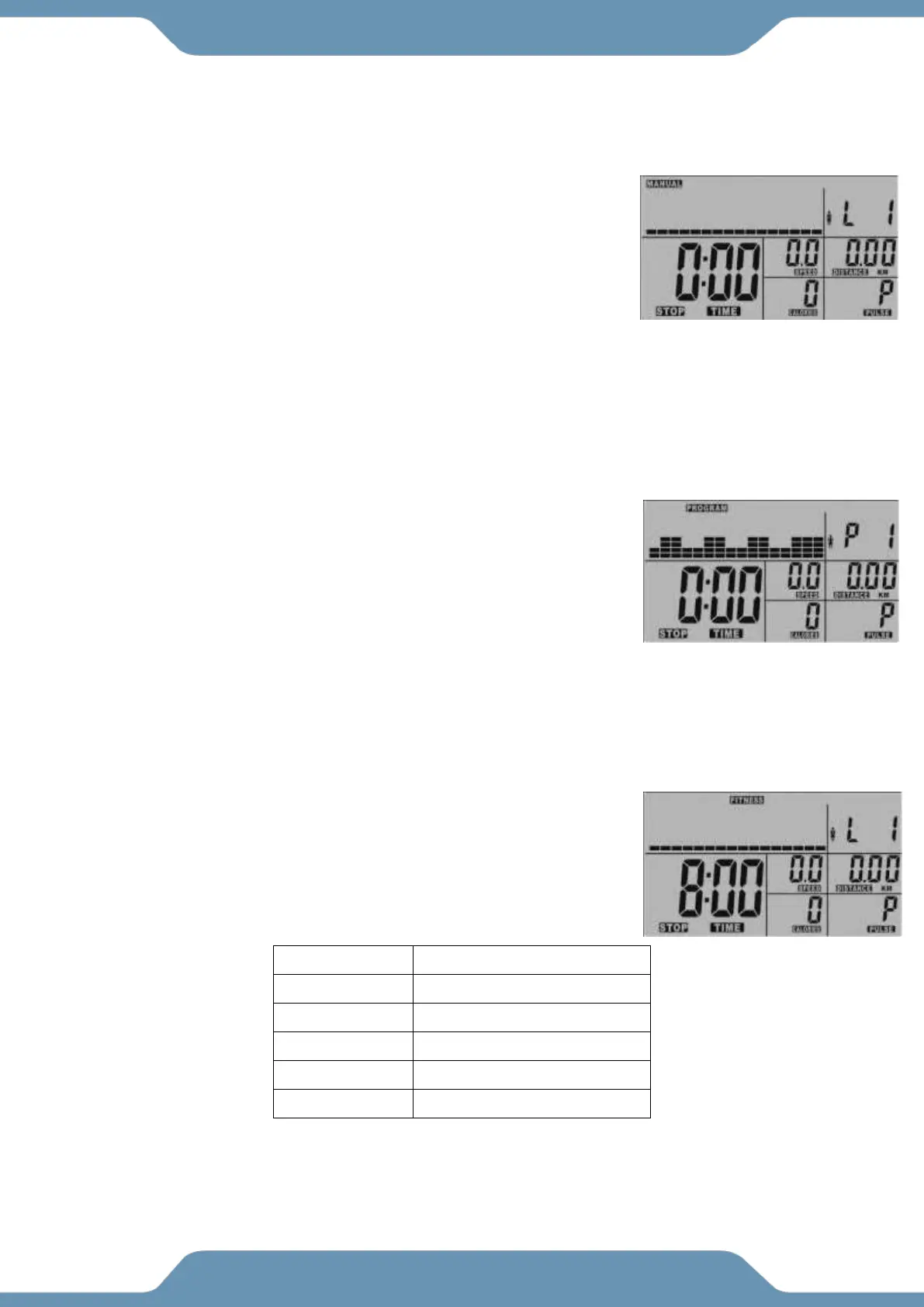
MANUAL WORKOUTS: Lets you set the workout resistance level manual.
1. Select the MANUAL Program feature and then push the ENTER
button.
2. Use the UP and DOWN buttons to set a RESISTANCE LEVEL.
Press the START/STOP button to begin your workout or the
ENTER button to confirm and set another workout goal.
3. Use the UP and Down buttons to set a TIME goal. Press the
START/STOP button to begin your workout or the ENTER button
to confirm and set another workout goal.
4. Use the UP and DOWN buttons to set a DISTANCE goal. Press the START/STOP button to begin
your workout or the ENTER button to confirm and set another workout goal.
5. Use the UP and DOWN buttons to set a CALORIE goal. Press the START/STOP button to begin
your workout or the ENTER button to confirm and set another workout goal.
PROGRAM WORKOUTS: Lets you follow one of the workout resistance level patterns
printed on the console.
1. Select the PROGRAM feature and then push the ENTER button.
2. Select one of the 12 Pre-Set Programs and press the ENTER
button to confirm your selection.
3. Use the UP and DOWN buttons to set a TIME goal. Press the
ENTER button to confirm your selection.
4. Use the UP and DOWN buttons to set a DISTANCE goal. Press
the ENTER button to confirm your selection.
5. Use the UP and DOWN buttons to set a CALORIE goal. Press the ENTER button to confirm your
selection.
Heart Rate Recovery Test: The tension adjusts to maintain a 50 WATT
workout.
1. Select the FITNESS feature and then push the ENTER button.
2. Press the START/STOP button to begin the test.
3. Hold the Hand Pulse Sensors for the entire test. The test will last 8
minutes.
After the test has been completed, the results are as follows:



 To Next Page