28
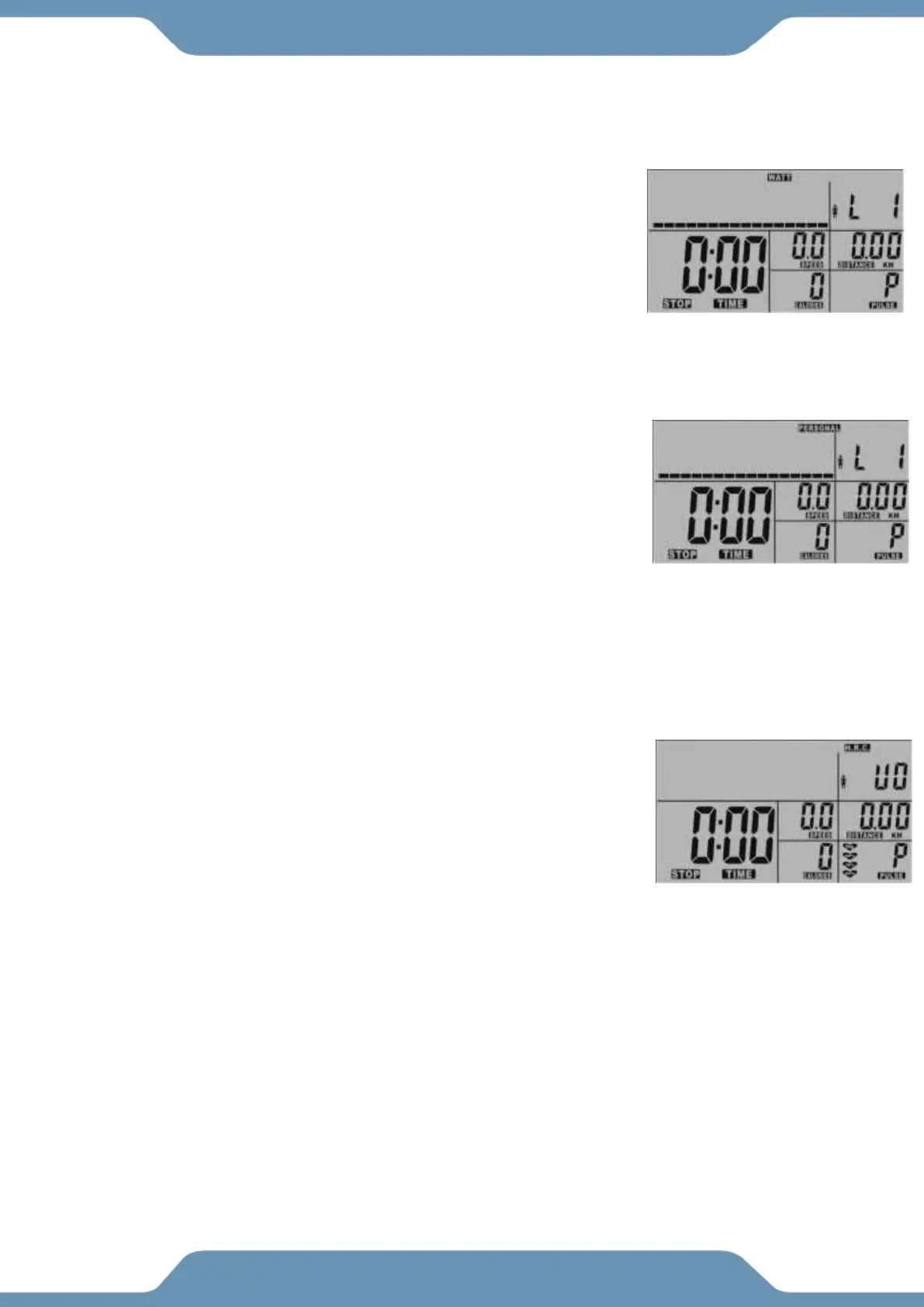
WATT: The tension will adjust to maintain a 50 WATT workout.
1. Select the WATT feature and then push the ENTER button.
2. Use the UP and DOWN buttons to set a TIME goal. Press the
START/STOP button to begin your workout or the ENTER button
to confirm and set another workout goal.
3. Use the UP and DOWN buttons to set a DISTANCE goal. Press
the START/STOP button to begin your workout or the ENTER
button to confirm and set another workout goal.
4. Use the UP and DOWN buttons to set a CALORIE goal. Press the START/STOP button to begin
your workout or the ENTER button to confirm and set another workout goal.
PERSONAL: Lets you set a custom work out profile. Set a pattern of resistance levels
to follow your own workout.
1. Select the PERSONAL feature and then push the ENTER button.
2. Use the UP and DOWN buttons to adjust each column of the Graph
using the UP and DOWN buttons. Once completing a column,
Press the Enter Button to move to the next column. Do this for all
16 columns and press the ENTER button to confirm your selection.
3. Use the UP and DOWN buttons to set a TIME goal. Press the
ENTER button to confirm your selection.
4. Use the UP and DOWN buttons to set a DISTANCE goal. Press the ENTER button to confirm your
selection.
5. Use the UP and DOWN buttons to set a CALORIE goal. Press the ENTER button to confirm
HEART RATE CONTROL (H.R.C.): Tension will change to get user to the selected Heart
Rate Zone.
1. Select the H.R.C feature
2. Select a Heart Rate Zone, Either 55%, 75%, 90% or TAG.
3. Use the UP and DOWN buttons to set a TIME goal. Press the
ENTER button to confirm your selection.
4. Use the UP and DOWN buttons to set a DISTANCE goal. Press
the ENTER button to confirm your selection.
5. Use the UP and DOWN buttons to set a CALORIE goal. Press
the ENTER button to confirm your selection.
If the User selected “TAG”: The Console will adjust the tension to keep the user at a
selected Heart Rate.
1. Use the UP and DOWN buttons to set a HEART RATE goal. Press the ENTER button to
confirm your selection.
2. Use the UP and DOWN buttons to set a TIME goal. Press the ENTER button to confirm your
selection.
3. Use the UP and DOWN buttons to set a DISTANCE goal. Press the ENTER button to confirm
your selection.
4. Use the UP and DOWN buttons to set a CALORIE goal. Press the ENTER button to confirm
your selection.



 To Next Page