29
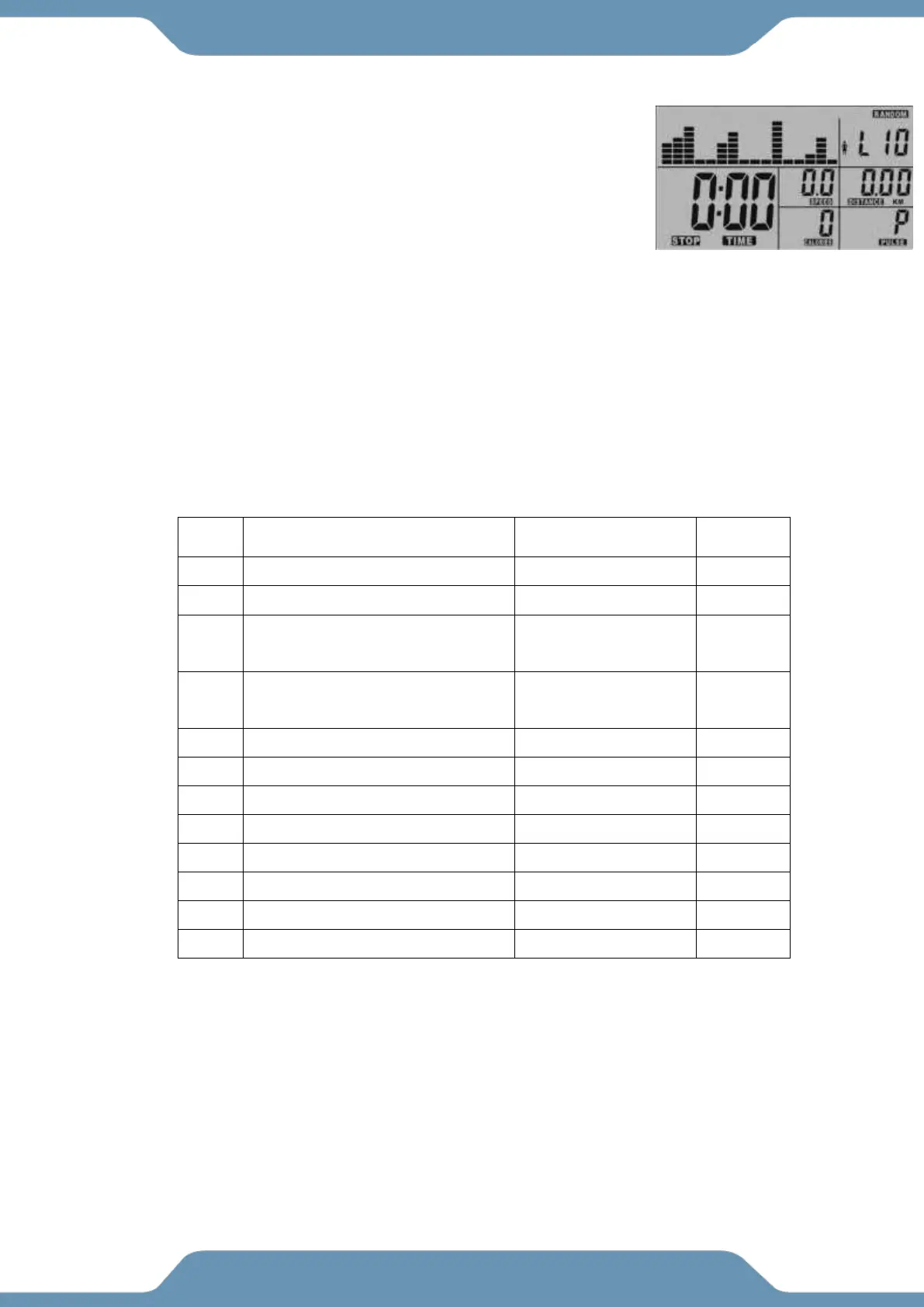
RANDOM: Generates a random workout profile for the user.
1. Select the RANDOM feature.
2. Use the UP and Down buttons to set a TIME goal. Press the
ENTER button to confirm your selection.
3. Use the UP and DOWN buttons to set a DISTANCE goal. Press
the ENTER button to confirm your selection.
4. Use the UP and DOWN buttons to set a CALORIE goal. Press
the ENTER button to confirm your selection.
5. Use the UP and DOWN buttons to set a DISTANCE goal. Press the ENTER button to confirm
your selection.
6. Use the UP and DOWN buttons to set a CALORIE goal. Press the ENTER button to confirm
your selection.
VI. Functions View: Below is a list of Functions and their Values and how they display on the
console.



 To Next Page