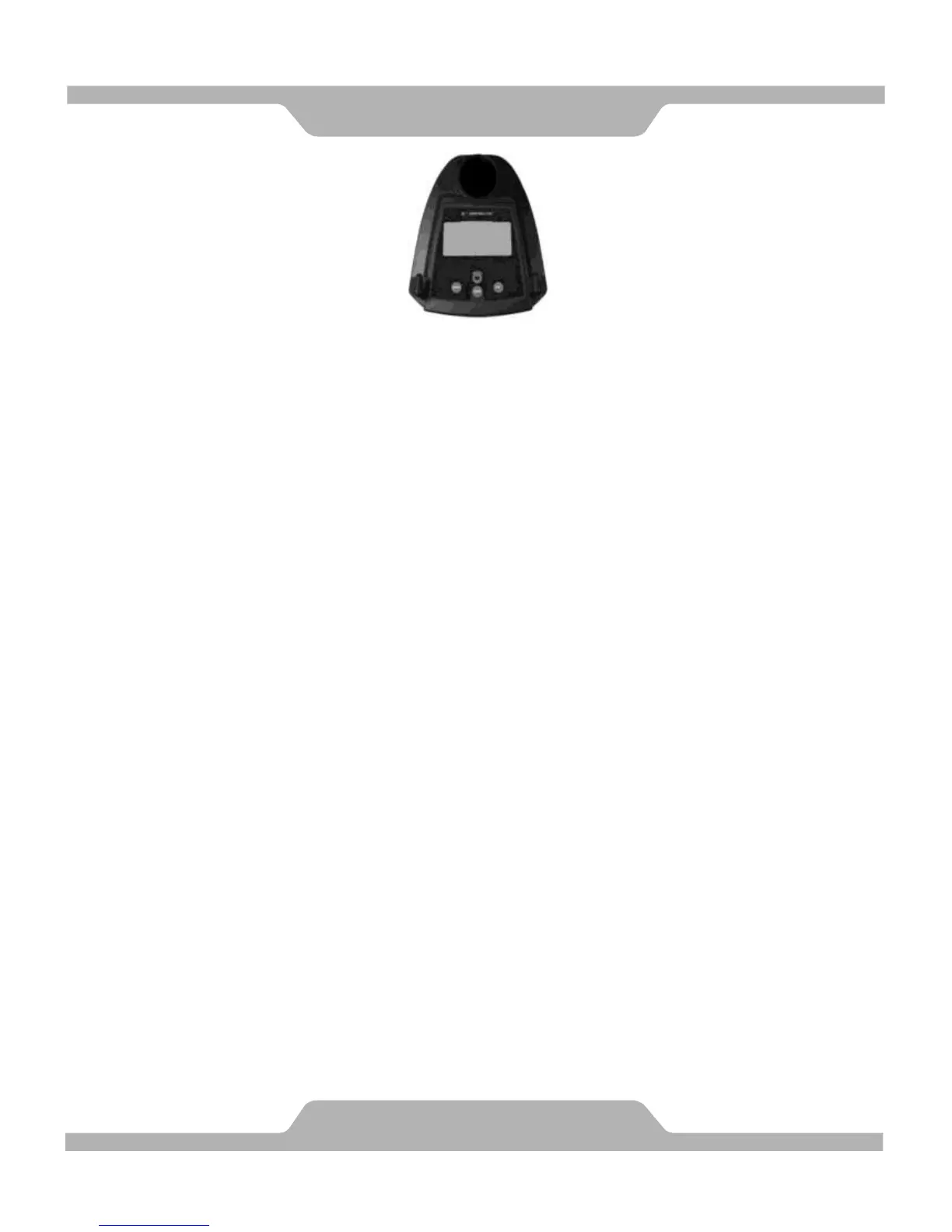
BUTTON FUNCTIONS:
MODE: Press the "Mode" button to change modes and to confirm setup.
SET: Used to set the values for TIME, DISTANCE, CALORIES and PULSE.
You can hold the button to increase the value at a faster rate. (Only works
while machine is stopped.)
RESET: "Reset" clears the current value on any of: Time, Distance or Calories.
Pushing the button once clears one value, holding it down for 2 seconds
clears all. (When the user replace batteries, all the values will reset
to ZERO automatically.)
RECOVRY: An after workout cool down function. Gives a 1 minute cool down.
DISPLAY FUNCTIONS:
SCAN: Scans continuously through all functions RPM - SPEED - DISTANCE -
CALORIES - PULSE.
RPM: Displays total Revolutions Per Minute. The display will automatically
switch between RPM and SPEED every 6 seconds after starting to exercise.
SPEED: Displays current speed.
TIME: Count up - Without a preset time, time will count up from 00:00 to a maximum
of 99:59.
TIME can be preset in 1 minute increments between 01:00 and 99:00.
DISTANCE: Shows total accumulated distance from 00:00 up to 99.99 miles.
The user may preset target distance by pressing the UP/DOWN button,
done in 0.1 mile increments.
CALORIES: Show total accumulated burned calories during training from 0 to
maximum of 9999 calories. (This data is a rough guide for comparison
of different exercise sessions. It can not be used in medical treatment
or for exact measurements.)
PULSE: Displays your current pulse.
TEMPERATURE: Displays current room temperature from 32F to 140F.
CALENDAR: You can set a current calendar including year, month, date, and it will
display after the monitor auto-shuts off, after about 4 minutes.
To set up the time: Press the set button for 3 seconds.
CLOCK: Displays hour and minute from 00:00 to 23:59 (24 hours mode).



 To Next Page