EasyManua.ls Logo

Exibel DM96B - User Manual

Exibel DM96B
32 pages
Print Icon
To Next Page IconTo Next Page
Loading...
Dockningshögtalare med Bluetooth
Dockinghøyttaler med Bluetooth · Bluetooth-telakointikaiutin
Ver. 20130424
English 3
Svenska 10
Norsk 17
Suomi 24
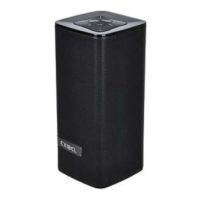
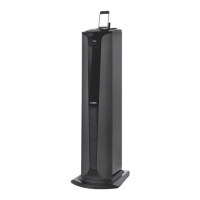
Bluetooth Tower
Speaker Dock
Art.no. Model
38-5345 DM96B / BXT1200i

Questions and Answers

  • T
    Thomas LiuAug 11, 2025
    What to do if there is no sound from my Exibel DM96B?
    • T
      Timothy ReyesAug 11, 2025
      If there is no sound from your Exibel Speakers, first check the volume level and ensure that the correct audio source is selected. Also, verify that none of the electrical cables are damaged and that they are all properly connected. Check the Bluetooth connection and test the playback from your external device before connecting it. Ensure that the mute function is off, and try playback using another file format such as MP3. If the file you are attempting to play may be incompatible or damaged, pull the plug from the wall socket to disconnect the speaker dock completely from the mains, then insert the plug back into the wall socket.
  • S
    salazarseanAug 21, 2025
    Why doesn't my Exibel Speakers remote control work?
    • T
      Toni RobinsonAug 21, 2025
      If your Exibel Speakers remote control isn’t working, the batteries could be flat, so replace them. Also, the remote control may be out of range of the speaker dock or there may be obstructions between the speaker dock and remote, such as furniture or other tall objects.
  • Z
    zfergusonAug 30, 2025
    How to fix Exibel DM96B dock that will not switch on?
    • J
      Jason JohnsonAug 30, 2025
      If the Exibel Speakers dock will not switch on, make sure the mains lead is undamaged and securely connected to both the wall outlet and the speaker dock. Also, ensure that there is power at the wall socket.

Exibel DM96B Specifications

General IconGeneral
BrandExibel
ModelDM96B
CategorySpeakers
LanguageEnglish

Related product manuals