Powerware
®
Plus 12 Operator's Manual (164200090 Rev E) "! $ 45
Final Configuration
After you have installed the UPS, perform the following steps for the bypass and input
configuration.
Bypass Configuration
#" Any change to the bypass configuration must be made when there is no
power to the unit. Failure to do so may result in damage to the load.
. Locate the Bypass Configuration switch on the rear panel of the UPS
(see Figure 9 on page 37) and Maintenance Bypass switch on the top panel
of the UPS (see Figure 10 on page 37).
I ON
ENABLE
O OFF
DISABLE
S3
I
O
S1
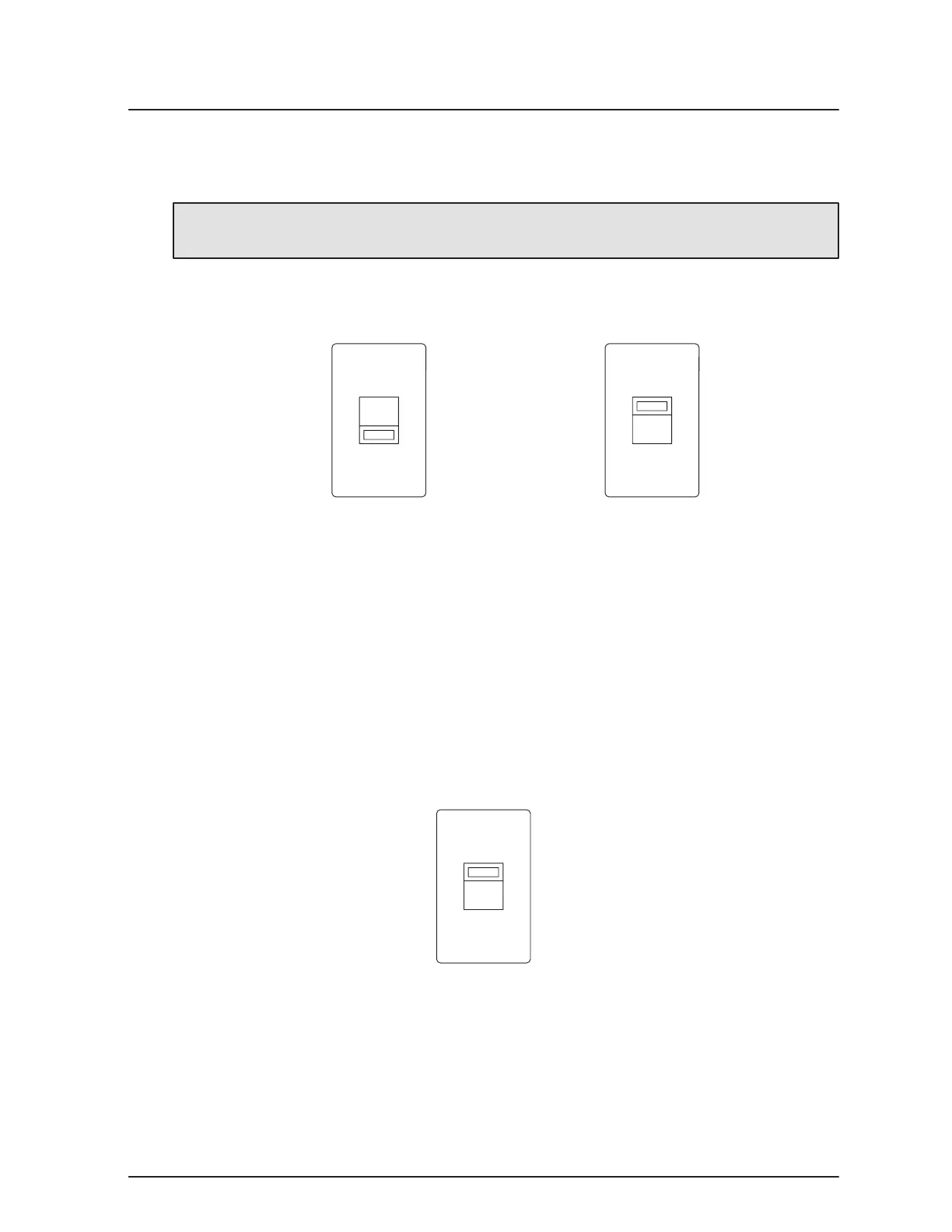
Figure 19. Maintenance Bypass and Bypass Configuration Switches
. Set the Maintenance Bypass switch to the off (O) position.
. If the input and output voltage, frequency, and phase displacement are
identical and bypass is desired, set the Bypass Configuration switch to the
ENABLE(I)position.
. If the input and output voltage, frequency, and phase displacement are not
identical or if bypass is not desired, set the Bypass Configuration switch to the
DISABLE position.
Input Configuration
. Locate the Input Neutral Configuration switch on the rear panel of the UPS
(see Figure 9 on page 37).
S2
I
O
Figure 20. Input Neutral Configuration Switch
. If the UPS has a Wye input (4Ćwire), set the Input Neutral Configuration switch
(S2) in the Wye(I)position.
. If the UPS has a Delta input (3Ćwire), set the Input Neutral Configuration switch
(S2) in the Delta (O) position.
. Your UPS is now installed and ready to start up. Continue to Chapter 4, UPS
Startup and Shutdown," on page 21 to start up your UPS.



 To Next Page