- 18 -
FIGURE 2
DISABLING HOPPER AUTO DOOR OPEN
4.3.7 Clearing Hopper Screen
:
a) Screen may be removed by firmly lifting screen handles. See Figure 3.
b) Pull screen towards the back to remove. Gently tap debris from the screen
as needed.
c) Excessive build-up on the screen can cause the blower to plug.
NOTE: In conditions where the screen clogs quickly, the front removable
screen panel can be turned and reinstalled under the primary screen to allow
free air flow from the hopper.
FIGURE 3
HOPPER SCREEN REMOVAL
4.4 TRANSPORTING
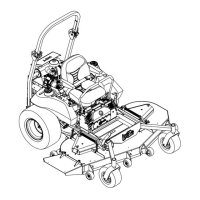
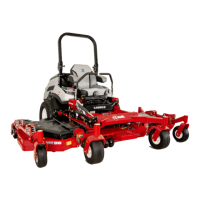
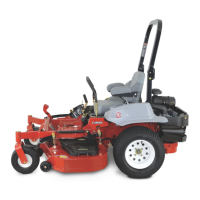
4.4.1 Transporting a Unit: Use a heavy-duty trailer or truck to transport the machine. Lock
brake and block wheels. Securely fasten the machine to the trailer or truck with
straps, chains, cable, or ropes. Be sure that the trailer or truck has all necessary
lighting and marking as required by law. Secure the trailer with a safety chain.


 To Next Page
 Loading...