User’s Manual
http://www.exoatletasia.com
ExoAtlet
Ⓡ
II 48 / 84 Ver 1.0 (2019.03.29.)
1) Settings
After pressing “Settings” button you will get to the Settings screen (more details in
8.2.3).
Warning: you should carefully check that shank length and thigh length in the
settings are similar to the ones that set on exoskeleton. Otherwise it may result in
incorrect walking and even injury of the patient because exoskeleton calculates the
walking pattern according to these values.
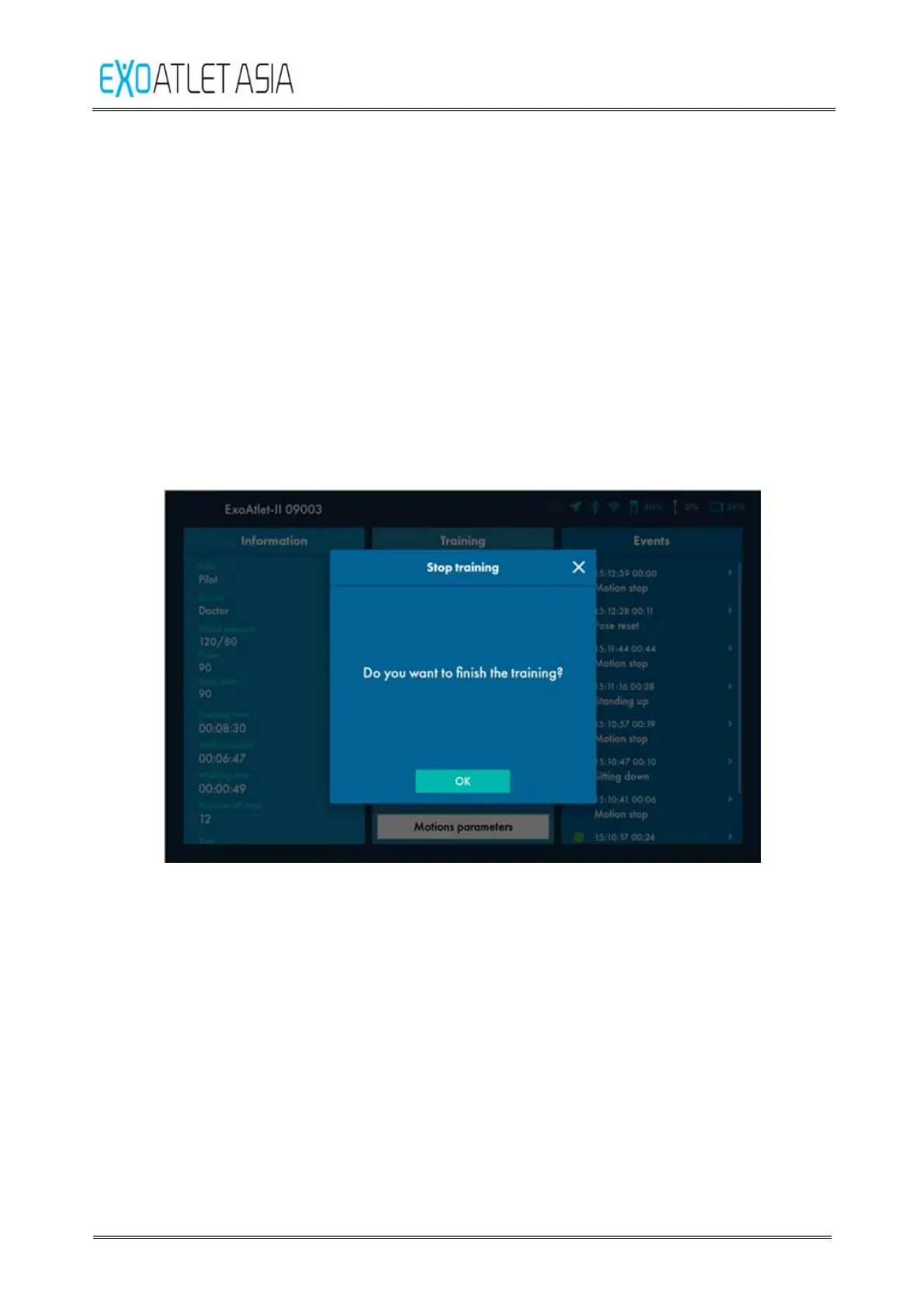
2) Stop training
After training you should press “Stop training” button. After pressing it will be
proposed to enter current values of pulse, blood pressure and saturation again.
Figure 51
Also you may leave a comment for the training (more details in 8.2.2.6). Then
you should press “Save” button if you wrote a comment or “No” button if you
don’t want to leave a comment. You will get back to the Training screen.



 To Next Page