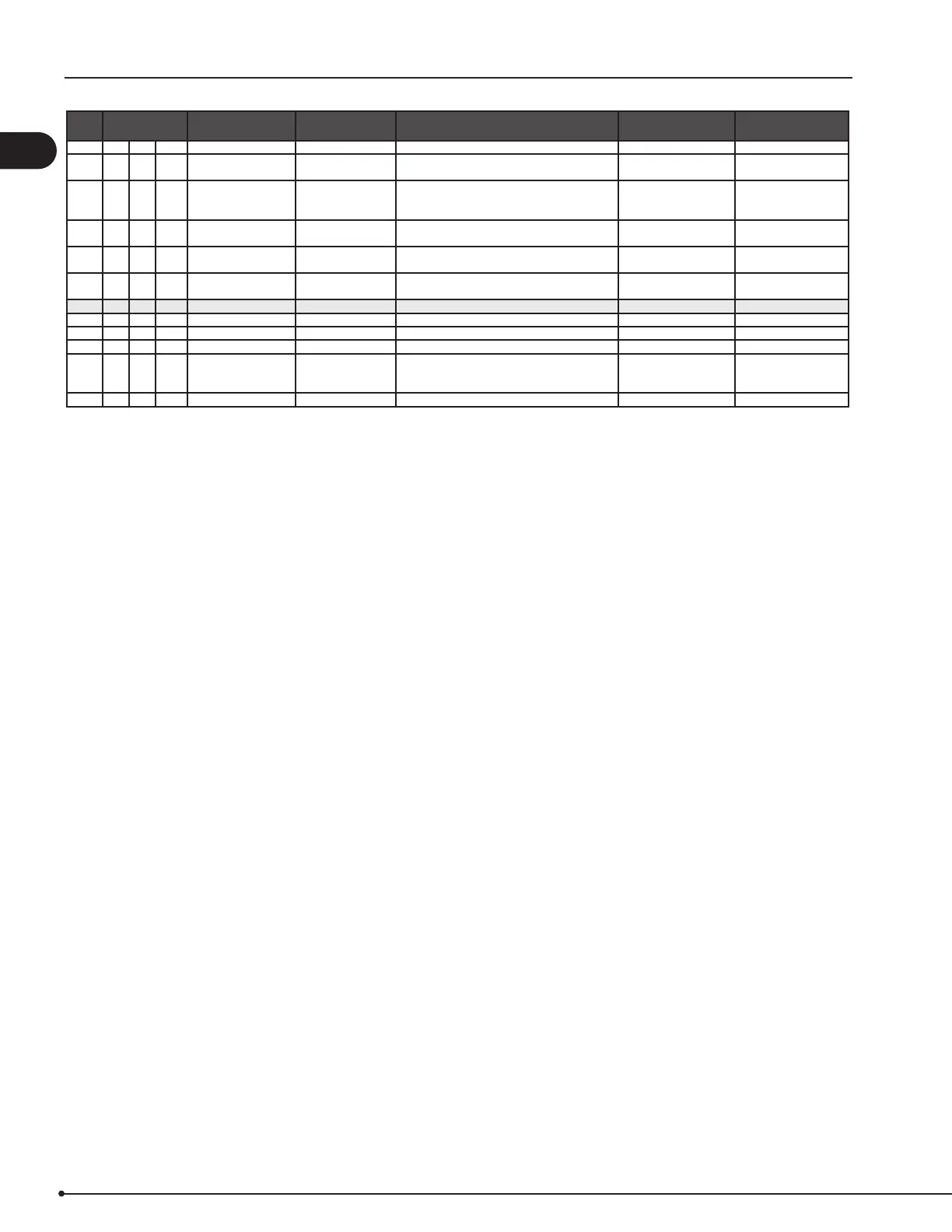
Menu Sub-menu function Display Description Range Default
36 USB conguration USB CONFIG
361 format USB FORMAT USB Selecting "YES" will format the USB ash drive.
Notice! All data will erased!
YES / NO NO
362 Data Log DATA LOG USB /
INTERNAL
Selecting "USB" will store the alarm log on the
USB ash drive, "INT" will store the log in the
internal memory.
USB / INT INT
363 Save cong. le SAVE CONFIG FILE Slecting "YES" provides the possibility to select
congurationles stored on the USB ash drive.
YES / NO NO
364 Load cong. le LOAD CONFIG FILE Selecting "YES" will download the current
conguration to the USB ash drive.
YES / NO NO
365 Upgrade rmware UPGRADE FIRM-
WARE
This function provides the possibility to
upgrade the rmware by means of a USB Stick
4 User Interface USER INTERFACE
41 Display DISPLAY
411 Language LANGUAGE Language. ENG / FRA / ESP ENG
412 Pressure units UNITS Pa or inWC units. Pa / inWC inWC
413 LCD backlight LCD BACKLIGHT LCD backlight turned on or not. The USE param-
eter will cause the backligt to be turned on if a
button is pressed.
ON / OFF / USE ON
414 LCD contrast LCD CONTRAST 10 – 100 % 50
18
3120066 MEC24 US 20210325


 To Next Page