10
EN
4. Memory Card
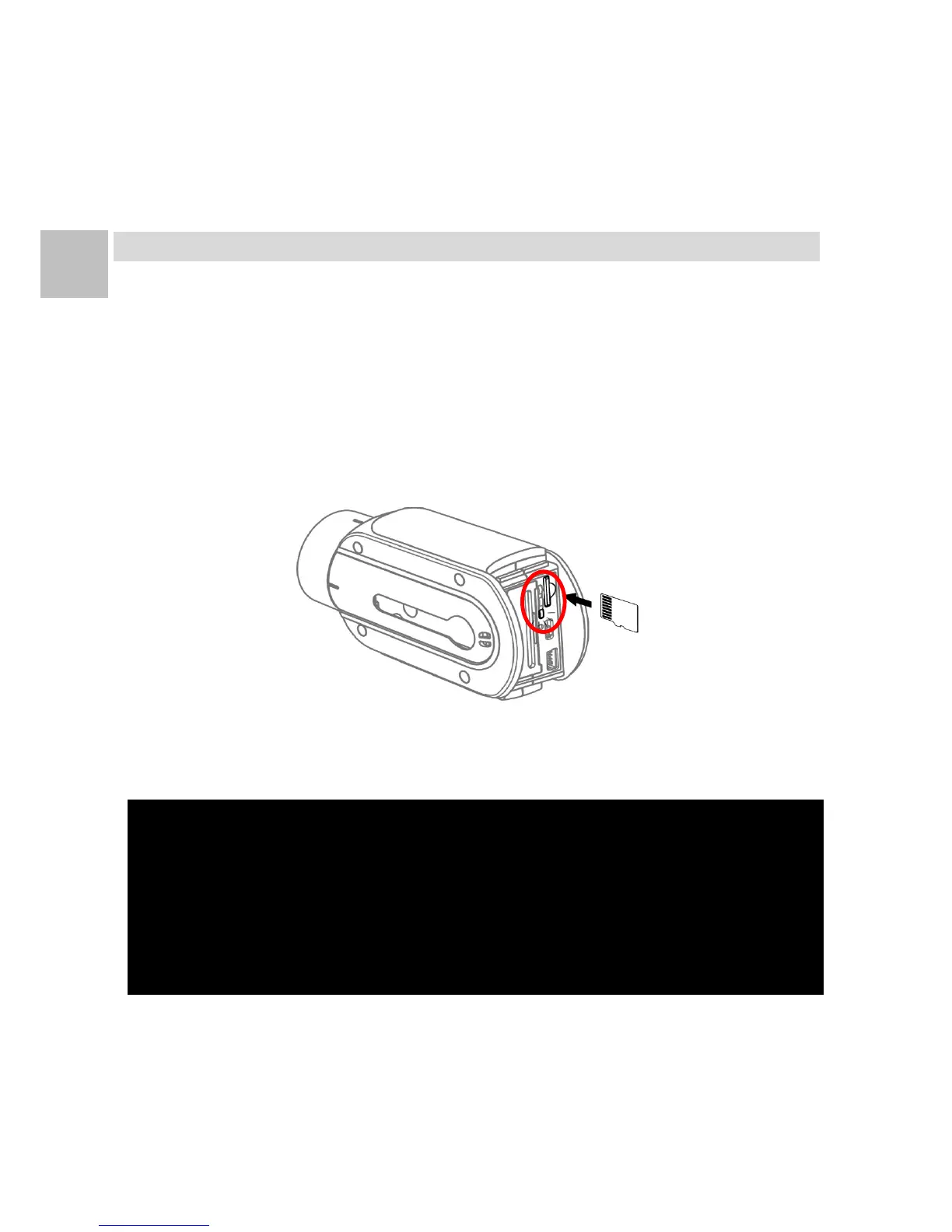
Insert Memory Card
1. Turn off the camera.
2. Take out the rear cover of the camera.
3. Insert Class 10 or above speed microSD card with the
correct direction into the microSD card slot of the camera.
Note1: When power on with no microSD card inserted, the camera emits【3
Long Beeps】and the [SD Card Light] blinks in red, and the camera
emits【5 Short Beeps】then automatically power off.
Note2: The [SD Card Light] blinks in red if the microSD card is detected error
or not formatted. Please insert new microSD card or format the
microSD card then try again.
Note3: Don’t eject the microSD card when power on or during recording.


 To Next Page