12
EN
5. Quick Start
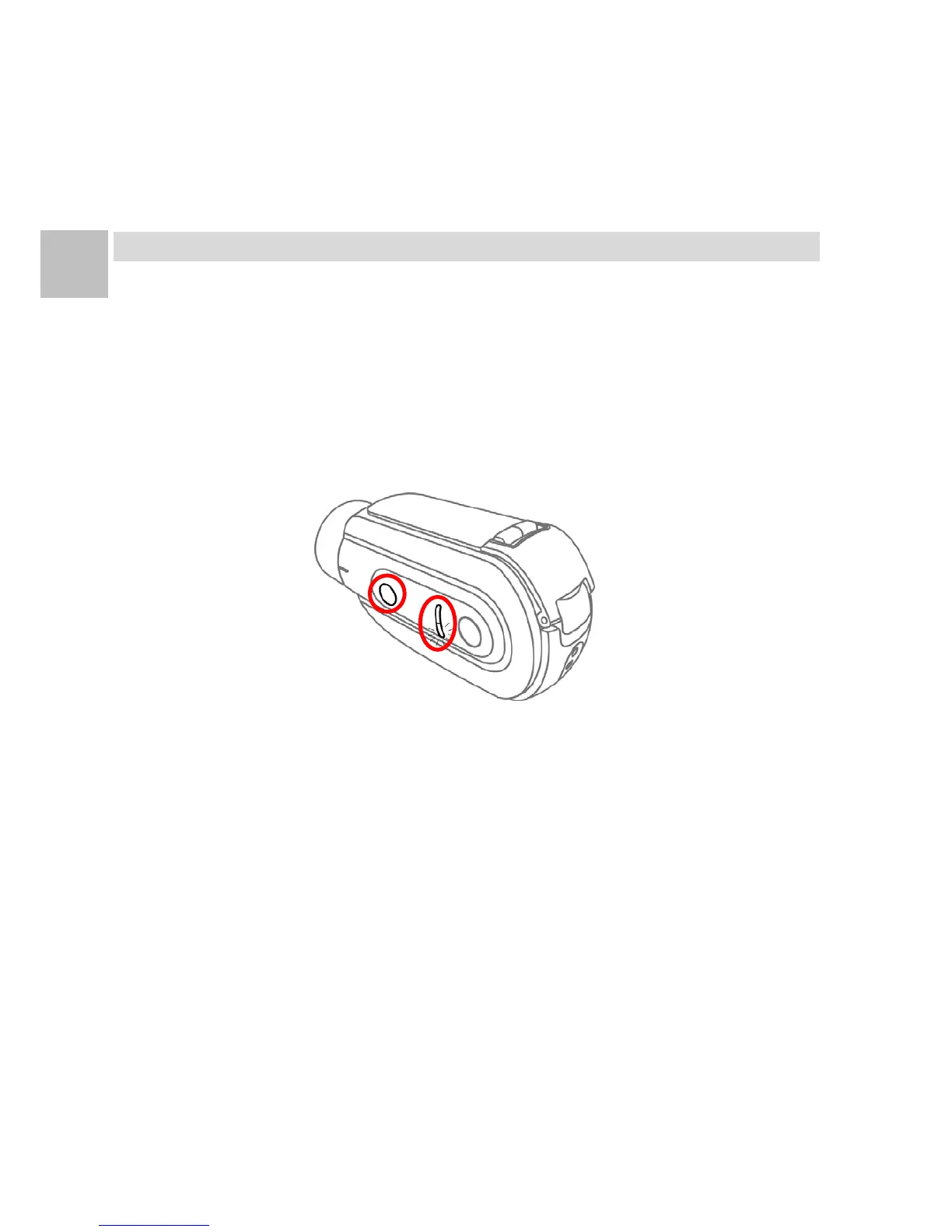
Power On
Press and hold the [Power/ Record Button] for 2 seconds
then release. The camera emits【3 Short Beeps】and the
[Power/ Record Light] blinks in green. The camera is now
on and ready.
Start Recording
When camera is on and ready, press and release the
[Power/ Record Button] to start recording. The camera
emits【1 Short Beep】and the [Power/ Record Light] is on
in green on while recording.


 To Next Page