18
EN
7. File Transfer
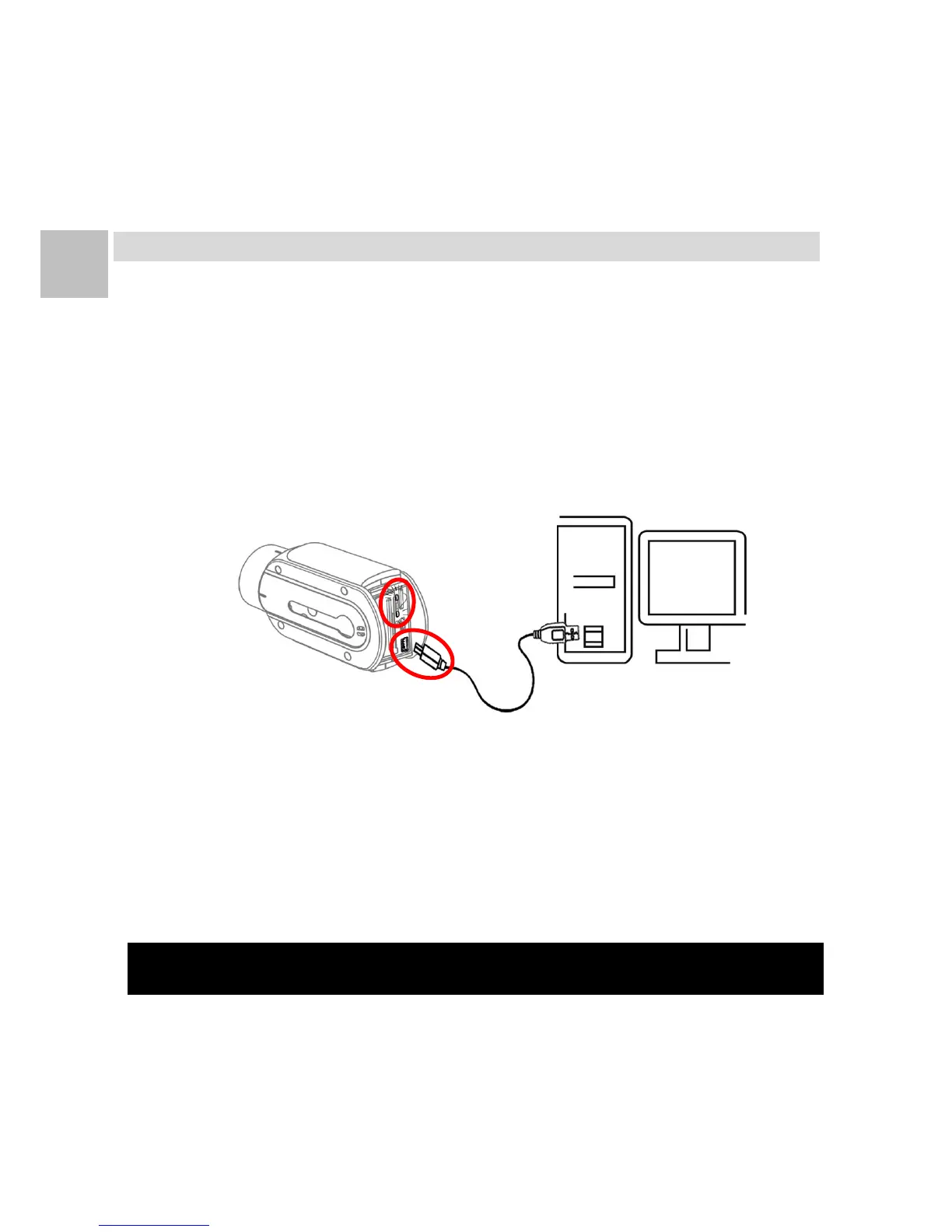
File Transfer via USB Cable
1. Turn off the camera and take out the rear cover.
2. Plug the mini USB end of the supplied USB cable to the
mini USB port of the camera.
3. Plug the other end of the USB cable to PC / Mac.
4. Turn on the camera. On the PC / Mac, the camera will be
mounted to the computer as an external storage device.
5. The files can be copied to your PC / Mac from the folder
“\DCIM\100EXSVP”.
Note 1: Always eject camera in PC / Mac before unplugging camera.


 To Next Page