19
EN
File Transfer via Card Reader
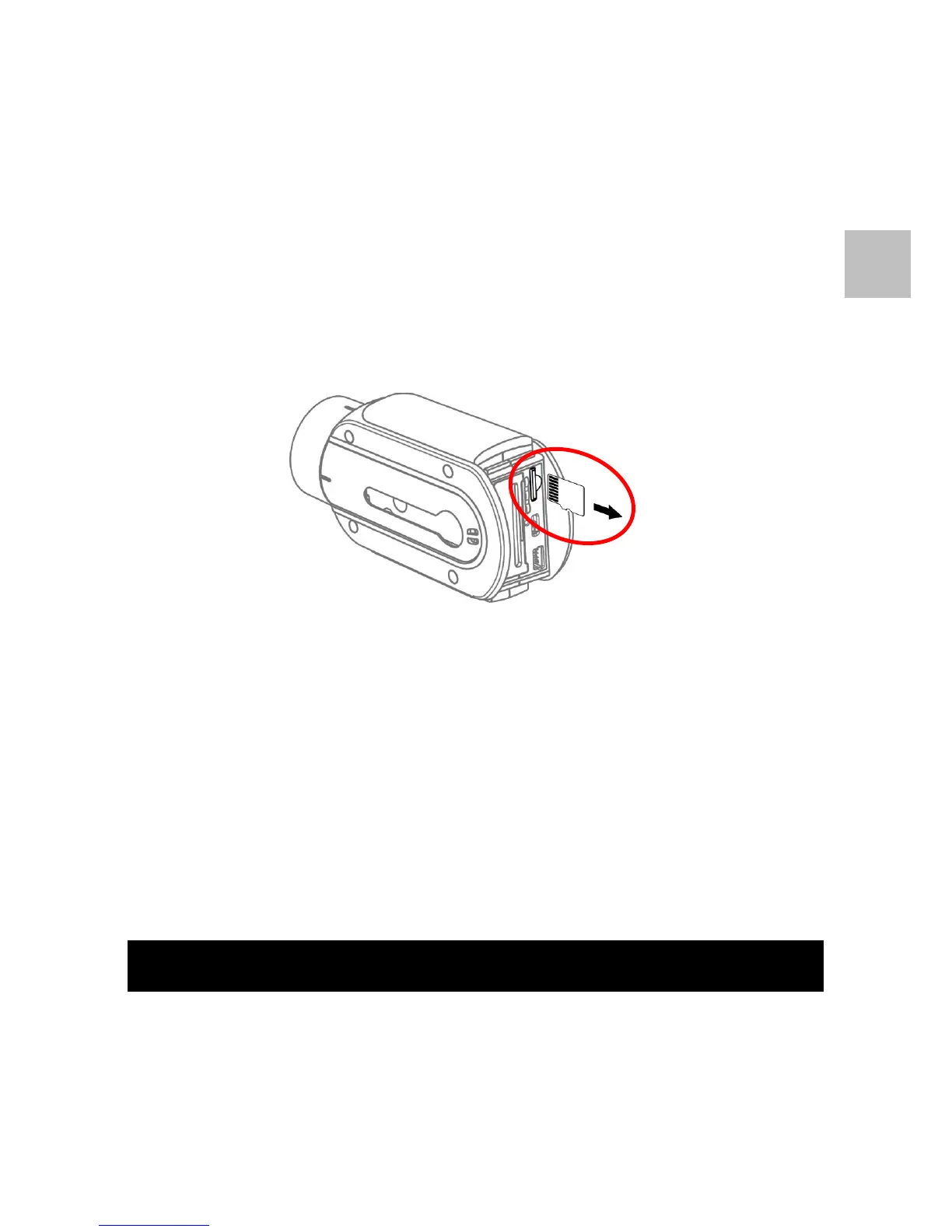
1. Turn off the camera and take out the rear cover.
2. Take out the microSD card.
3. Insert the microSD card to a compatible card reader and
connect the card reader to PC / Mac.
4. On the PC / Mac, the microSD card will be mounted as an
external storage device.
5. The files can be copied to your PC / Mac from the folder
“\DCIM\100EXSVP”.
Note 1: Always eject card reader in PC / Mac before unplugging
microSDcard.


 To Next Page