21
EN
9. Wireless Function
Wireless function enables user to remotely control the camera
via EXS App from iOS and Android smartphones and tablets.
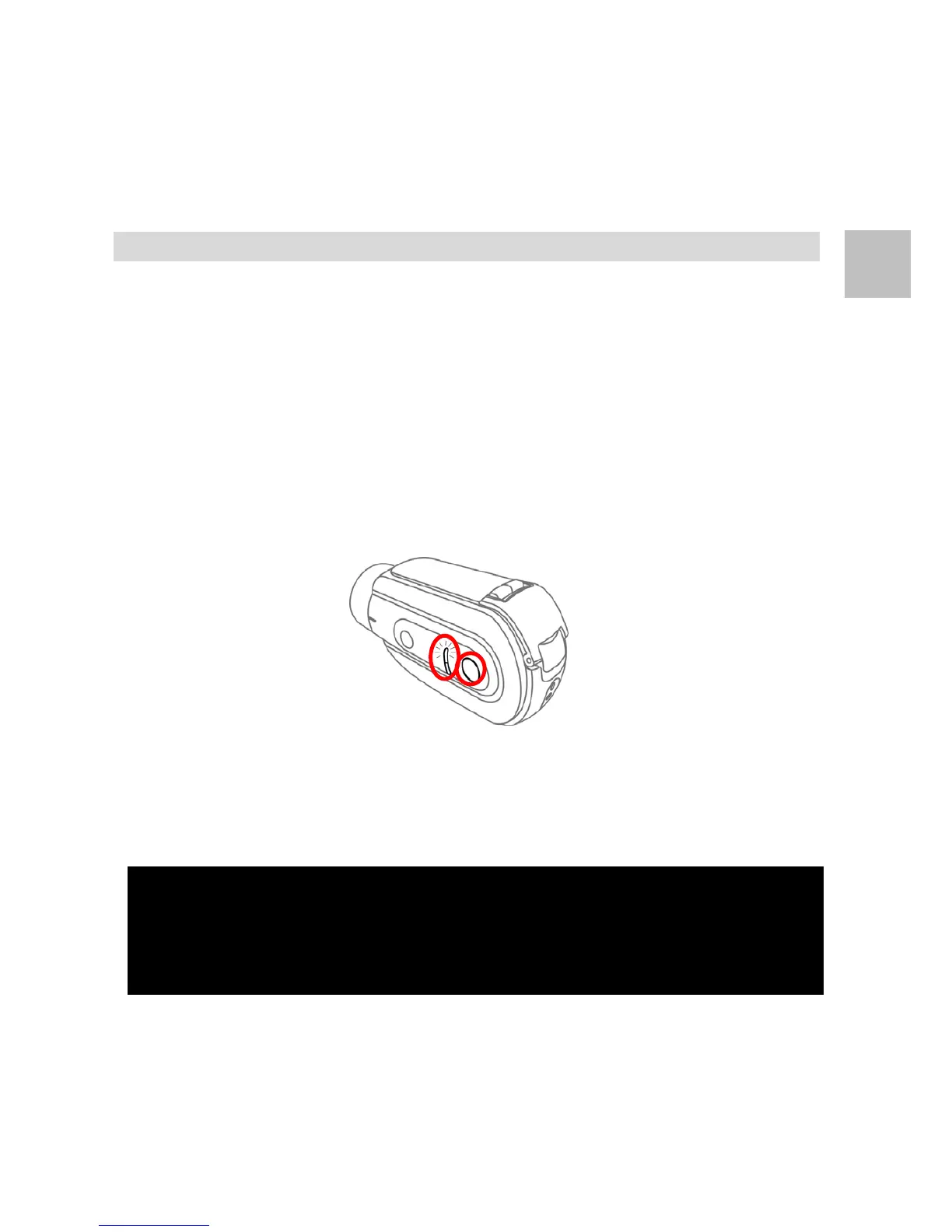
Wireless On
Press and hold the [Wireless Button] for 2 seconds then
release. The camera emits【3 Short Beeps】and the
[Wireless Light] blinks in blue. The wireless function is now
on and ready.
Wireless Off
Press and hold the [Wireless Button] for 2 seconds then
release. The camera emits【5 Short Beeps】and the
[Wireless Light] is off. The wireless function is now off.
Note1: Before using EXS App to control camera, make sure to connect your
camera via WLAN setting in your smartphone or tablet.
Note2: Default camera’s WLAN name is "EXS_xxxxxxxx”, and password is
“12345678”.
Note3: Wireless function can be automatically turned off via “WAPO” setting.


 To Next Page