17
EN
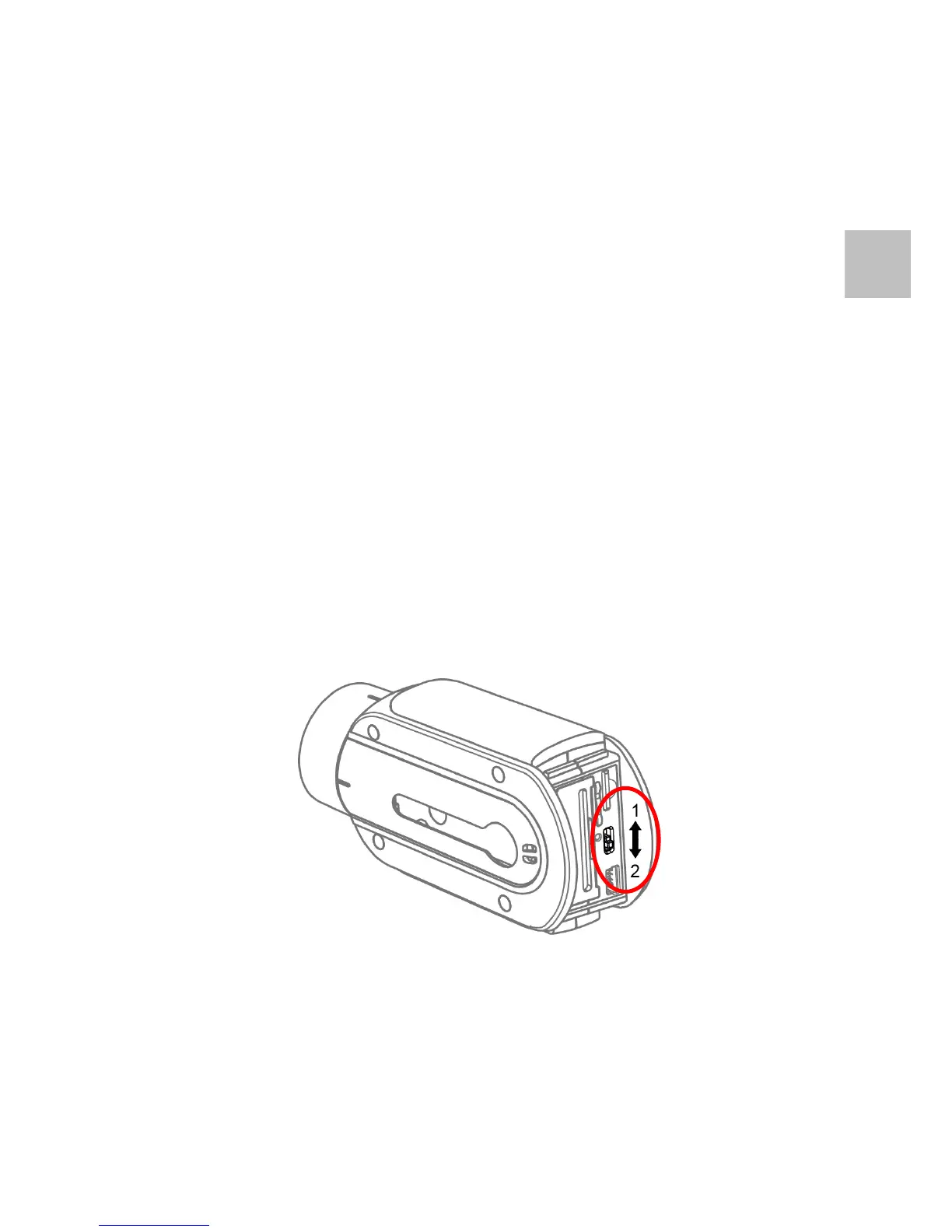
Mode Switch
1. The camera can be quickly switched to two pre-defined
operation modes via the Mode Switch located at the back
of the camera body.
2. By default, [Mode Switch 1] is set to Video Mode at
1080P30 and [Mode Switch 2] to Video Mode at 1080P60.
3. The pre-defined operation modes can be modified. Please
refer to the appendix in this manual on how to set the
modes and other settings.


 To Next Page