RPM33-EU-EN V1.3 4/13
3
Description
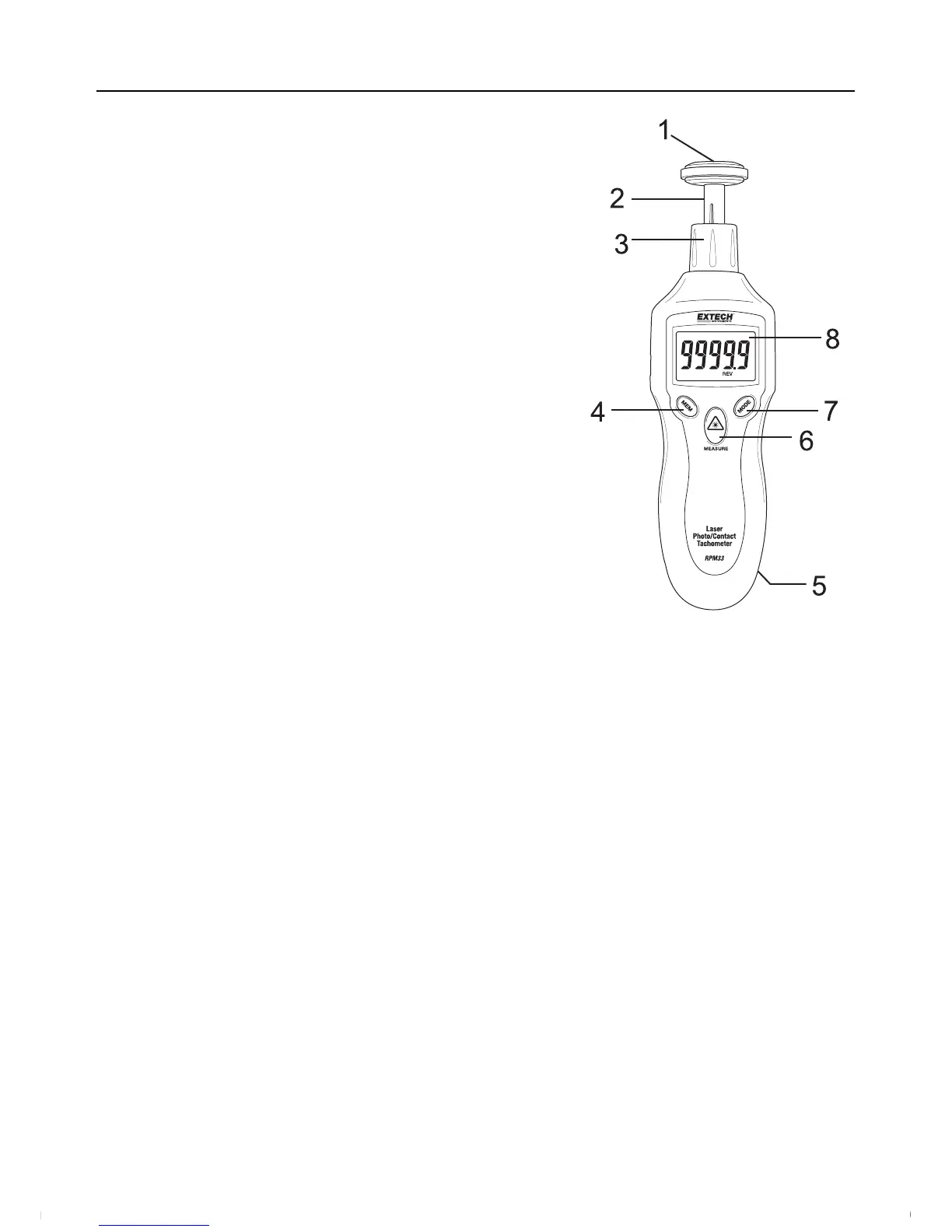
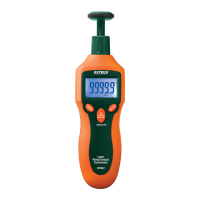
MeterDescription
1. Surface(circumference)wheelaccessoryisshown
connectedtoshaft(rubberconeandconcave
accessoriesarealsosupplied)
2. Adaptorshaft
3. Removablecollar(Photosensorandlasersourceare
locatedatthetopofthemeterunderthiscollar)
4. MEM(Memory)button
5. Batterycompartment(rear)
6. MEASUREbutton
7. MODEbutton
8. LCDDisplay
Push‐buttonDescription
MEM(Memory)button:UsedtoRecord/Recallreadings
MEASUREbutton:Pressandholdtotakereadings.TheLaserpointerwillswitchonforPhoto
tachometermeasurementswhenpressed
MODEbutton:Pressmomentarilytoswitchmeasurementunits.Pressandholdfor2seconds
toswitchbetweenSurfaceSpeedand
Lengthmeasurementmodes
www.GlobalTestSupply.com
Find Quality Products Online at: sales@GlobalTestSupply.com



 To Next Page