Version 1.2 9/05
4
Sound Level Monitor Operation
Initial Configuration
1. Install 8 AA batteries
2. Setting the TIME
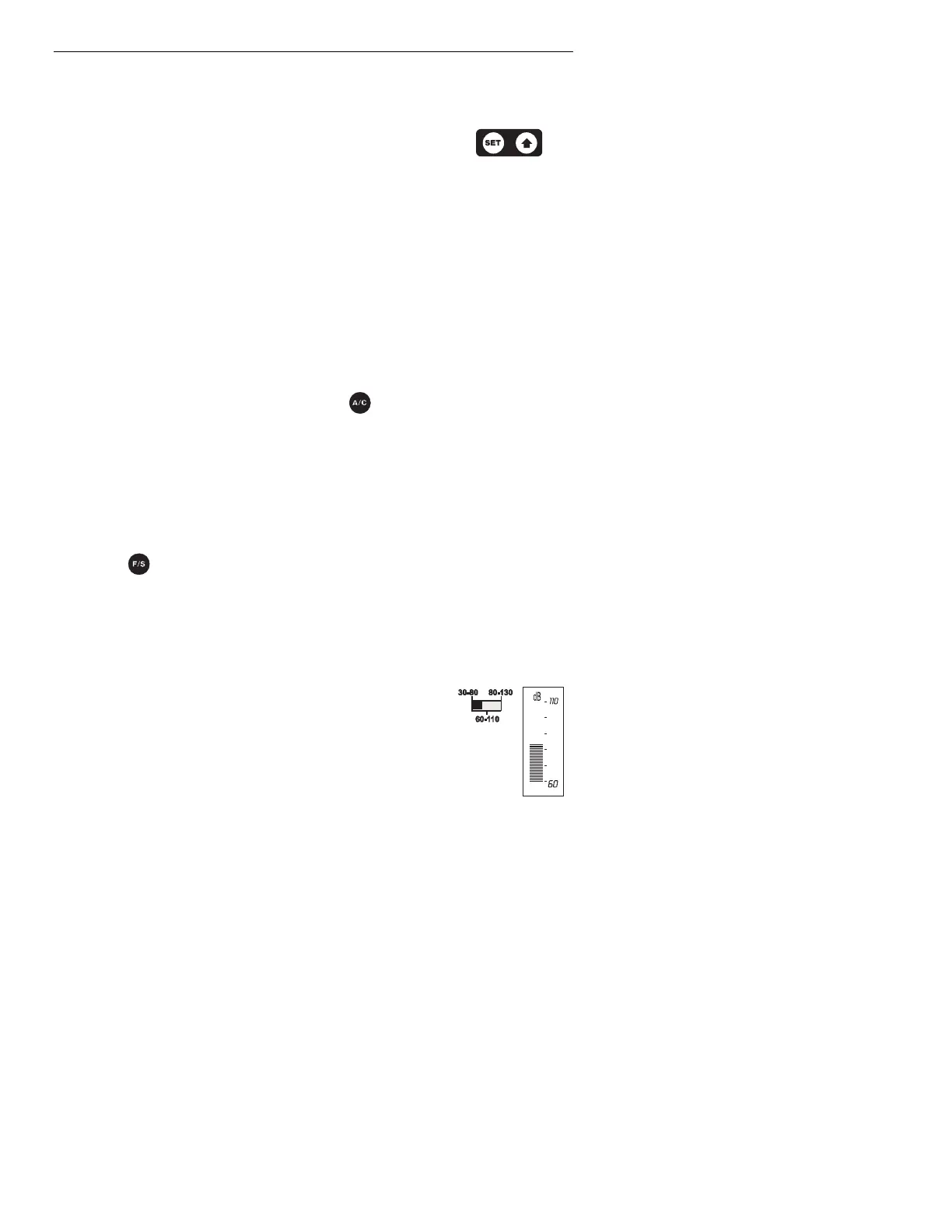
a) Press and Hold the Time SET button until the hours display
begins to flash.
b) Press the Time up arrow button until the hour is set.
c) Press the SET button. The minutes display will flash. Adjust as needed.
d) Press the SET button to step through and the arrow button to adjust;
Time of day Hour
Time of day Minutes
Time of day AM / PM / 24 Hour
Year
Month
Day
Auto ON Hour
Auto ON Minutes
Auto OFF Hour
Auto OFF Minute
A/C Frequency Weighting
Change the Frequency Weighting by pressing the 'A/C' button. The 'A' or 'C' icon will
appear on the display.
With ‘A’ weighting selected, the frequency response of the meter is similar to the response
of the human ear. ‘A’ weighting is commonly used for environmental or hearing
conservation programs such as OSHA regulatory testing and noise ordinance law
enforcement. ‘C’ weighting is a much flatter response and is suitable for the sound level
analysis of machines, engines, etc.
Most noise measurements are performed using 'A' Weighting and SLOW Response.
Slow/ Fast Response
Press the button to select Fast or Slow response as desired. F or S will appear in the
bottom of the LCD display.
Select FAST to capture noise peaks and noises that occur very quickly. Select the SLOW
response to monitor a sound source that has a consistent noise level or to average quickly
changing levels.
Select Slow response for most applications.
Range Selection
Slide the Range switch to the 30-80, 60-110 or the 80-130 position.
The selected range will be indicated on the LCD bargraph. If the
measured dB level exceeds the range selected “OL” will be
displayed. If the measured dB level is below the selected range “- - -“ will be
displayed.
Normally, select the range in which the upper dB level is greater than any
expected sound pressure level. The 60 to 110dB range is the most commonly
used range. Use the 30 to 80dB range in quieter areas such as offices and classrooms.
Note: When the range is changed the Max display may indicate an overload “OL”. Press
the MAX RESET button to clear the MAX display.



 To Next Page