8. OPTIONS
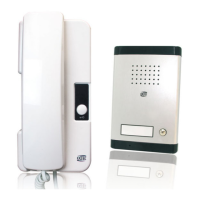
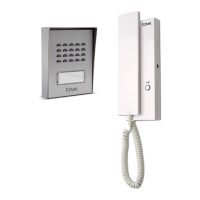
• All Extel electric door openers
• All Extel electric locks
• All Extel motors
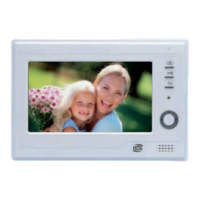
• The extra CAM LEVO camera
• 2 Access RFID user badges (ref. 109120)
9. TECHNICAL SUPPORT - WARRANTY
Fault Cause Solution
• The monitor does not light
up
• The monitor is not con-
nected to a power source
• Check the correct polarity on the power sup-
ply.
• Bad image and/or bad
sound
• Environment
• Installation or disrup-
tion
• Check that the wires used are the correct size
and that the connection wires for the video-
phone are not in the same sheath as the 230V.
• We recommend that you check that your prod-
uct is operational by carrying out a short dis-
tance test
• Image is too bright • Camera position • Do not expose the lens of the camera directly
to sunlight or to a reflective surface.
• Check the settings
• The SD card has not been
taken into account
• The folders have not
been created
• THE first time it is inserted it is mandatory to
power off the device for 5 seconds
• Illegible or frozen image • wire not connected (in
the air) or camera dis-
connected
• Check the connections
• Video is not recorded when
a call is made
• Settings
• SD card
• Check the recording mode chap 6d
• Check that the SD card has been inserted
Reinitialising the RFID function:
Caution: all the administrator and user badges will be de-programmed.
1. Press the reset button on the outdoor station, the station issues 5 short beeps.
2 Pass the administrator badge
, a short beep conrms the programming.
3. Pass badge , a short beep conrms the programming.
4. Pass badge , a long beep conrms the end of administration badge programming.
If required, our technical site is at your disposal: www.c-extel.com
The latest version of the instructions in colour is downloadable from: www.c-extel.com



 To Next Page