GB7
CFI EXTEL NOVA / NOVA WHITE / ICE - 11/2016
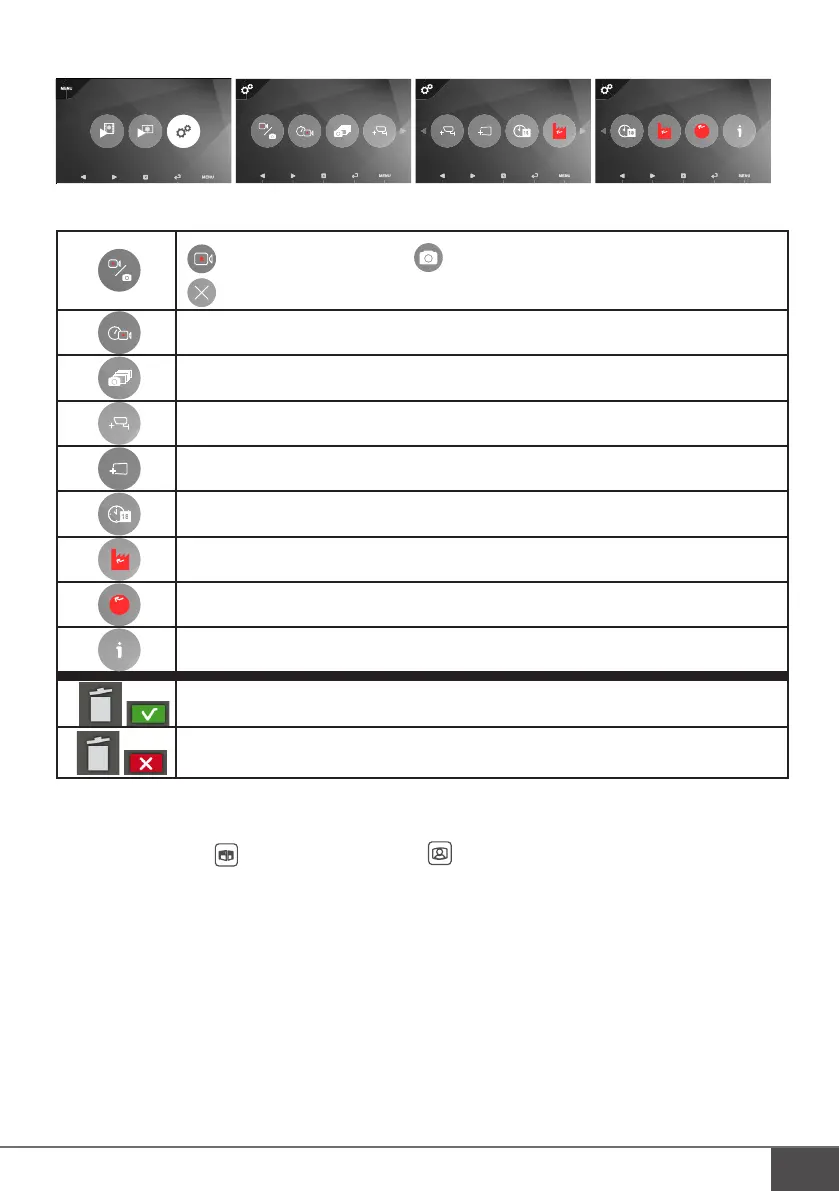
• Other settings
RESET
FORMAT.
RESET
GLOSSARY:
: recording a video after a call : taking a photo after a call
: the visitor is not being recorded
Settings for visitor video recording times (30s, 60s, 90s, 120s)
Settings for the number of photos taken when visitors call (1, 3 or 5 photos)
Activating an additional camera (or intercom panel)
Activating an additional monitor
Date and time settings
Reset
Formatting the memory of the monitor or the SD card
Version of the software and memory status
Delete a photo or video
Go back to the list of photos or videos
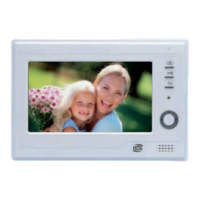
f. Additional monitor MN VISIO + and additional intercom panel or camera (optional)
• To view an additional camera or an additional intercom panel via the additional monitor MN VISIO + when the
monitor is off, press the key. To end the call, press the key again.



 To Next Page