The Source User Manual Mobile App10
MOBILE APP
The mobile app works on Android or iOS mobile devices. It operates with the Source via Bluetooth and allows
you to monitor time, temperature, vacuum, and confirm the altitude setting, as well as start and stop the unit.
INSTALLING THE MOBILE APP
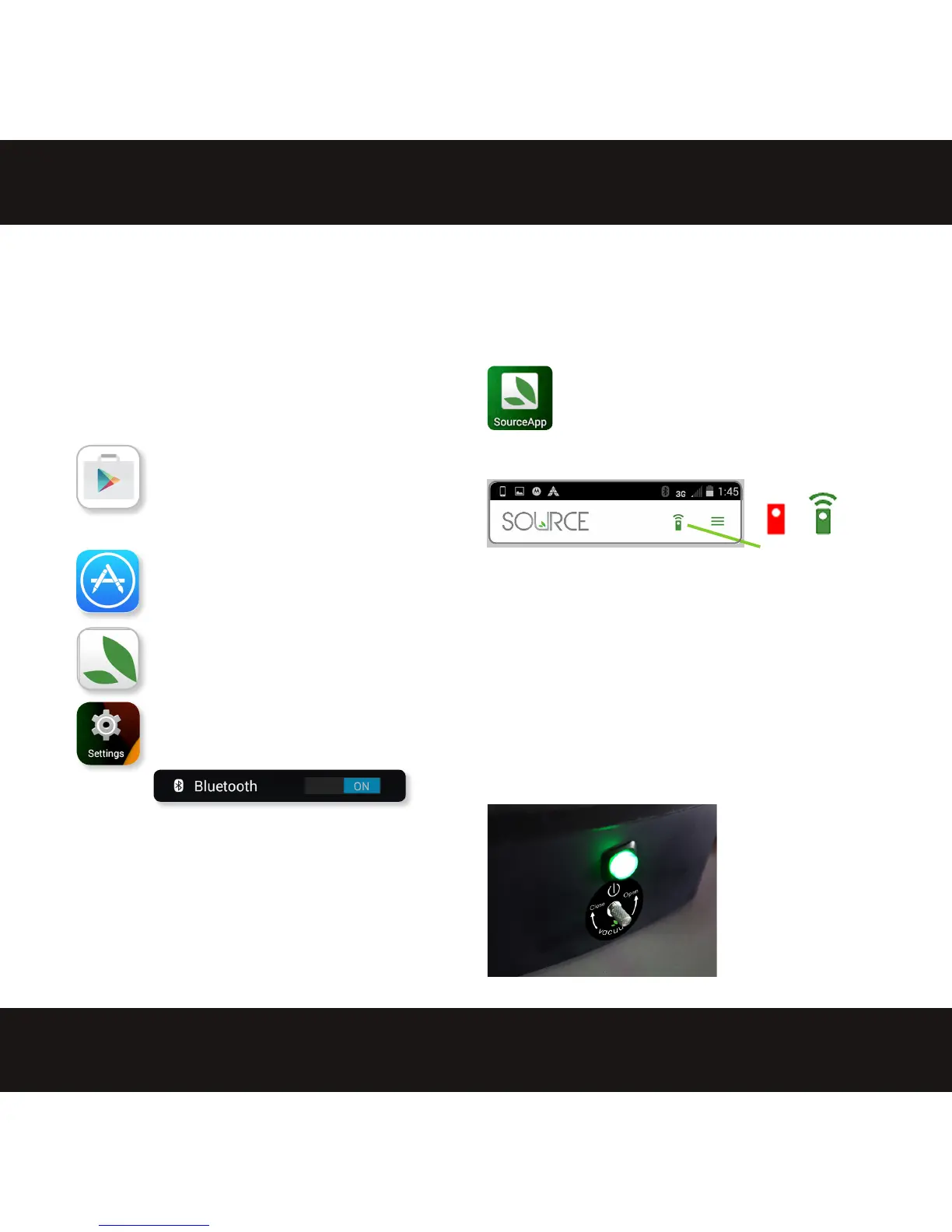
Download the mobile app from
your app store.
For the Google Play store, tap the
search bar and enter Extractcraft.
Tap The Source by Extractcraft
app, then tap INSTALL. Tap ACCEPT
to allow the app to use Bluetooth.
For iOS, use search to nd The
Source by Extractcraft app, then
tap the Source app, and under the
app image, tap GET.
Once you have the app installed, you
should see the Source app icon on
your device.
CONFIRM BLUETOOTH ON
Use Settings to verify that you have
Bluetooth ON.
LAUNCH THE SOURCE APP
Once the Source app is downloaded tap the
icon to launch the app.
comm icon
A green icon indicates when communication has been
established with the Source.
A red icon indicates no Bluetooth connection. If this
happens, confirm your mobile device Bluetooth is ON and
make sure the Source has power and the green light is
illuminated.
A blinking red/green icon means the Bluetooth connection
is weak and the app is having trouble maintaining
connectivity
OR
Be sure the Source is
plugged in and receiving
power before attempting
to connect and pair the
mobile app


 To Next Page